1. Начална страница>
  2. Продуктова поддръжка>
  3. ES210XPP-M2>
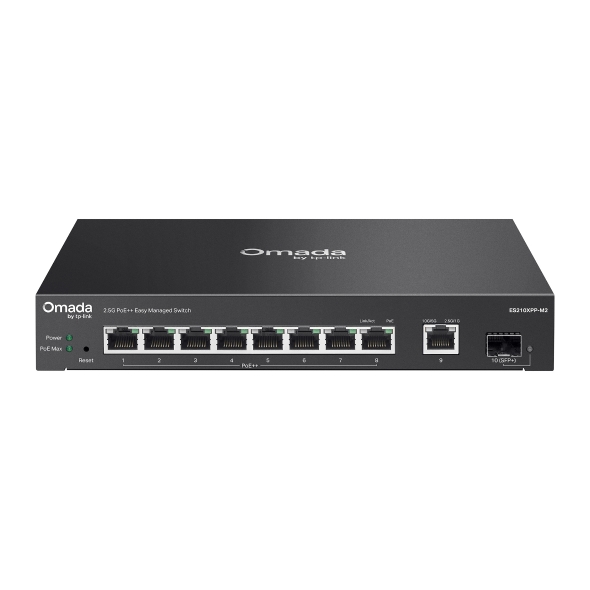
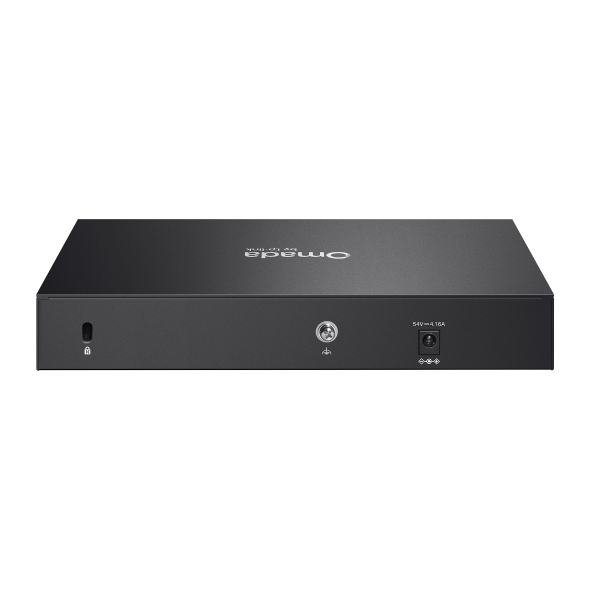
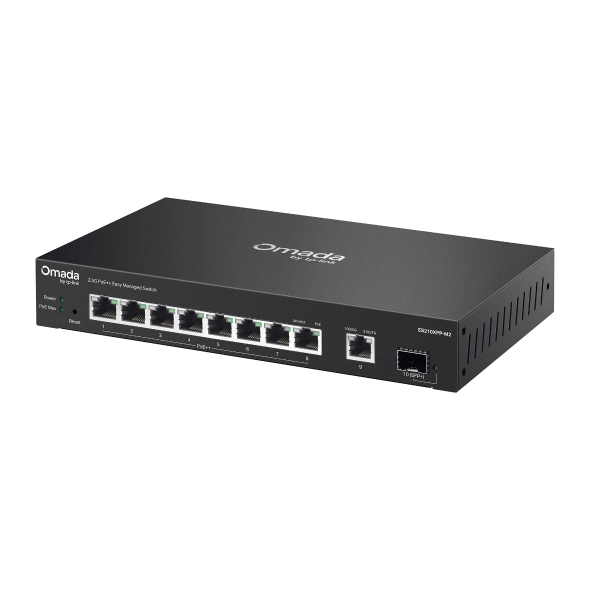
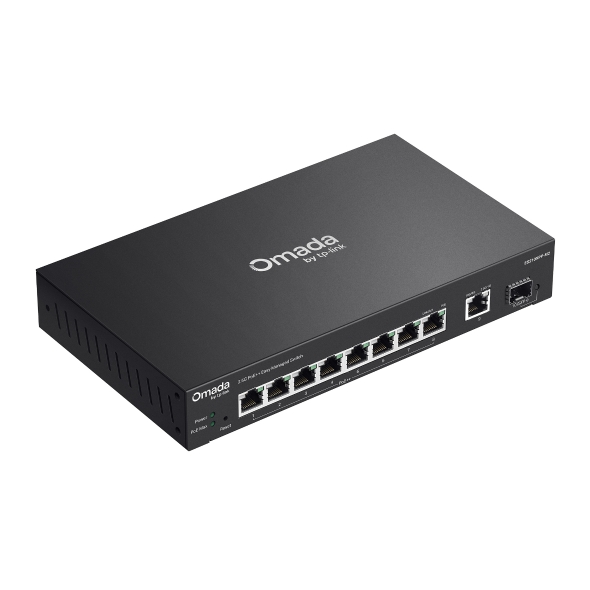
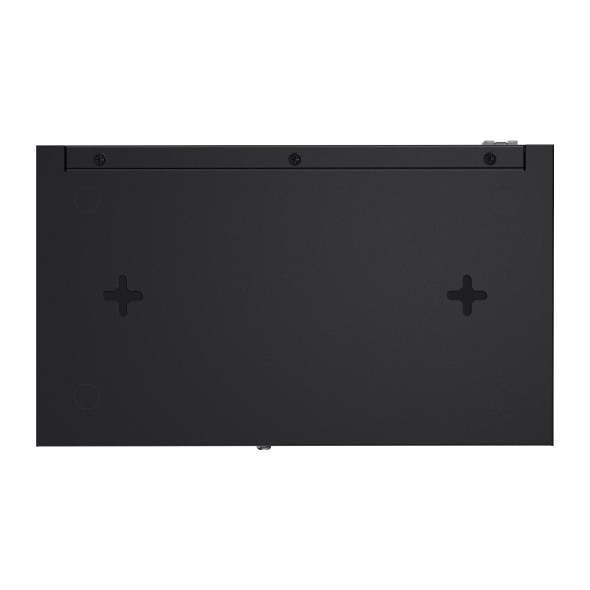
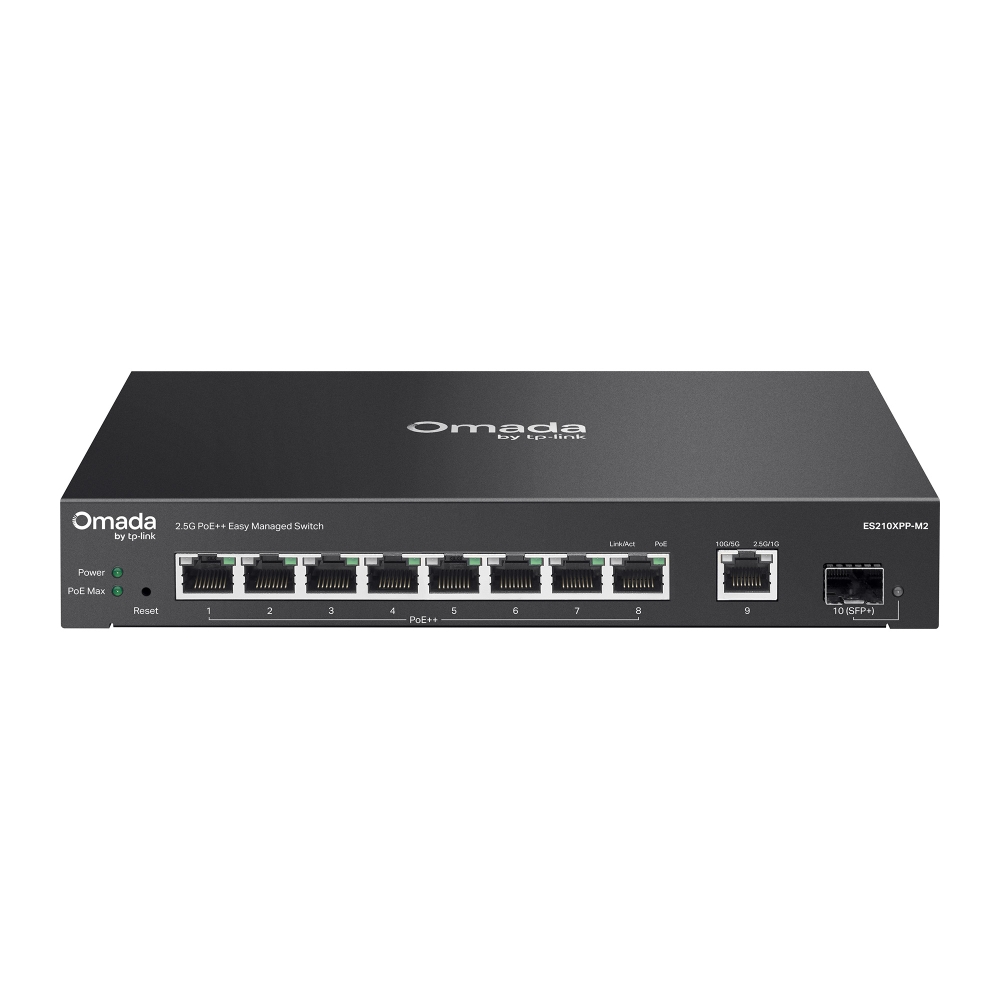
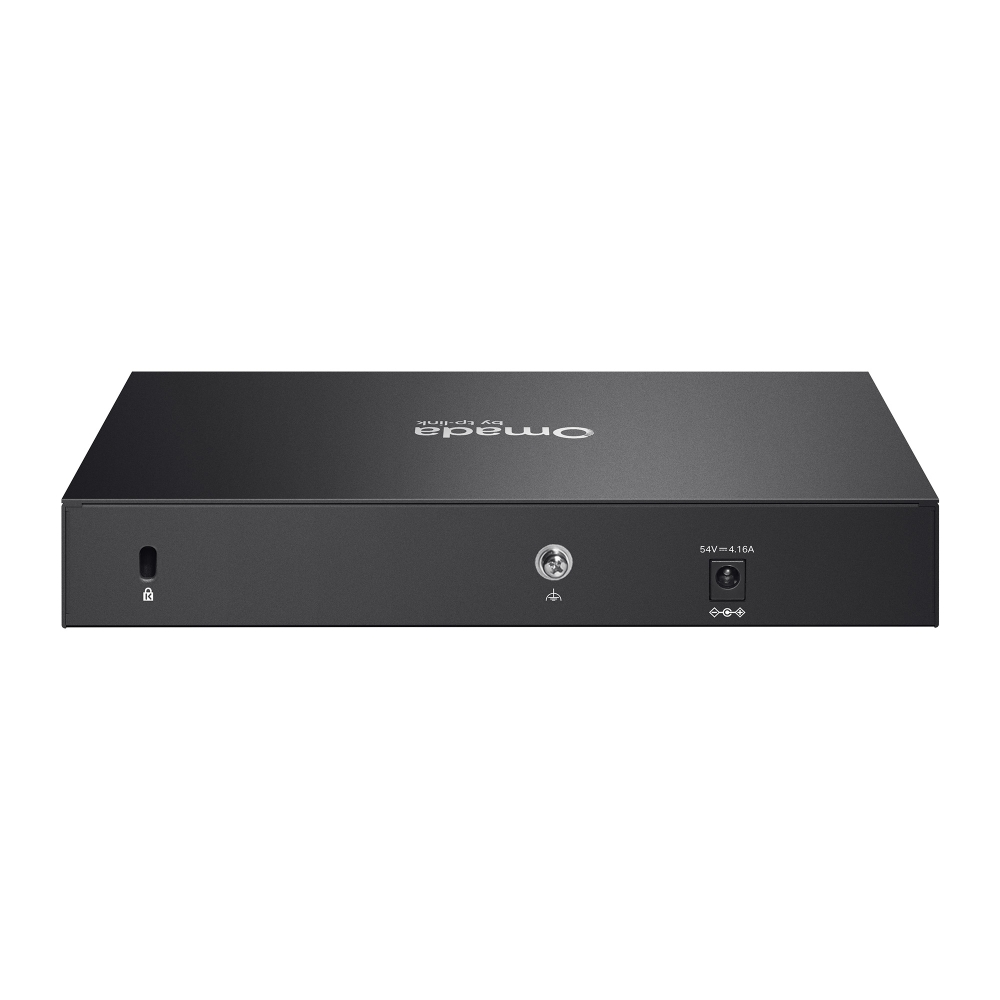
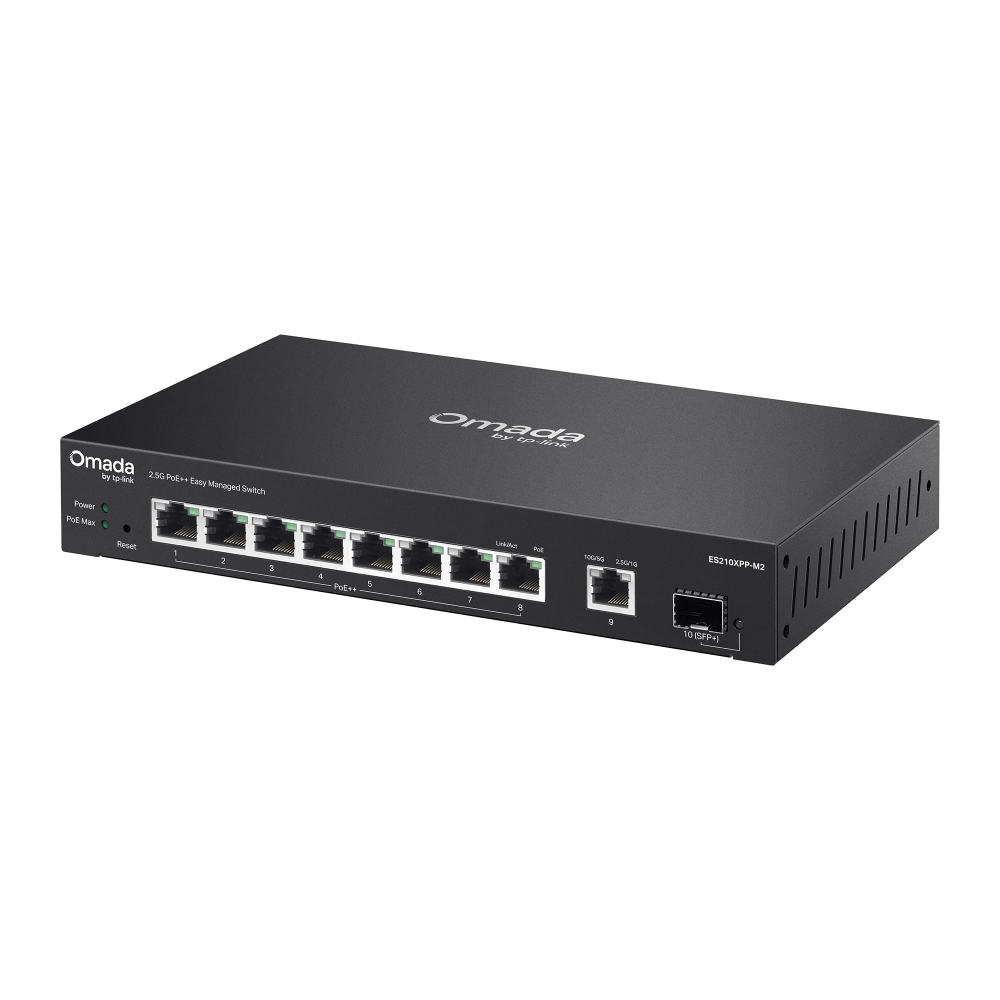
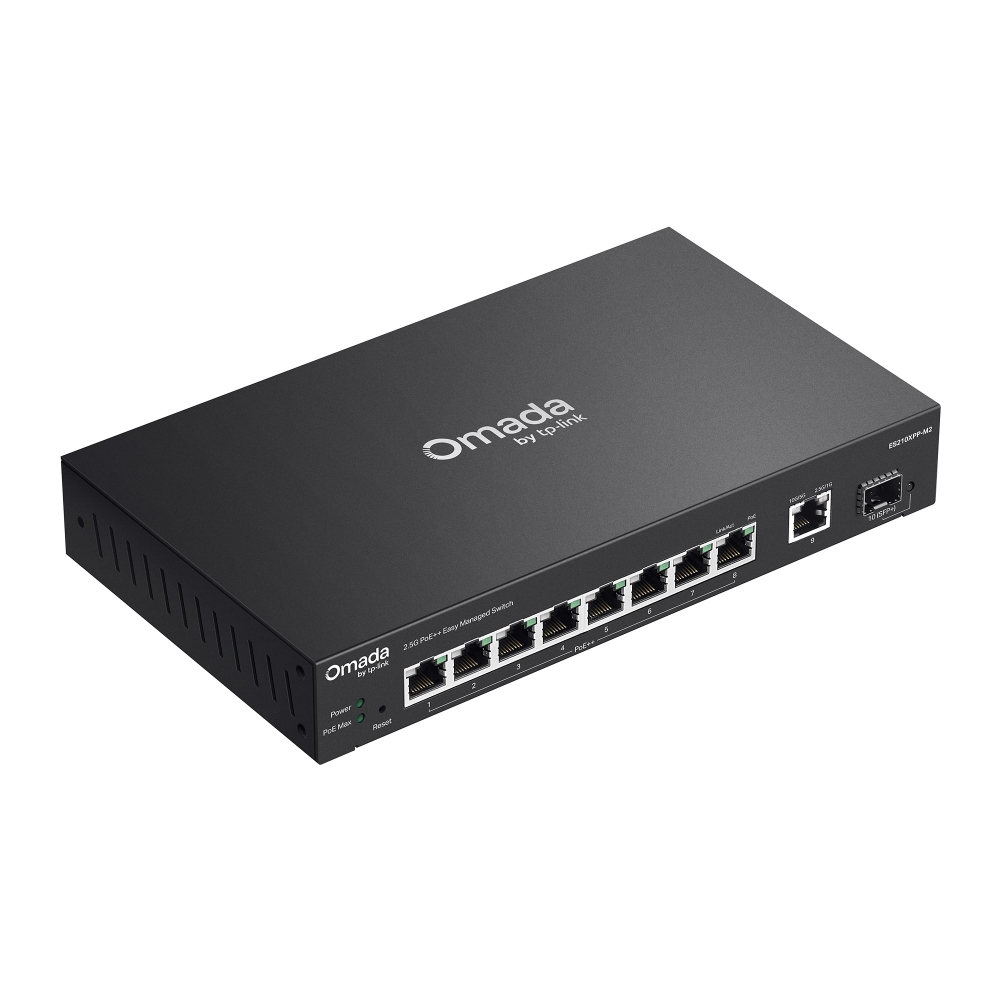
Omada 8-Port 2.5G + 2-Port 10G Easy Managed Switch with 8-Port PoE++

/5Изтеглете

ES210XPP-M2

Omada 8-Port 2.5G + 2-Port 10G Easy Managed Switch with 8-Port PoE++

How to Find the Hardware Version on Your TP-Link Device
IMPORTANT:  Model and hardware version availability varies by region. Please refer to your TP-Link regional website to determine product availability.
Vx.0 = Vx.6/Vx.8/Vx.9(eg:V1.0=V1.6/V1.8/V1.9)
Vx.x0 = Vx.x6/Vx.x8/Vx.x9 (eg:V1.20=V1.26/V1.28/V1.29)
Vx.30 = Vx.32/Vx.33 (eg:V3.30=V3.32/V3.33)
  • 8× 2.5 Gbps RJ45 Ports (8× PoE++)
  • 1× 10 Gbps RJ45 Port, 1× 10 Gbps SFP+ Slot
  • 200W Power Budget
  • Easy to Use
  • Centralized Cloud Management 
  • Fanless design for silent operation
  • 8× 2.5 Gbps RJ45 Ports (8× PoE++)
  • 1× 10 Gbps RJ45 Port, 1× 10 Gbps SFP+ Slot
  • 200W Power Budget
  • Easy to Use
  • Centralized Cloud Management 
  • Fanless design for silent operation
  • Документи
  • Видеа
  • Изтегляния
  • Инструменти
  • Бюлетини
  • Общност

Филтрирай по типРесет

  • checkbox

    Datasheet

  • checkbox

    Наръчник за инсталиране на хардуера

  • checkbox

    База знания

    checkbox
  • checkbox

    Release Note

  • checkbox

    Справочник

    checkbox
  • checkbox

    Други

Филтрирай по тагРесет

  • Контролер
  • Шлюз
  • Vlan
  • ACL
  • Standalone
  • Mesh
  • CLI
  • VPN
  • App
  • Онлайн
  • Ресет
  • Автентикация
  • Портал
  • Безжично
  • API

How to Understand and Troubleshoot LED Indicators on Omada Switches

Learn what Omada switch LED indicators mean and troubleshoot abnormal Power, port, and PoE LED indicators.

Ръководство за отстраняване на неизправности
10-13-2026
2725

Best Practices for Deploying Sonos on an Omada Network

Sonos device causing loops in the Omada Network? Follow this best practice guide to configure the Omada devices to work with your Sonos speakers.

Ръководство за отстраняване на неизправности
10-15-2026
30311

How to Configure 802.1Q VLAN on Omada Agile/Easy Managed Switches in Standalone Mode

Need to configure 802.1Q VLAN on Omada switches without Omada Controller? Provide a step-by-step guide in this article.

Ръководство за конфигуриране
07-25-2026
15026

How to Use an Omada Controller to Manage Omada Devices Across Different Subnets Over the Internet

In enterprise networks, devices are often deployed across different subnets, making it common for Omada devices and the Omada Controller to reside in separate network segments. Supporting device adoption and management across subnets enables centralized control without changing existing network designs. This article introduces different methods for adopting devices across subnets using Omada products.

Ръководство за конфигуриране
06-23-2026
63327

Why Can I Configure Fewer VLANs Than Expected on My Agile Switch

When using Omada Agile Switch (ES Series) together with Omada Controller, you may notice that the available number of VLANs is not the expected 32, but 31 instead. This document explains the reason for this phenomenon and the specific scenarios in which it may occur.

FAQ
08-14-2026
20985

How to Run a Cable Test in Omada Network

Learn how to perform a Cable Test in Omada Network to check cable status, estimate cable length, locate faults, and interpret diagnostic results.

Ръководство за конфигуриране
09-10-2026
33753

How to Capture Packets Using Wireshark on Omada Gateway and Switches in Standalone Mode

This article describes how to capture packets using wireshark on Omada gateway and managed switch under Standalone Management.

FAQ
06-23-2026
56407

Няма намерени резултати.

Филтрирай по типРесет

  • checkbox

    Firmware

  • checkbox

    Software

    checkbox
  • checkbox

    MIBs файлове

  • checkbox

    GPL код

  • checkbox

    Декларация за съответствие

    checkbox

Няма намерени резултати.

Други инструменти

Филтрирай по типРесет

  • checkbox

    Уязвимост в сигурността

  • checkbox

    EOL/EOM/EOS известие

  • checkbox

    Други

Няма намерени резултати.

Няма намерени резултати.