1. Начална страница>
  2. Продуктова поддръжка>
  3. PSM500-AC>
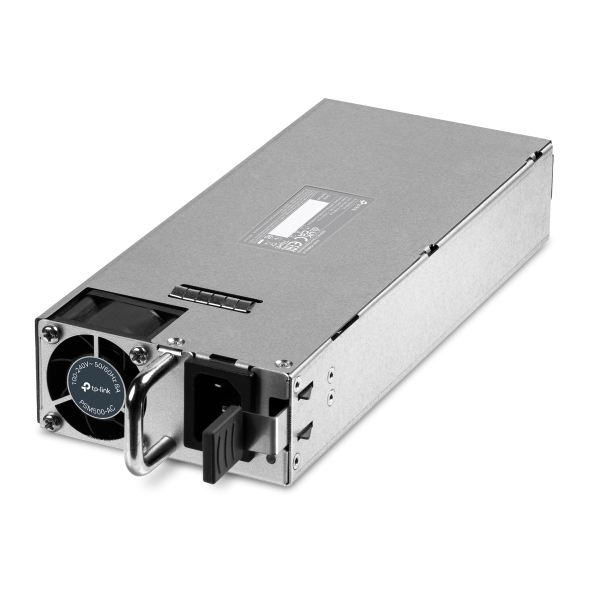
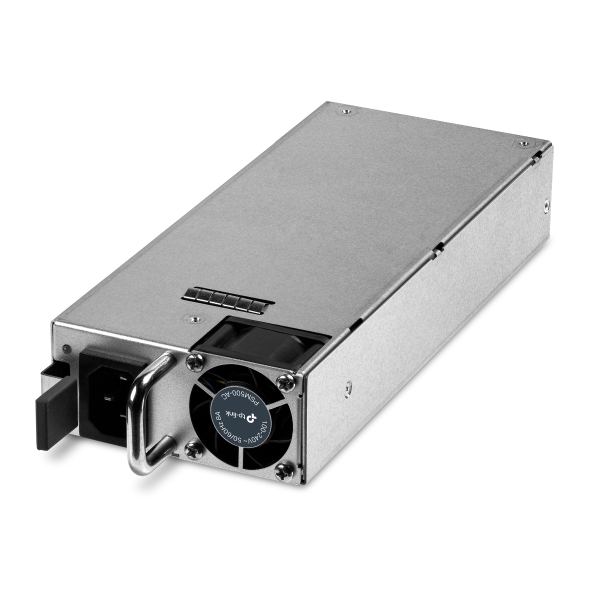
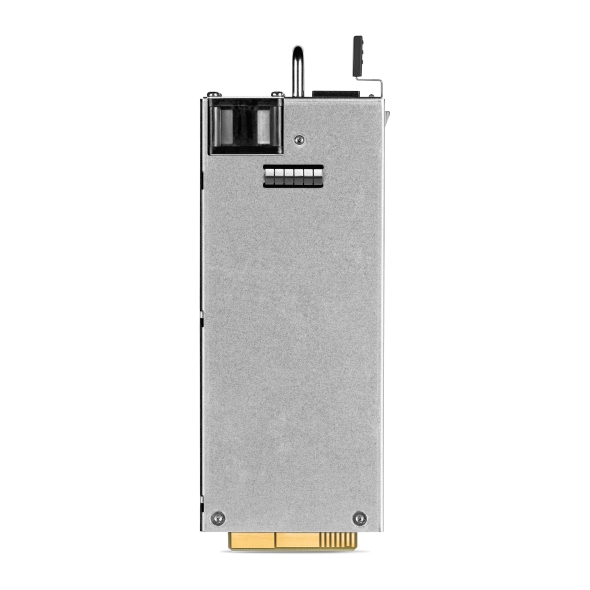
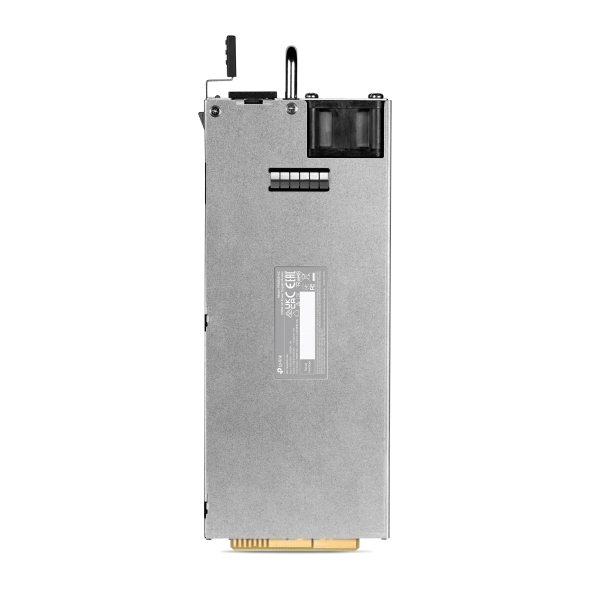
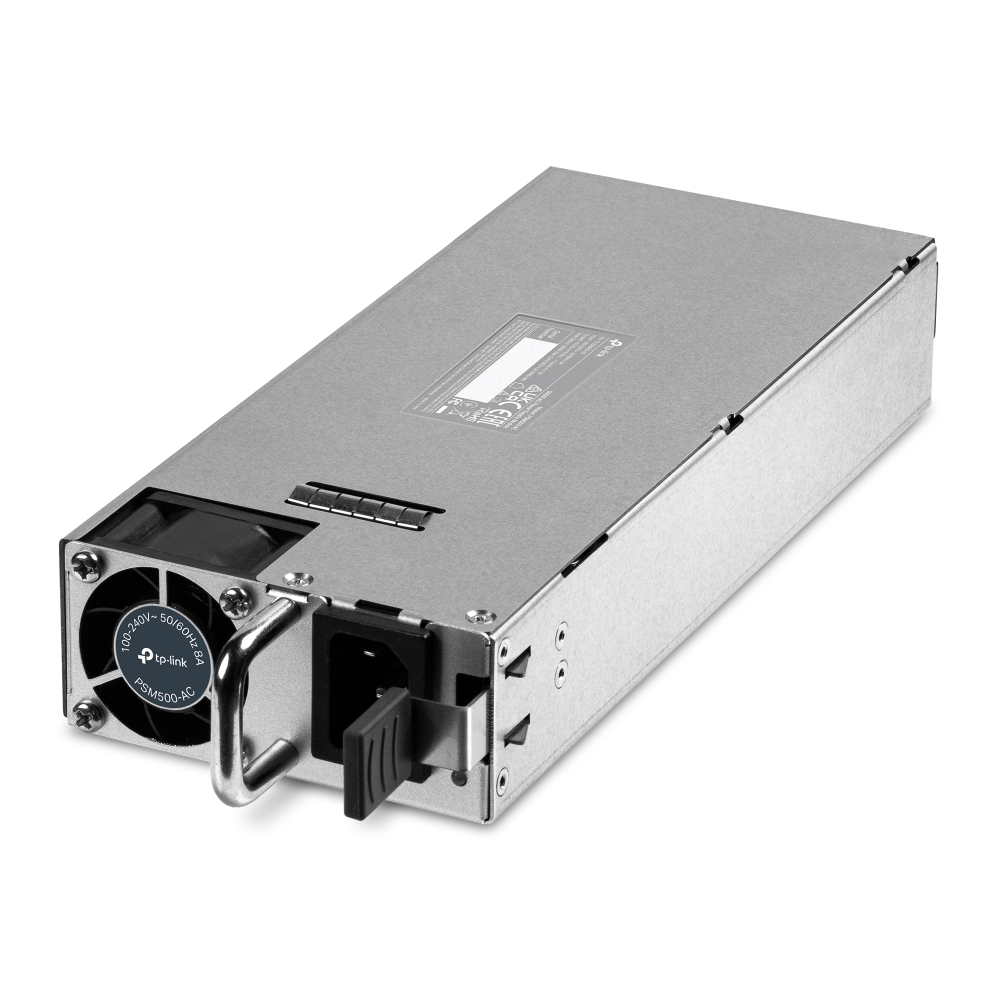
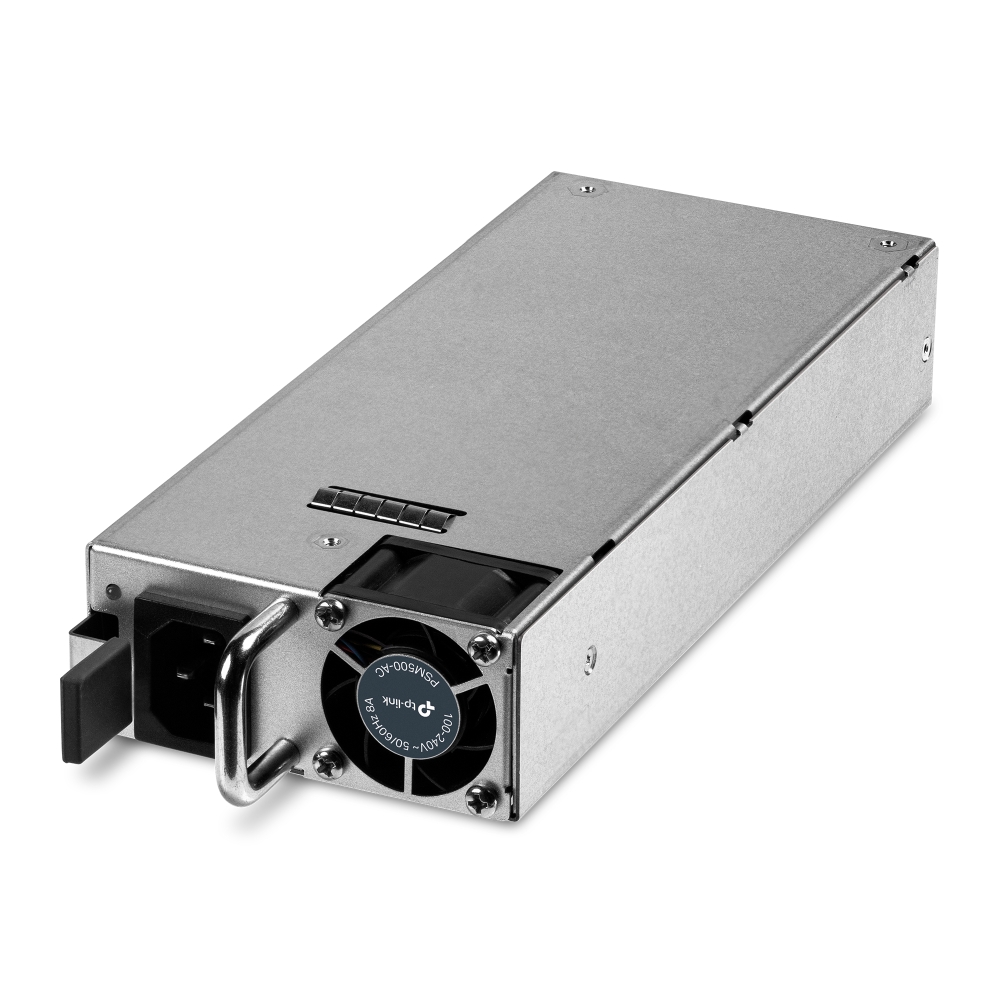
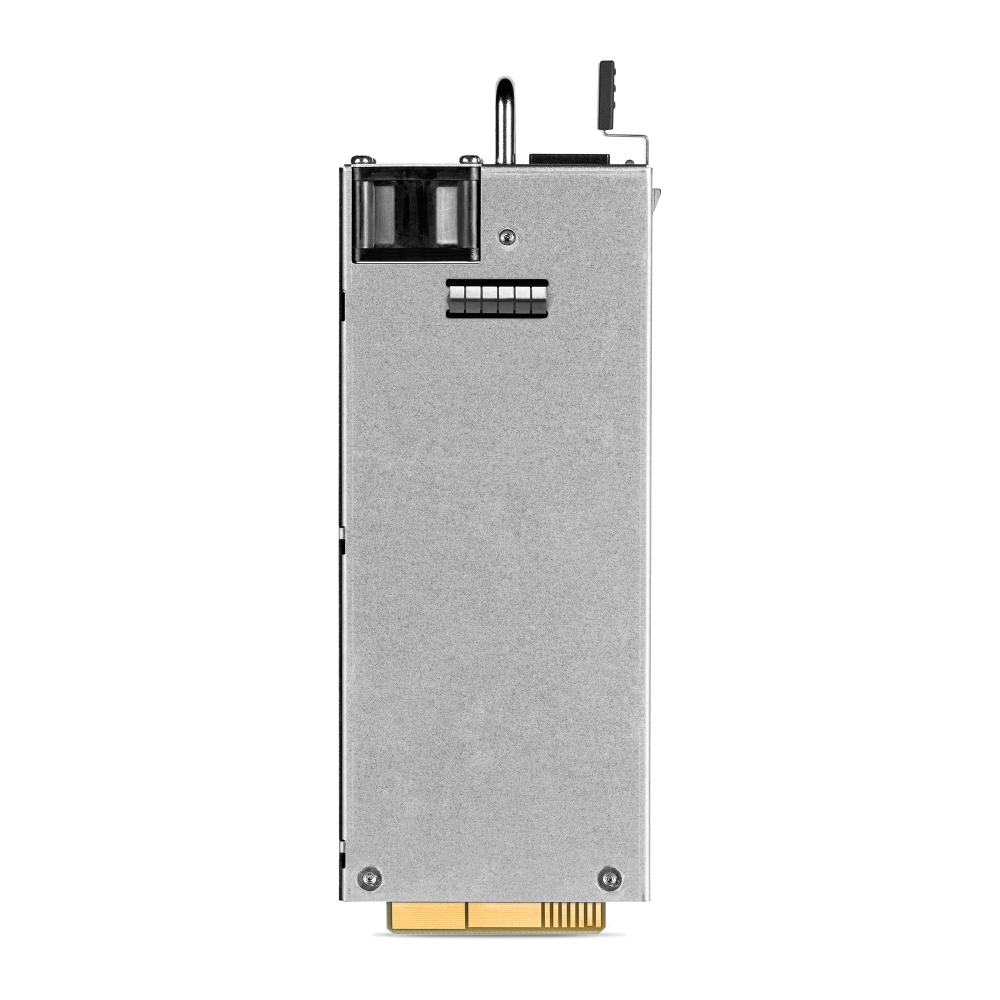
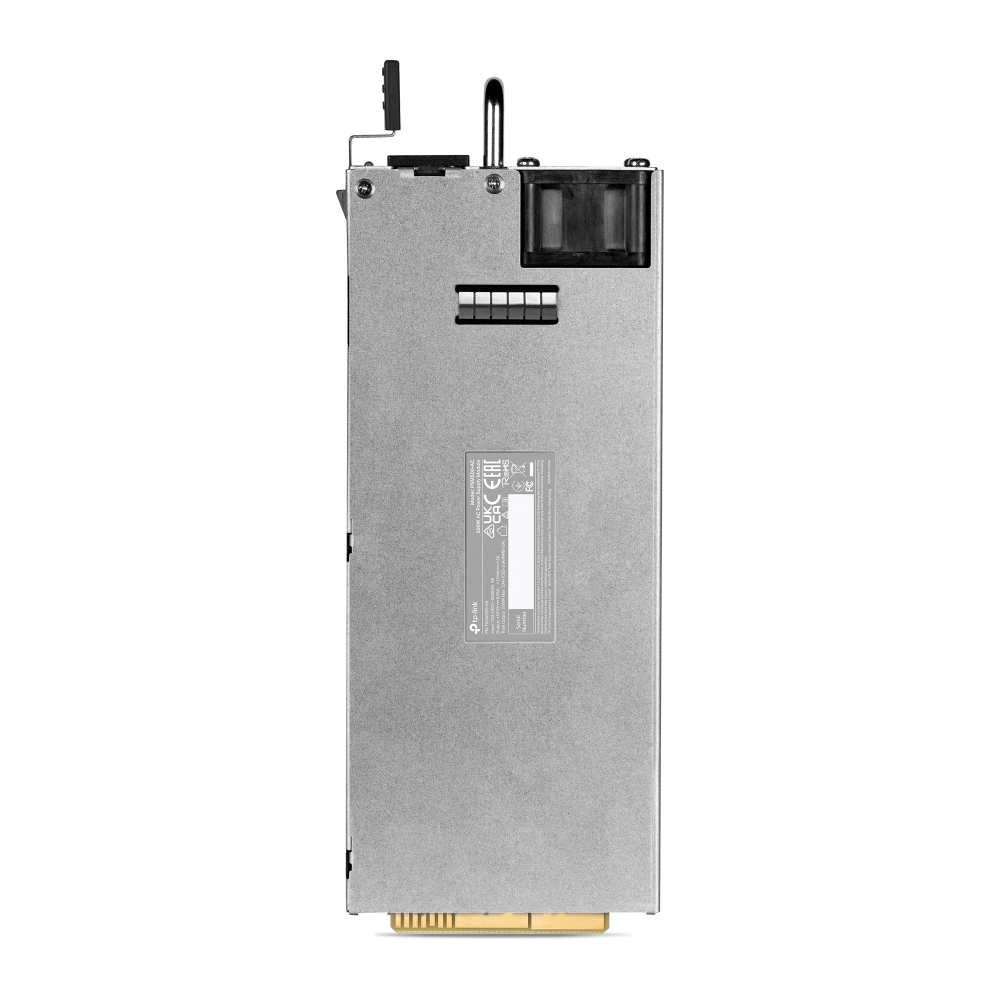
500W AC Power Supply Module

/4Изтеглете

PSM500-AC

V1

500W AC Power Supply Module

How to Find the Hardware Version on Your TP-Link Device
IMPORTANT:  Model and hardware version availability varies by region. Please refer to your TP-Link regional website to determine product availability.
Vx.0 = Vx.6/Vx.8/Vx.9(eg:V1.0=V1.6/V1.8/V1.9)
Vx.x0 = Vx.x6/Vx.x8/Vx.x9 (eg:V1.20=V1.26/V1.28/V1.29)
Vx.30 = Vx.32/Vx.33 (eg:V3.30=V3.32/V3.33)
  • Up to 500 watts output power
  • Hot swappable
  • 53.5 V DC output voltage
  • Output over-voltage/under-voltage/short circuit/over-current protection
  • ±6 kV surge protection
  • Suitable for SG6428XHP, SG6654XHP, S6500-24GP4XF, S6500-48GP6XF, S6500-24MPP4Y, S6500-48MPP6Y
  • Up to 500 watts output power
  • Hot swappable
  • 53.5 V DC output voltage
  • Output over-voltage/under-voltage/short circuit/over-current protection
  • ±6 kV surge protection
  • Suitable for SG6428XHP, SG6654XHP, S6500-24GP4XF, S6500-48GP6XF, S6500-24MPP4Y, S6500-48MPP6Y
  • Документи
  • Видеа
  • Изтегляния
  • Инструменти
  • Бюлетини
  • Общност

Филтрирай по типРесет

  • checkbox

    Datasheet

  • checkbox

    Наръчник за инсталиране на хардуера

  • checkbox

    База знания

    checkbox
  • checkbox

    Release Note

  • checkbox

    Справочник

    checkbox
  • checkbox

    Други

Филтрирай по тагРесет

  • Контролер
  • Шлюз
  • Vlan
  • ACL
  • Standalone
  • Mesh
  • CLI
  • VPN
  • App
  • Онлайн
  • Ресет
  • Автентикация
  • Портал
  • Безжично
  • API

How to Choose the Right Omada Mounting & Bracket Accessory for Business Network Infrastructure

Choose the right Omada mounting accessory for gateways, switches, access points, and media converters based on installation environment and deployment requirements.

FAQ
10-02-2026
5770

PSM500-AC(UN)_V1_Datasheet

Datasheet
10-27-2023
8114

How to Find the IP Address of My Omada Devices

By default, Omada devices use dynamic IP addresses. Whether connected to the internet or not, devices such as EAPs or switches should automatically obtain an IP address as long as they are connected to a local network or a DHCP server. There are different ways to find the IP address of an Omada device. Whether the device is in standalone mode or controller mode, you can also use the Omada APP or Discover Utility to find it.

Ръководство за конфигуриране
10-07-2026
84606

PSM500-AC(UN)_V1_Installation Guide

Наръчник за инсталиране на хардуера
10-19-2023
6891

Няма намерени резултати.

Филтрирай по типРесет

  • checkbox

    Firmware

  • checkbox

    Software

    checkbox
  • checkbox

    MIBs файлове

  • checkbox

    GPL код

  • checkbox

    Декларация за съответствие

    checkbox

Други инструменти

Филтрирай по типРесет

  • checkbox

    Уязвимост в сигурността

  • checkbox

    EOL/EOM/EOS известие

  • checkbox

    Други

Няма намерени резултати.

Няма намерени резултати.