Omada Pro Logo official website Vigi Logo official website
Contact Us
  • Contact Sales
  • Contact Support
Log In
avatar

    Messages Messages Bookmarks Bookmarks Account Settings Account Settings
    Malaysia / English
    Omada logo
    • Products

      Products

      • Fusion Gateways
        • Fusion Max Series
          Fusion Max Series
        • Fusion Pro Series
          Fusion Pro Series
        • Fusion Series
          Fusion Series
        • View All
          View All
      • Wireless
        • WiFi 7
          WiFi 7
        • Ceiling Mount
          Ceiling Mount
        • Wall Plate
          Wall Plate
        • Desktop
          Desktop
        • Outdoor
          Outdoor
        • Wireless Bridge
          Wireless Bridge
        • GPON
          GPON
        • View All
          View All
      • Switches
        • Campus <br><small style='opacity: 0.7;'>L3 Stackable</small>
          Campus
          L3 Stackable
        • Aggregation <br><small style='opacity: 0.7;'>L2+, Full Fiber</small>
          Aggregation
          L2+, Full Fiber
        • Access Max <br><small style='opacity: 0.7;'>L2+, Full 10G</small>
          Access Max
          L2+, Full 10G
        • Access Pro <br><small style='opacity: 0.7;'>L2+, 10G Uplink & 2.5G</small>
          Access Pro
          L2+, 10G Uplink & 2.5G
        • Access Plus <br><small style='opacity: 0.7;'>L2+, 10G Uplink & 1G</small>
          Access Plus
          L2+, 10G Uplink & 1G
        • Access <br><small style='opacity: 0.7;'>L2+, Gigabit</small>
          Access
          L2+, Gigabit
        • Agile <br><small style='opacity: 0.7;'>Easy-Managed</small>
          Agile
          Easy-Managed
        • Industrial
          Industrial
        • View All
          View All
      • Gateways
        • Fusion Gateways
          Fusion Gateways
        • Wired Gateways
          Wired Gateways
        • WiFi Gateways
          WiFi Gateways
        • 4G/5G Gateways
          4G/5G Gateways
        • Integrated Gateways
          Integrated Gateways
        • View All
          View All
      • Controllers
        • Cloud-Based
          Cloud-Based
        • Hardware
          Hardware
        • Software
          Software
        • View All
          View All
      • Accessories
        • Power & PoE
          Power & PoE
        • Media Converters
          Media Converters
        • Modules & Cables
          Modules & Cables
        • Mounting & Brackets
          Mounting & Brackets
        • View All
          View All

      Management Platforms

      • Management Systems
        • Fusion Gateways
          Fusion Gateways
        • Cloud-Based
          Cloud-Based
        • Hardware
          Hardware
        • Software
          Software
        • View All
          View All
      • Cloud Portal

      Software Tools

      • Omada Design Hub
      • Omada WiFi Navi App
      • Omada App
    • Solutions
      Solutions Home

      By Scenarios

      • WiFi for Hotels
      • Multi-Dwelling Units (MDU)
      • Small and Mid-Sized Offices
      • Small-Sized Chain Restaurants/Stores
      • Networking for Surveillance
      • WiFi for Farms/Ranches/Parking Lots
      • High-Density WiFi

      By Technology

      • WiFi 7
      • PPSK Solution
      • PtP & PtMP Wireless Bridges
      • Multi-Gigabit Solution
      • PoE Switches for Surveillance

      Case Studies

      Case Studies

      Omada Powers Real-World Success

      Browse
    • Learn and Train

      Learn

      • FAQs
      • Setup Videos
      • Configuration Guides
      • Case Studies

      Train

      • Training Introduction
      • For Learners
      • For Instructors
    • Support
      Support Home

      Documents

      • Hardware Installation Guide
      • Knowledgebase
      • Datasheet
      • Reference Guide
      • View All

      Downloads

      • Software Download
      • Firmware Download
      • GPL Code
      • MIBs Files
      • View All

      Bulletins

      • Security Vulnerability
      • EOL/EOM/EOS Notification
      • View All

      Contact Support

      • Email Support
      • Call Support
      • Warranty Services

      Tools

      • Omada Emulators
      • Omada App
      • Compatibility List
    • Partner

      Partner Program

      • Log In
      • Explore Now

      Become a Partner

      • Join Now

      Find a Distributor

      • Find Now
    • Community
    Search
    1. Home>
    2. Product Support>
    3. ES206XPP-M2>
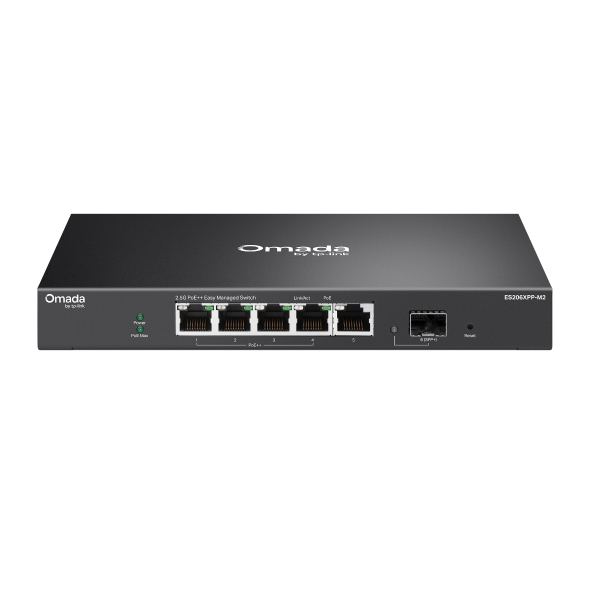
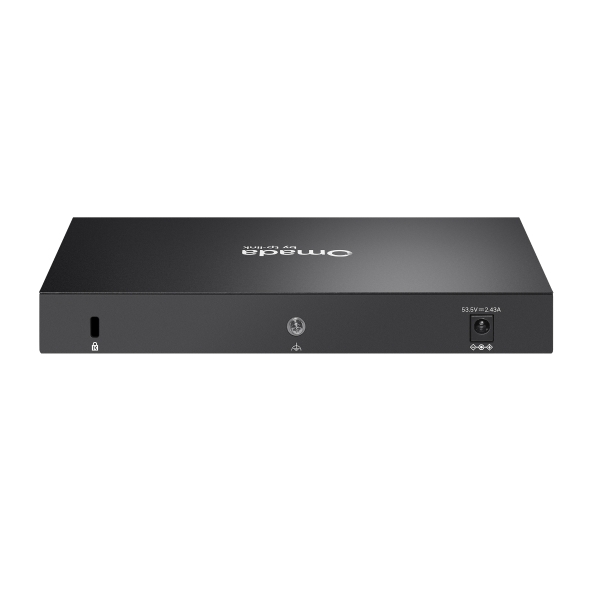
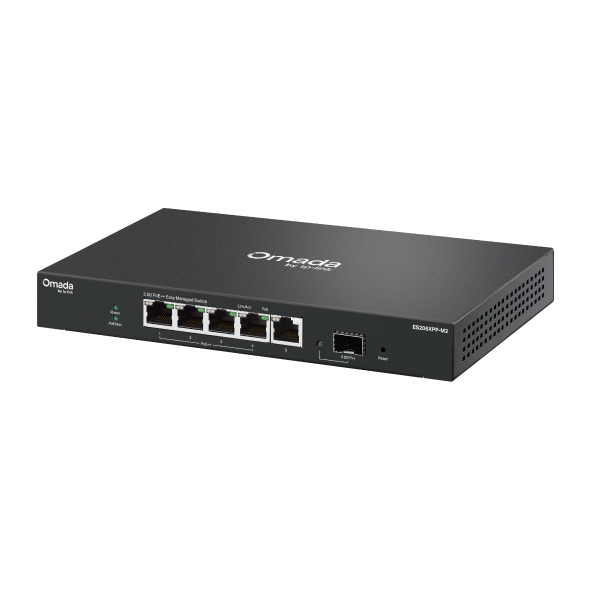
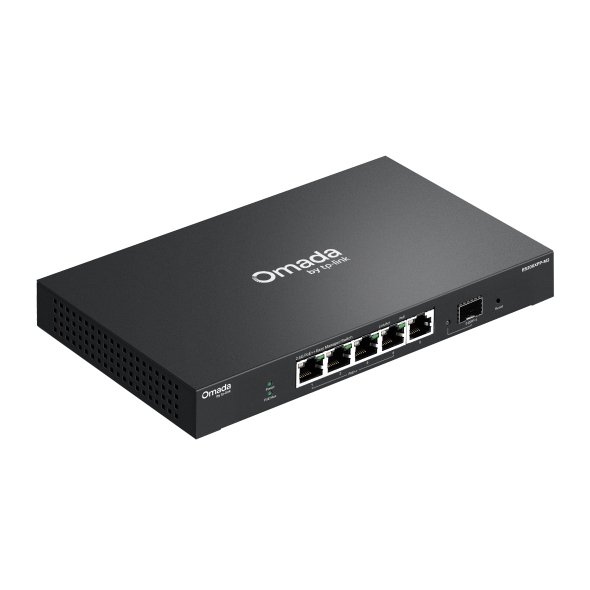
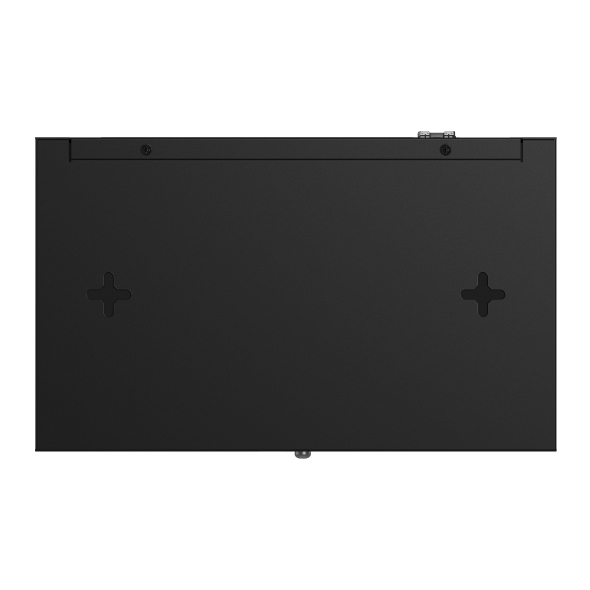
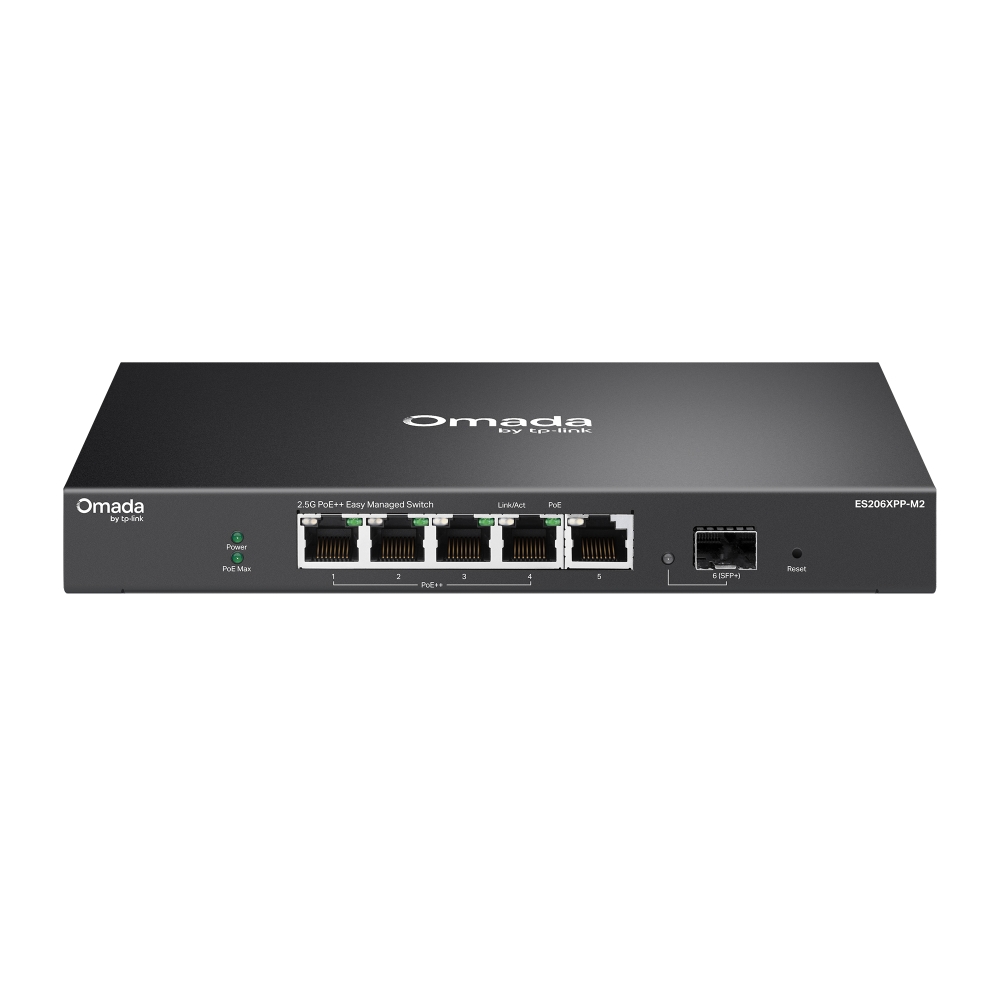
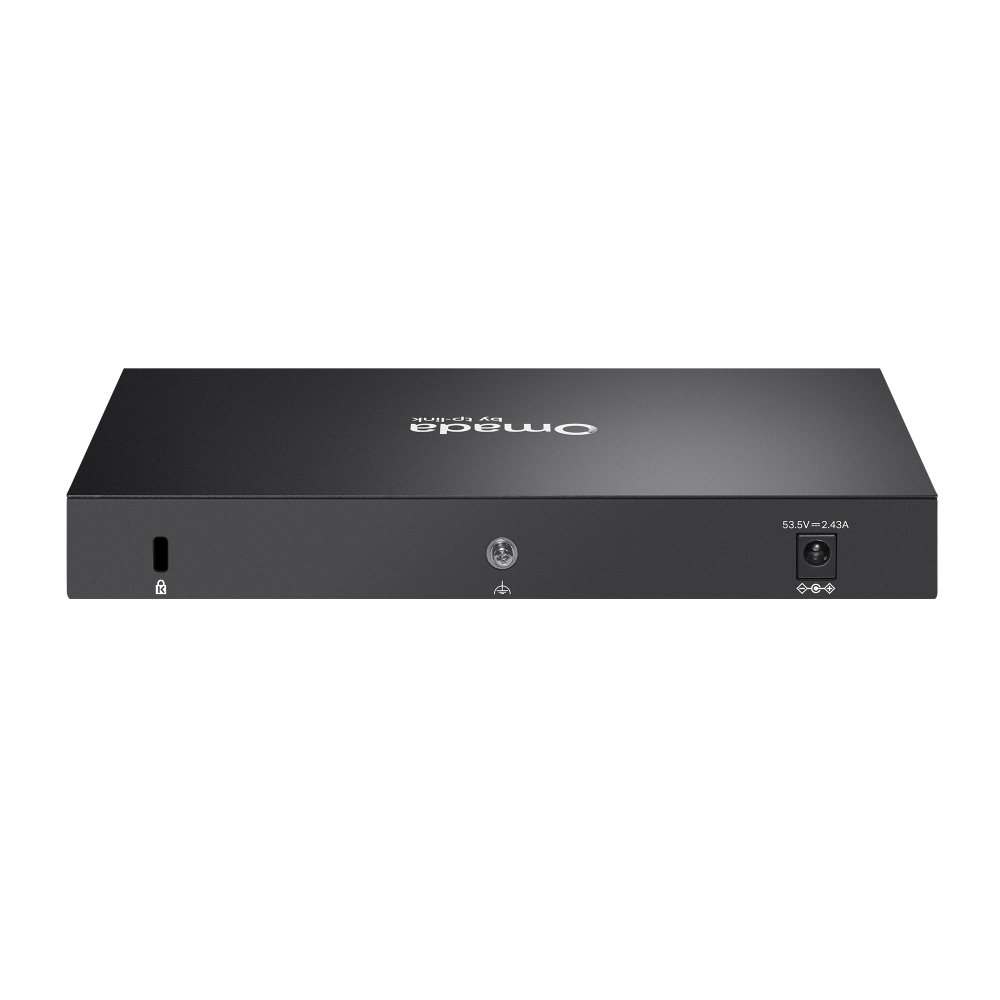
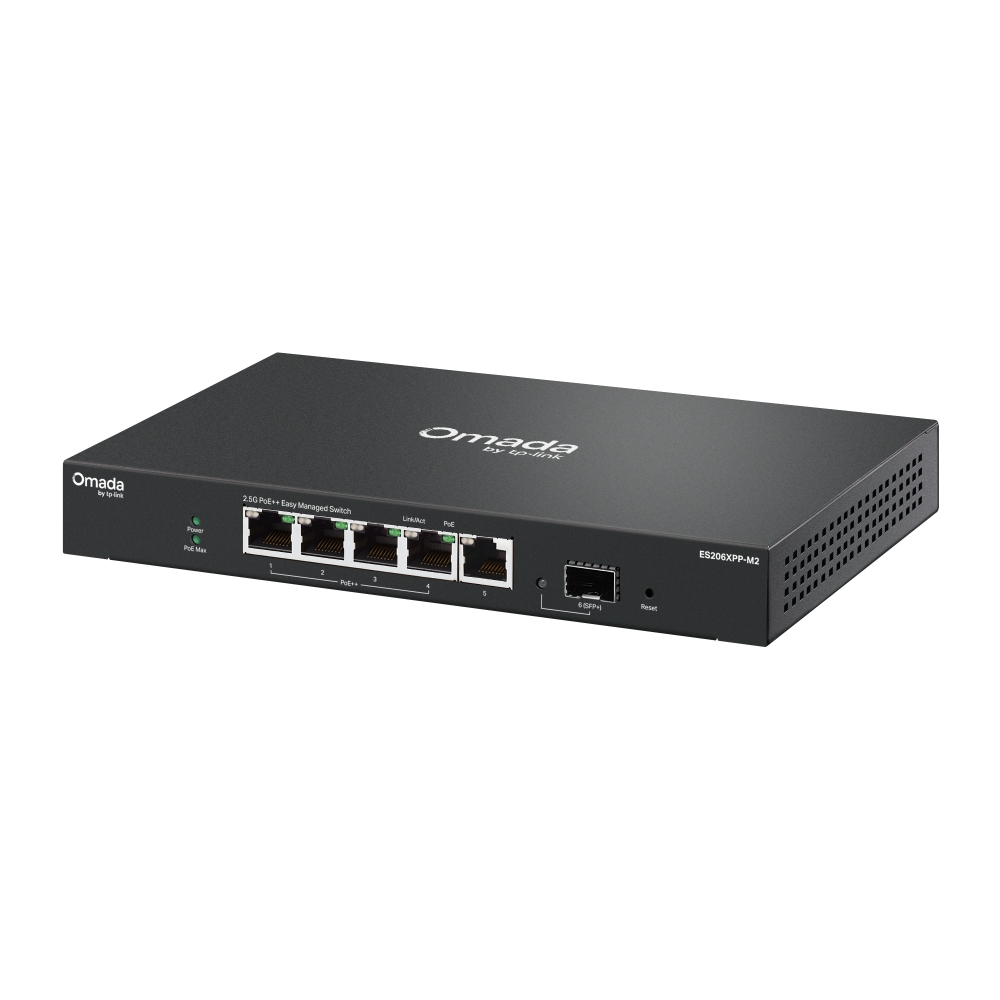
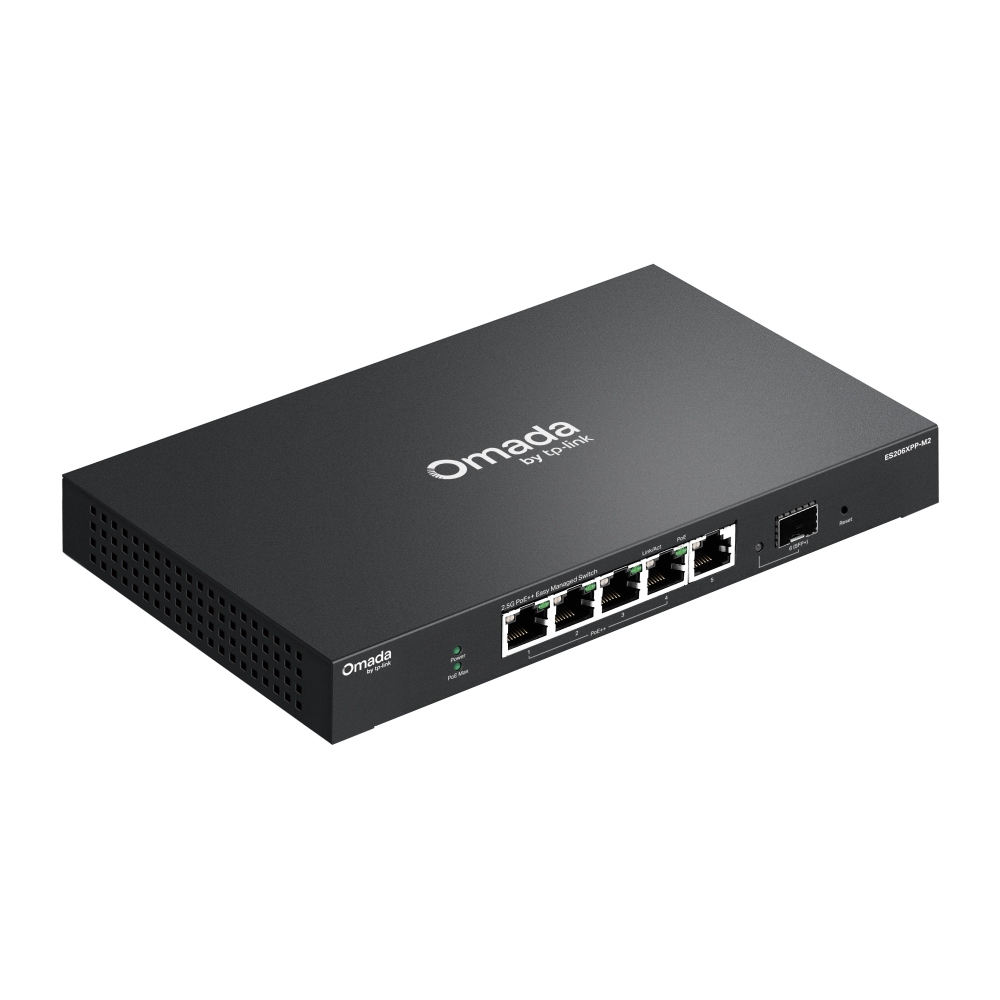
    Omada 5-Port 2.5G BASE-T and 1-Port 10GE SFP+ Easy Managed Switch with 4-Port PoE++
    Omada 5-Port 2.5G BASE-T and 1-Port 10GE SFP+ Easy Managed Switch with 4-Port PoE++
    Omada 5-Port 2.5G BASE-T and 1-Port 10GE SFP+ Easy Managed Switch with 4-Port PoE++
    Omada 5-Port 2.5G BASE-T and 1-Port 10GE SFP+ Easy Managed Switch with 4-Port PoE++
    Omada 5-Port 2.5G BASE-T and 1-Port 10GE SFP+ Easy Managed Switch with 4-Port PoE++
    Omada 5-Port 2.5G BASE-T and 1-Port 10GE SFP+ Easy Managed Switch with 4-Port PoE++
    Omada 5-Port 2.5G BASE-T and 1-Port 10GE SFP+ Easy Managed Switch with 4-Port PoE++
    Omada 5-Port 2.5G BASE-T and 1-Port 10GE SFP+ Easy Managed Switch with 4-Port PoE++
    Omada 5-Port 2.5G BASE-T and 1-Port 10GE SFP+ Easy Managed Switch with 4-Port PoE++
    Omada 5-Port 2.5G BASE-T and 1-Port 10GE SFP+ Easy Managed Switch with 4-Port PoE++
    Omada 5-Port 2.5G BASE-T and 1-Port 10GE SFP+ Easy Managed Switch with 4-Port PoE++
    Omada 5-Port 2.5G BASE-T and 1-Port 10GE SFP+ Easy Managed Switch with 4-Port PoE++
    Omada 5-Port 2.5G BASE-T and 1-Port 10GE SFP+ Easy Managed Switch with 4-Port PoE++
    Omada 5-Port 2.5G BASE-T and 1-Port 10GE SFP+ Easy Managed Switch with 4-Port PoE++
    Omada 5-Port 2.5G BASE-T and 1-Port 10GE SFP+ Easy Managed Switch with 4-Port PoE++

    /5Download

    ES206XPP-M2

    V1

    Omada 5-Port 2.5G BASE-T and 1-Port 10GE SFP+ Easy Managed Switch with 4-Port PoE++

    How to Find the Hardware Version on Your TP-Link Device
    IMPORTANT:  Model and hardware version availability varies by region. Please refer to your TP-Link regional website to determine product availability.
    Vx.0 = Vx.6/Vx.8/Vx.9(eg:V1.0=V1.6/V1.8/V1.9)
    Vx.x0 = Vx.x6/Vx.x8/Vx.x9 (eg:V1.20=V1.26/V1.28/V1.29)
    Vx.30 = Vx.32/Vx.33 (eg:V3.30=V3.32/V3.33)
    • 5× 2.5 Gbps RJ45 Ports (4× PoE++)
    • 1× 10 Gbps SFP+ Slot
    • 120W Power Budget
    • Easy to Use
    • Centralized Cloud Management 
    • Fanless design for silent operation
    • 5× 2.5 Gbps RJ45 Ports (4× PoE++)
    • 1× 10 Gbps SFP+ Slot
    • 120W Power Budget
    • Easy to Use
    • Centralized Cloud Management 
    • Fanless design for silent operation
    • Documents
    • Videos
    • Downloads
    • Tools
    • Bulletins
    • Community

    Filter By TypeReset

    • checkbox

      Datasheet

    • checkbox

      Hardware Installation Guide

    • checkbox

      Knowledgebase

      checkbox
    • checkbox

      Release Note

    • checkbox

      Reference Guide

      checkbox
    • checkbox

      Others

    Filter By TagReset

    • Controller
    • Gateway
    • Vlan
    • ACL
    • Standalone
    • Mesh
    • CLI
    • VPN
    • App
    • Online
    • Reset
    • Authentication
    • Portal
    • Wireless
    • API

    How to Understand and Troubleshoot LED Indicators on Omada Switches

    Learn what Omada switch LED indicators mean and troubleshoot abnormal Power, port, and PoE LED indicators.

    Troubleshooting Guide
    10-13-2026
    3624

    ES206XPP-M2(UN)_V1_Datasheet

    Datasheet
    05-21-2026
    12368

    ES206XPP-M2(UN)_V1_1.0.2 Build 20260728

    Release Note
    09-12-2026
    2338

    Best Practices for Deploying Sonos on an Omada Network

    Sonos device causing loops in the Omada Network? Follow this best practice guide to configure the Omada devices to work with your Sonos speakers.

    Troubleshooting Guide
    10-15-2026
    30755

    How to Configure 802.1Q VLAN on Omada Agile/Easy Managed Switches in Standalone Mode

    Need to configure 802.1Q VLAN on Omada switches without Omada Controller? Provide a step-by-step guide in this article.

    Configuration Guide
    07-25-2026
    15140

    How to Use an Omada Controller to Manage Omada Devices Across Different Subnets Over the Internet

    In enterprise networks, devices are often deployed across different subnets, making it common for Omada devices and the Omada Controller to reside in separate network segments. Supporting device adoption and management across subnets enables centralized control without changing existing network designs. This article introduces different methods for adopting devices across subnets using Omada products.

    Configuration Guide
    06-23-2026
    63705

    Why Can I Configure Fewer VLANs Than Expected on My Agile Switch

    When using Omada Agile Switch (ES Series) together with Omada Controller, you may notice that the available number of VLANs is not the expected 32, but 31 instead. This document explains the reason for this phenomenon and the specific scenarios in which it may occur.

    FAQ
    08-14-2026
    21064

    ES206XPP-M2(UN)_V1_1.0.1 Build 20251128

    Release Note
    01-13-2026
    6367

    How to Configure Storm Control on 2.5G Agile Switches

    In a network, when client devices generate a large number of Broadcast, Multicast, or Unknown Unicast packets, a broadcast storm may occur, leading to network congestion, latency, or even device disconnection. Storm Control limits the rate of specific packet types to effectively prevent such issues.

    Configuration Guide
    08-17-2026
    26071

    ES206XPP-M2(UN)_V1_1.0.0 Build 20251106

    Release Note
    11-26-2025
    6319
    • Total 15 items
    • 1
    • 2

    No results found.

    Filter By TypeReset

    • checkbox

      Firmware

    • checkbox

      Software

      checkbox
    • checkbox

      MIBs Files

    • checkbox

      GPL Code

    Other Tools

    Filter By TypeReset

    • checkbox

      Security Vulnerability

    • checkbox

      EOL/EOM/EOS Notification

    • checkbox

      Others

    No results found.

    No results found.

    SubscriptionTP-Link takes your privacy seriously. For further details on TP-Link's privacy practices, see TP-Link's Privacy Policy.

    Email Error

    I would like to be kept up to date with TP-Link news, product updates and promotions.

    By completing this form you confirm that you understand and agree to our Privacy Policy.

    reCaptcha not verified

    Follow Us

    • TP-Link Omada facebook
    • TP-Link Omada youtube
    • TP-Link Omada twitter
    • TP-Link Omada linkedin
    About
    • Corporate Profile
    • Contact Us
    • Privacy Policy
    Press
    • News
    • Blog
    • Security Advisory
    Partners
    • Partner Program
    Learning Center
    • Technology Trends
    TP-Link Omada Omada Pro VIGI
    Malaysia / English

    Copyright © 2026 TP-Link Distribution Malaysia Sdn Bhd - 201301020258 (1050088K). All rights reserved.

    This website uses cookies to improve website navigation, analyze online activities and have the best possible user experience on our website. You can object to the use of cookies at any time. You can find more information in our privacy policy . Don’t show again

    Your Privacy Choices

    This website uses cookies to improve website navigation, analyze online activities and have the best possible user experience on our website. You can object to the use of cookies at any time. You can find more information in our privacy policy . Don’t show again

    Basic Cookies

    These cookies are necessary for the website to function and cannot be deactivated in your systems.

    TP-Link

    SESSION, JSESSIONID, accepted_local_switcher, tp_privacy_banner, tp_privacy_base, tp_privacy_marketing, tp_top-banner, tp_popup-bottom, tp_popup-center, tp_popup-right-middle, tp_popup-right-bottom, tp_productCategoryType

    Youtube

    id, VISITOR_INFO1_LIVE, LOGIN_INFO, SIDCC, SAPISID, APISID, SSID, SID, YSC, __Secure-1PSID, __Secure-1PAPISID, __Secure-1PSIDCC, __Secure-3PSID, __Secure-3PAPISID, __Secure-3PSIDCC, 1P_JAR, AEC, NID, OTZ

    Zendesk

    OptanonConsent, __cf_bm, __cfruid, _cfuvid, _help_center_session, _pendo___sg__.<container-id>, _pendo_meta.<container-id>, _pendo_visitorId.<container-id>, _zendesk_authenticated, _zendesk_cookie, _zendesk_session, _zendesk_shared_session, ajs_anonymous_id, cf_clearance

    Analysis and Marketing Cookies

    Analysis cookies enable us to analyze your activities on our website in order to improve and adapt the functionality of our website.

    The marketing cookies can be set through our website by our advertising partners in order to create a profile of your interests and to show you relevant advertisements on other websites.

    Google Analytics & Google Tag Manager

    _gid, _ga_<container-id>, _ga, _gat_gtag_<container-id>

    Google Ads & DoubleClick

    test_cookie, _gcl_au