1. Home>
  2. Product Support>
  3. ER7412-M2>
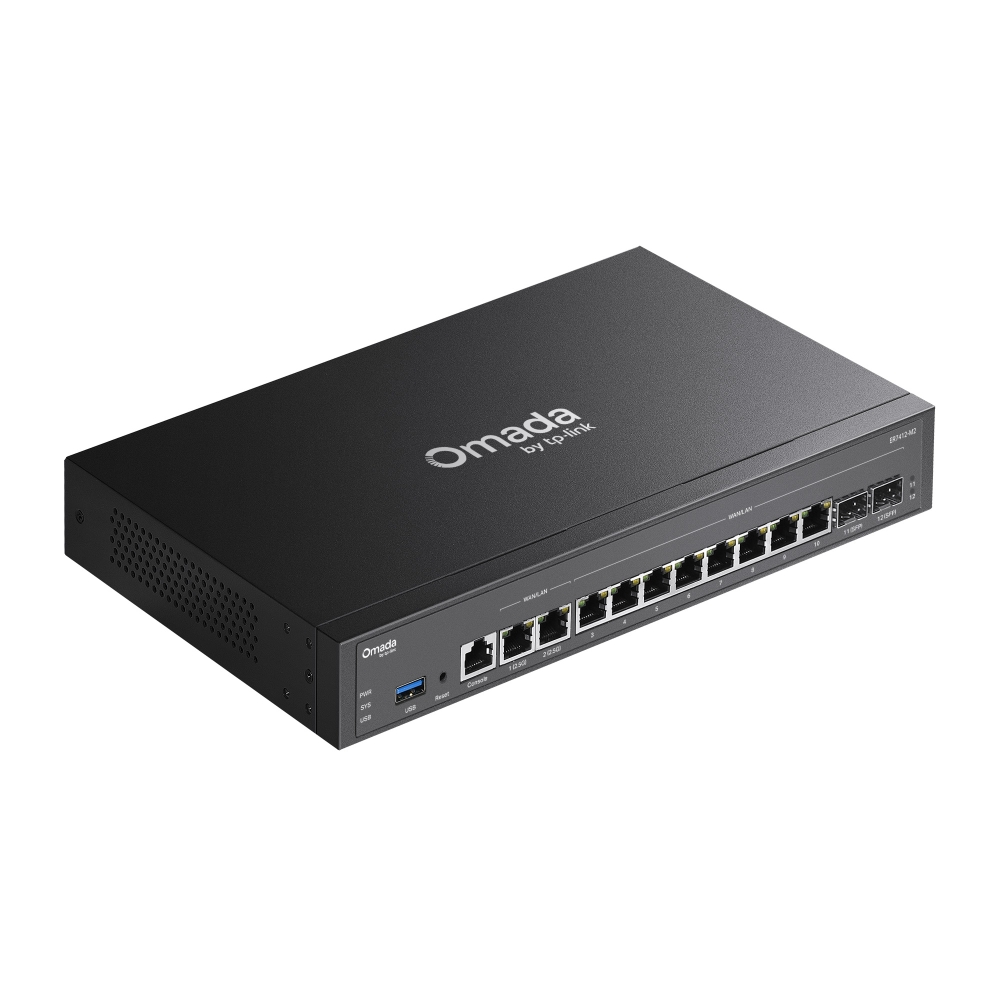
Omada Multi-Gigabit VPN Gateway

/5Download

ER7412-M2

V1.30

Omada Multi-Gigabit VPN Gateway

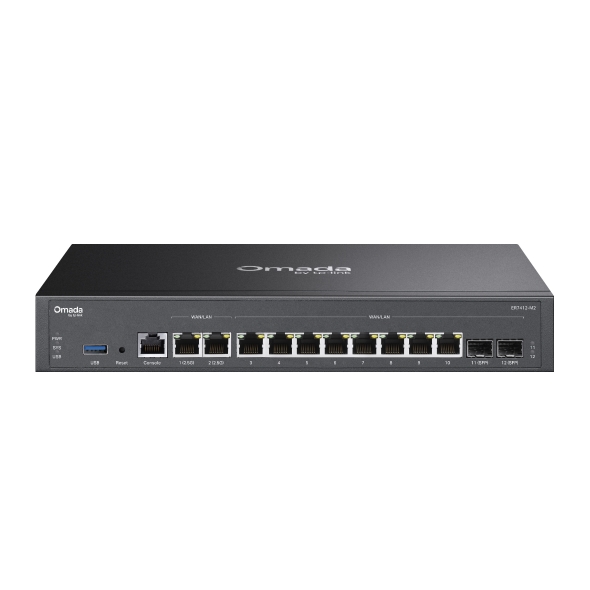
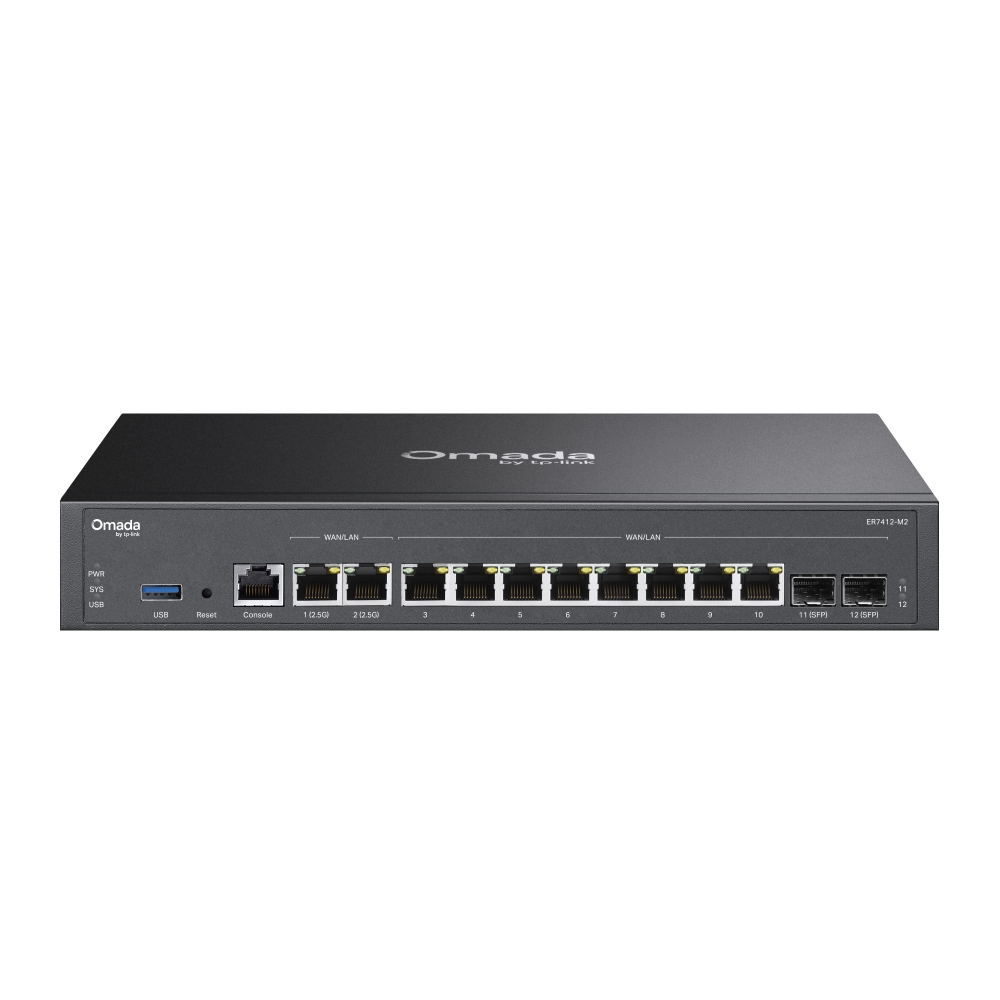
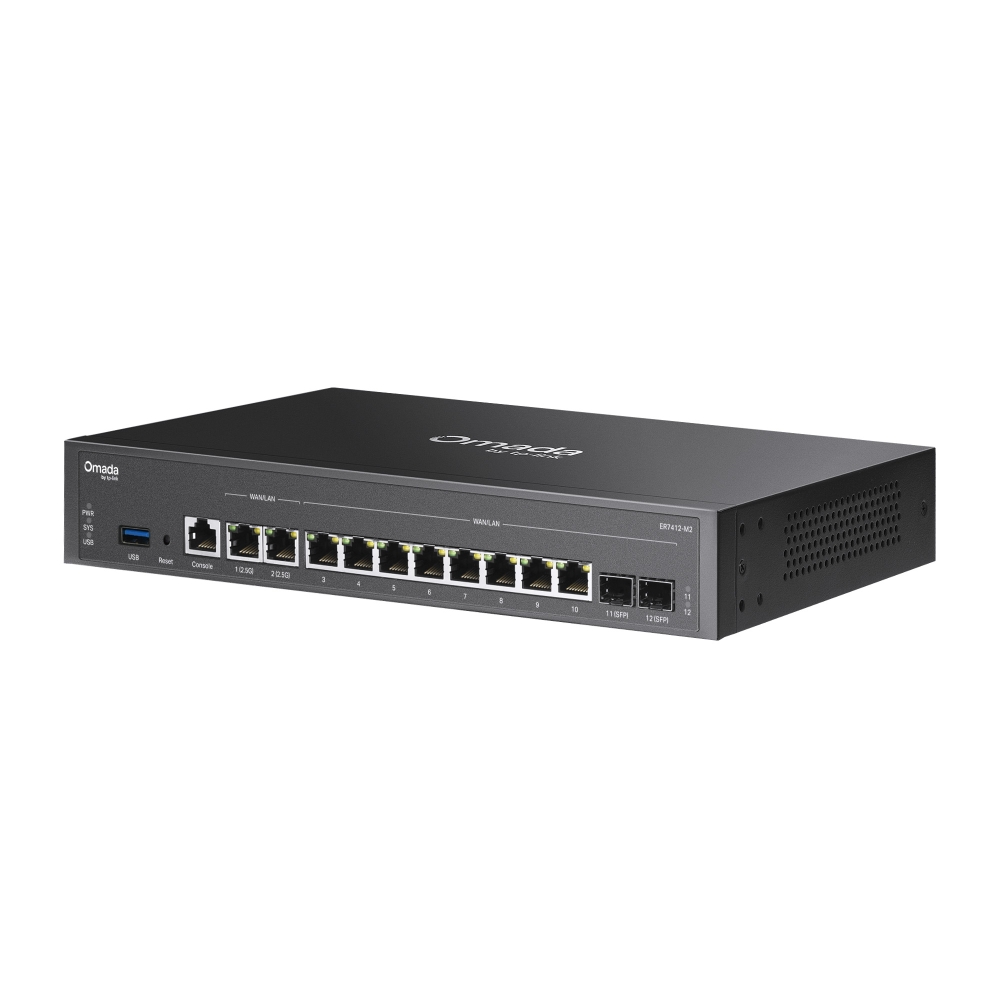
  • 2× 2.5G RJ45 WAN/LAN Ports 
  • 10× Gigabit WAN/LAN Ports (2× SFP, 8× RJ45)
  • High-Security VPN
  • Multi-WAN Load Balance
  • Centralized Cloud Management
  • 2× 2.5G RJ45 WAN/LAN Ports 
  • 10× Gigabit WAN/LAN Ports (2× SFP, 8× RJ45)
  • High-Security VPN
  • Multi-WAN Load Balance
  • Centralized Cloud Management
  • Documents
  • Videos
  • Downloads
  • Tools
  • Bulletins
  • Community

Filter By TypeReset

  • checkbox

    Datasheet

  • checkbox

    Hardware Installation Guide

  • checkbox

    Knowledgebase

    checkbox
  • checkbox

    Release Note

  • checkbox

    Reference Guide

    checkbox
  • checkbox

    Others

Filter By TagReset

  • Controller
  • Gateway
  • Vlan
  • ACL
  • Standalone
  • Mesh
  • CLI
  • VPN
  • App
  • Online
  • Reset
  • Authentication
  • Portal
  • Wireless
  • API

How to Allow Specific Public IPs to Access an Internal Server on Omada Gateways

When hosting an internal server behind an Omada Gateway, such as a web server, exposing it to the Internet can pose security risks. This guide demonstrates how to allow only specific public IP addresses to access an internal server, while blocking all other public traffic.

Configuration Guide
06-19-2026
3700

How to Utilize Link Backup and Policy Routing to Keep Critical Devices Online and Conserve Data

In dual-WAN environments where one WAN connection is designated as a backup link, it is often necessary to control which devices and networks are permitted to use the backup connection during a failover event. This guide demonstrates how to use Policy Routing to allow only specific devices, networks, or IP addresses to route traffic through the backup WAN.

Configuration Guide
06-10-2026
4996

How to configure Port Mirror on Omada Gateways?

This article describes how to configure port mirroring for Gateways on Omada Controller and Standalone Mode. Port Mirroring is a feature that copies network traffic from one or more ports and sends it to another port for monitoring or analysis. This is commonly used for troubleshooting network issues, monitoring traffic, or performing traffic analysis using packet capture tools.

Configuration Guide
06-02-2026
7298

How to Use an Omada Controller to Manage Omada Devices Across Different Subnets Over the Internet

In enterprise networks, devices are often deployed across different subnets, making it common for Omada devices and the Omada Controller to reside in separate network segments. Supporting device adoption and management across subnets enables centralized control without changing existing network designs. This article introduces different methods for adopting devices across subnets using Omada products.

Configuration Guide
05-28-2026
18599

How to configure IPsec VPN on Omada Gateway in Controller Mode (Controller v6.2 and above)

IPsec Site-to-Site VPN enables the connection of geographically separated networks. Large enterprises commonly use it to establish secure VPN connections between branch offices and headquarters. The IPsec VPN connects branch routers over the public network, ensuring secure transmission of private network data.

Configuration Guide
04-29-2026
10003

How to configure IPsec VPN on Omada Gateway in Standalone Mode

With the Site-to-Site VPN function, different private networks can be connected over the internet.

Configuration Guide
04-20-2026
10159

How to use an Omada gateway to restrict specific clients from visiting specific URLs

Sometimes, we may need to restrict certain clients behind the gateway from accessing specific URLs. Omada gateways provide a feature called URL Filtering to help manage and control web access in such cases.

Configuration Guide
04-08-2026
10023

How to Configure SD-WAN via Omada Controller v6.2

This article provides a comprehensive walkthrough for configuring the SD-WAN function on the Omada Controller, enabling enterprises to centralize network management, optimize traffic routing, and establish secure hub-spoke connectivity across distributed sites in one Controller. The guide covers prerequisites, gateway adoption, IP range allocation, and post-configuration verification to ensure reliable WAN performance.

Configuration Guide
04-02-2026
13922

How to Configure Remote Access for Omada Devices Using Omada Controller and Omada App

When you use the Omada Controller today, troubleshooting issues like device disconnections can be a bit tedious—you often need to export logs, configuration files, and other data, which takes time and slows you down. To make this easier for you, we’ve added a remote access feature. With it, you can set up a reverse tunnel that lets you remotely reach local services inside your network—like the device’s web interface or SSH.

Configuration Guide
03-17-2026
18780

How to configure remote management on Omada Gateway

Remote Management lets you manage the router remotely when you are not on the router's local network. It provides convenience for network management.

Configuration Guide
03-12-2026
13588
  • Total 75 items
  • 1
  • 2
  • 3
  • 4
  • 5
  • •••
  • 8
  • 10 / page

No results found.

Filter By TypeReset

  • checkbox

    Firmware

  • checkbox

    Software

    checkbox
  • checkbox

    MIBs Files

  • checkbox

    GPL Code

  • checkbox

    Declaration of Conformity

    checkbox
  • Total 16 items
  • 1
  • 2

Other Tools

Omada App

Omada App

Filter By TypeReset

  • checkbox

    Security Vulnerability

  • checkbox

    EOL/EOM/EOS Notification

  • checkbox

    Others

No results found.

  • Total 60 items
  • 1
  • 2
  • 3
  • 4
  • 5
  • 6
  • 10 / page