1. Home>
  2. Product Support>
  3. SG5428XF>
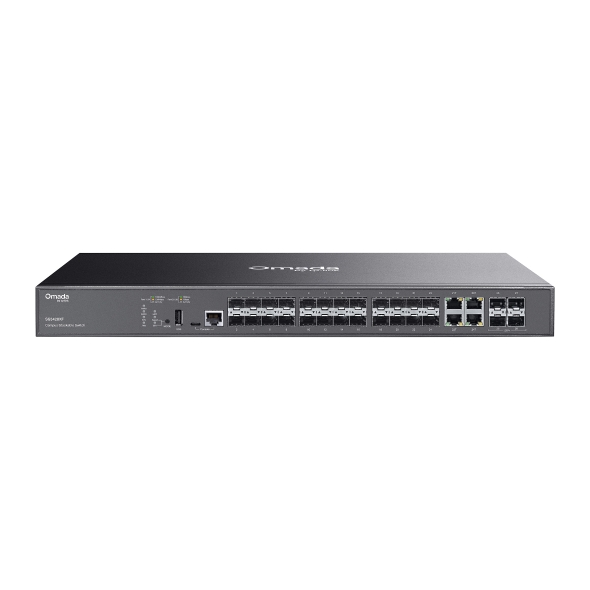
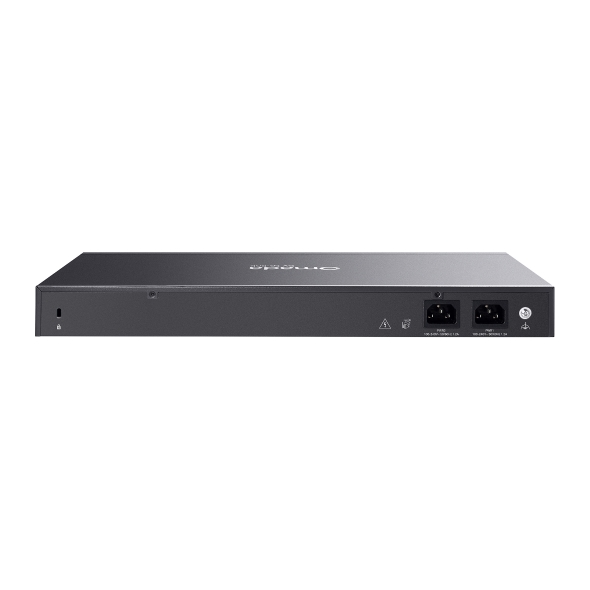
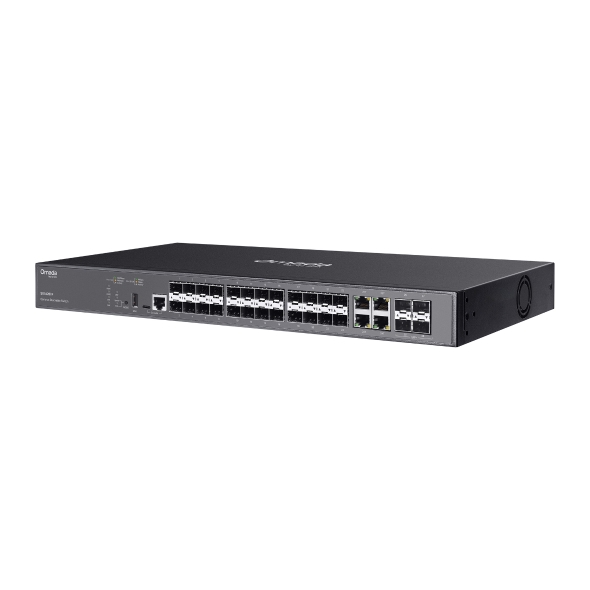
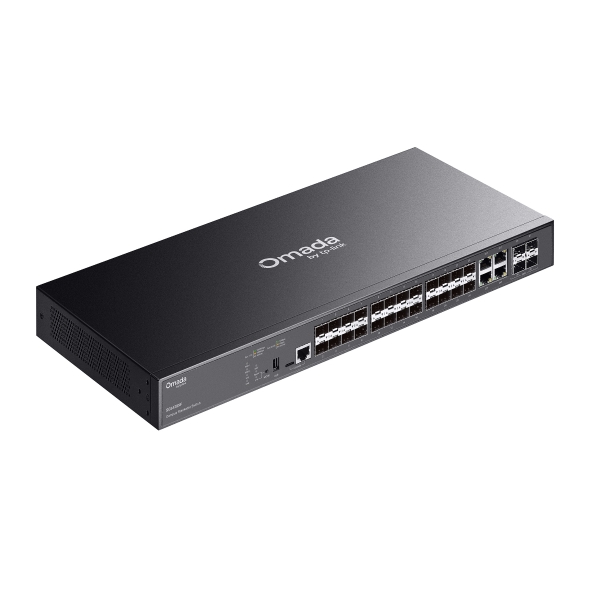
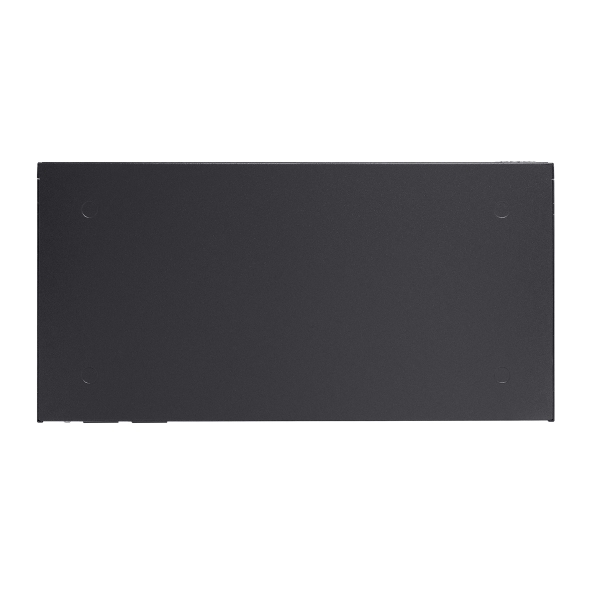
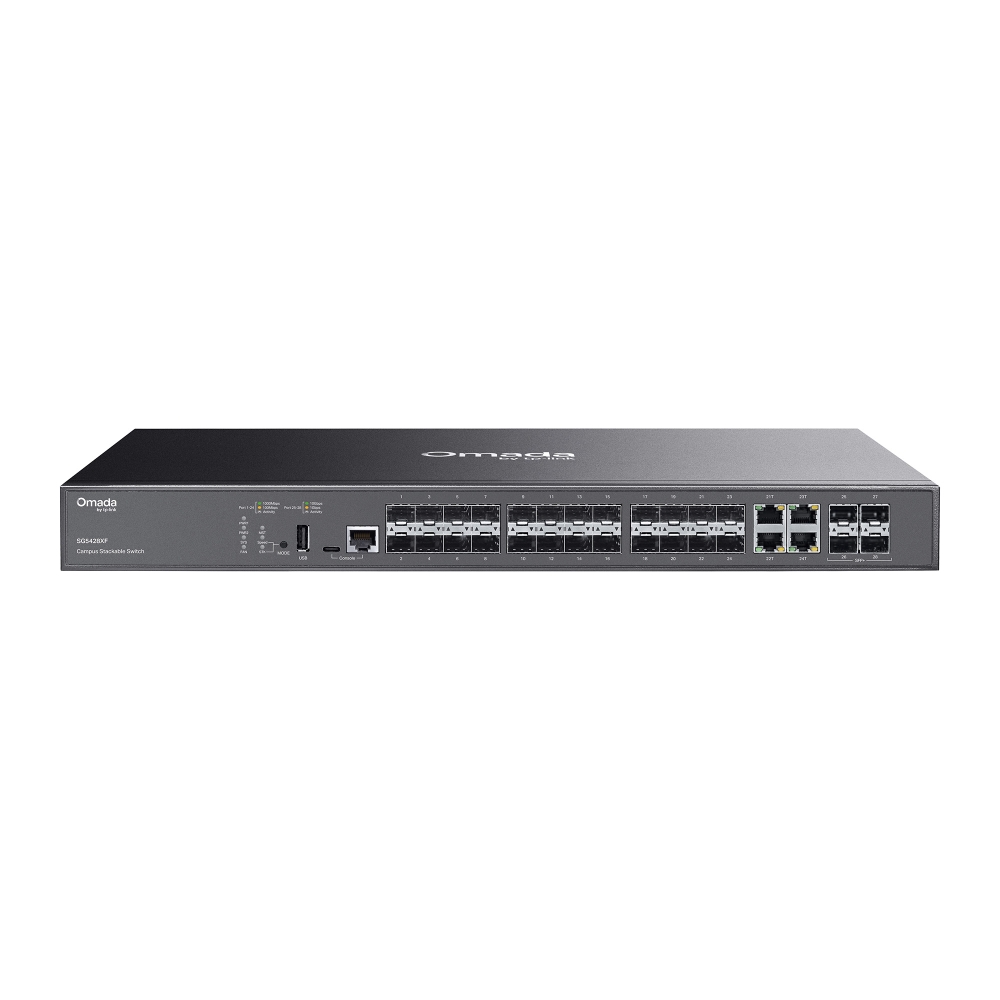
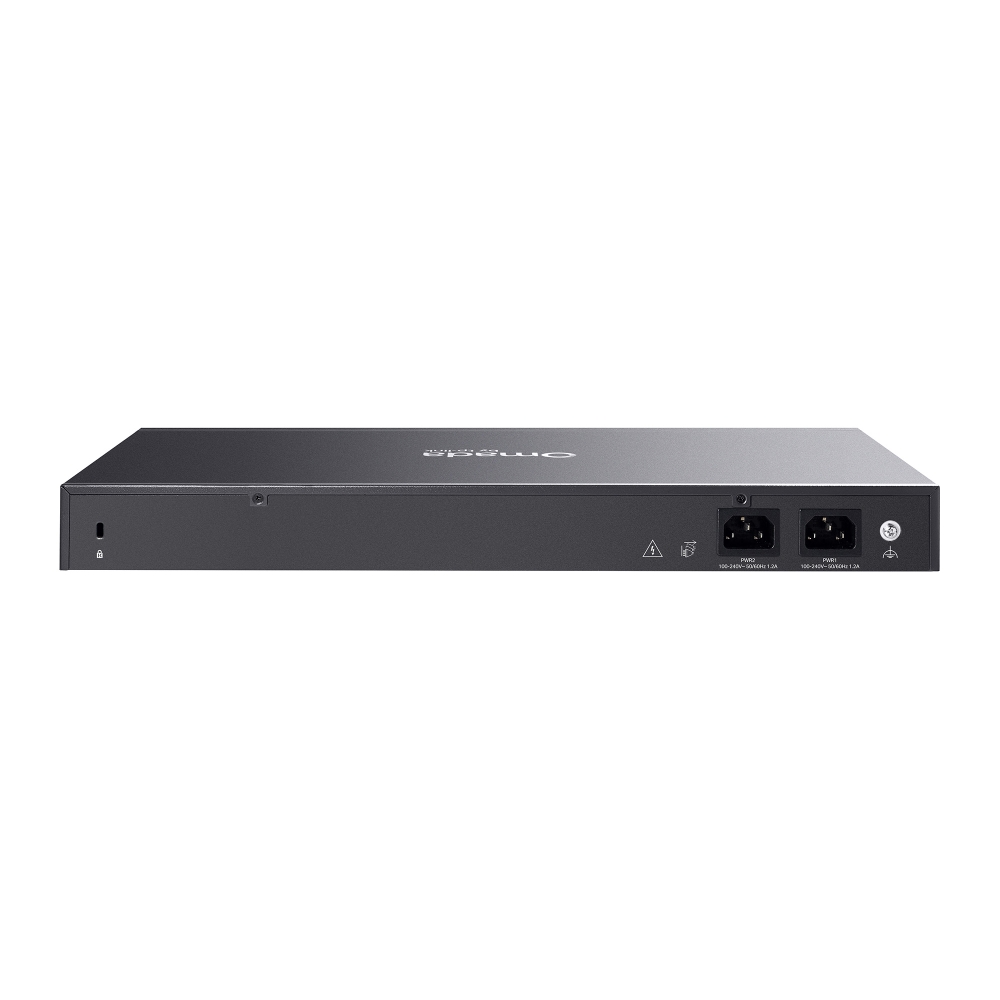
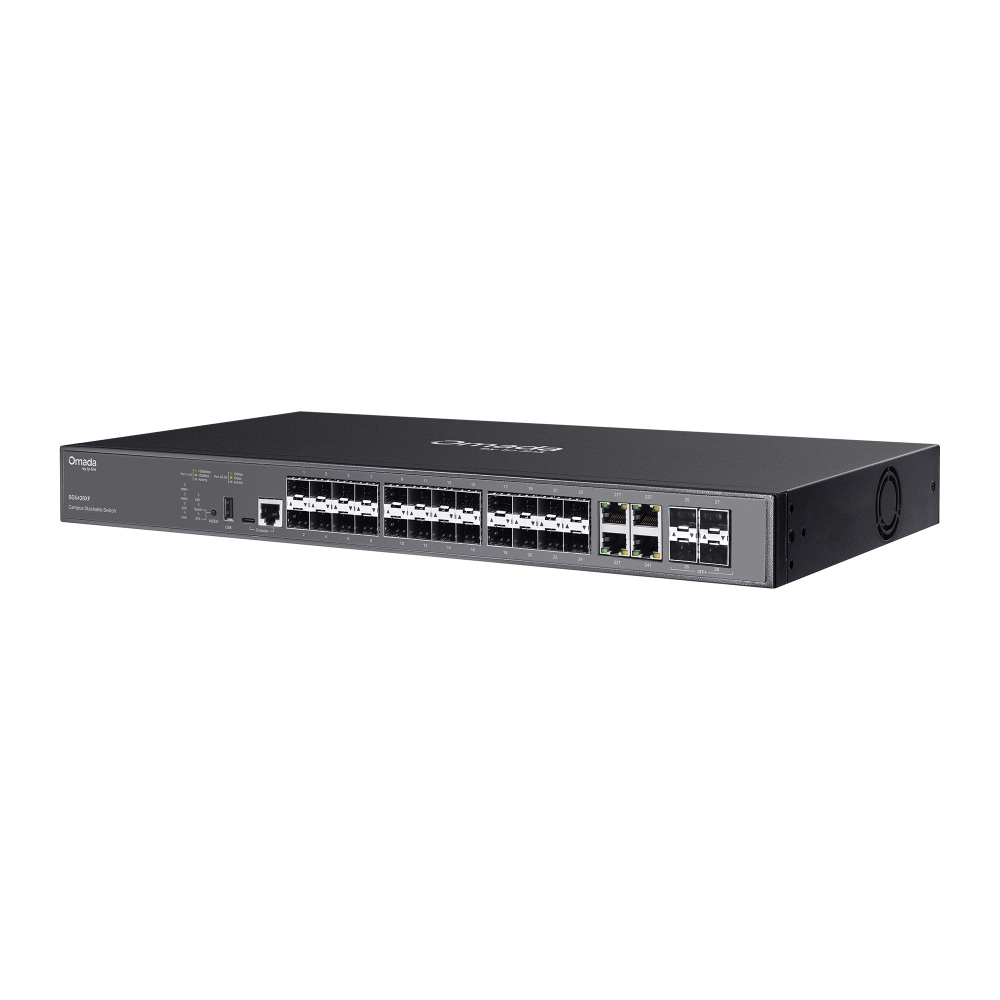
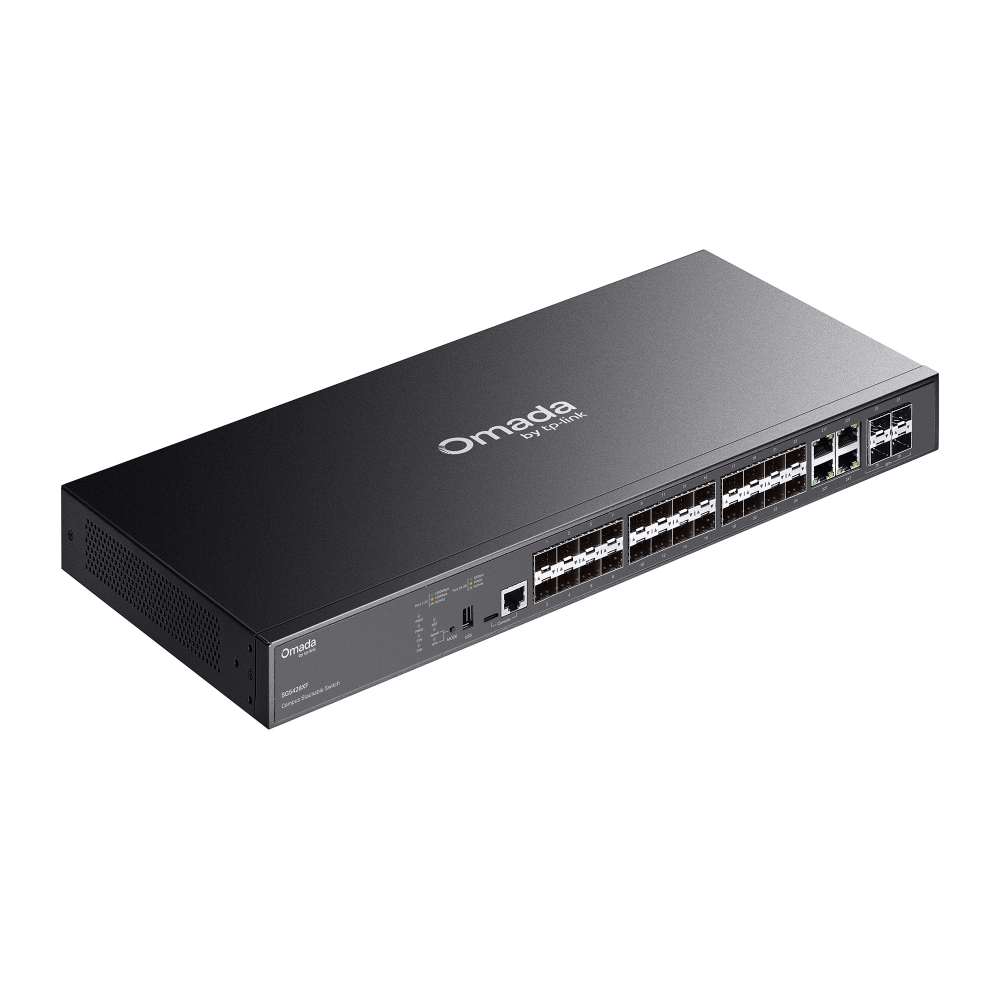
Omada Campus 24-Port SFP Stackable Lite L3 Managed Switch with  4× 10G Slots

/5Download

SG5428XF

V1

Omada Campus 24-Port SFP Stackable Lite L3 Managed Switch with 4× 10G Slots

How to Find the Hardware Version on Your TP-Link Device
IMPORTANT:  Model and hardware version availability varies by region. Please refer to your TP-Link regional website to determine product availability.
Vx.0 = Vx.6/Vx.8/Vx.9(eg:V1.0=V1.6/V1.8/V1.9)
Vx.x0 = Vx.x6/Vx.x8/Vx.x9 (eg:V1.20=V1.26/V1.28/V1.29)
Vx.30 = Vx.32/Vx.33 (eg:V3.30=V3.32/V3.33)
  • 20× Gigabit SFP Slots, 4× Gigabit RJ45/SFP Combo Ports
  • 4× 10 Gbps SFP+ Slots
  • Stackable
  • Centralized Cloud Management
  • 20× Gigabit SFP Slots, 4× Gigabit RJ45/SFP Combo Ports
  • 4× 10 Gbps SFP+ Slots
  • Stackable
  • Centralized Cloud Management
  • Documents
  • Videos
  • Downloads
  • Tools
  • Bulletins
  • Community

Filter By TypeReset

  • checkbox

    Datasheet

  • checkbox

    Hardware Installation Guide

  • checkbox

    Knowledgebase

    checkbox
  • checkbox

    Release Note

  • checkbox

    Reference Guide

    checkbox
  • checkbox

    Others

Filter By TagReset

  • Controller
  • Gateway
  • Vlan
  • ACL
  • Standalone
  • Mesh
  • CLI
  • VPN
  • App
  • Online
  • Reset
  • Authentication
  • Portal
  • Wireless
  • API

How to Understand and Troubleshoot LED Indicators on Omada Switches

Learn what Omada switch LED indicators mean and troubleshoot abnormal Power, port, and PoE LED indicators.

Troubleshooting Guide
10-13-2026
2725

SG5428XF(UN)_V1_Datasheet

Datasheet
12-29-2025
6748

What to Do When an Omada Switch Becomes Disconnected in the Omada Controller

Learn how to access, configure, and restore Omada switches disconnected from the Omada Controller using SSH, WebUI, and Remote Access.

Troubleshooting Guide
09-16-2026
16585

IPTV Technical White Paper

4.1: Supports all L2+/L3 switches and EAPs. 4.2 Solution 1: Recommended with SX3 series switches or above. Supports all GPON APs and DS-P7001-01/04/08/16 OLTs. 4.2 Solution 2: Supports all L2+/L3 switches, GPON APs, and DS-P7001-01/04/08/16 OLTs. 4.3: Supports all L3 switches and EAPs.

Technical White Paper
08-25-2026
11301

How to Adopt an Omada Switch into an Omada Controller

Adopt an Omada Switch into a Hardware, Software, or Cloud-Based Controller using the web interface or Omada App for centralized network management.

Configuration Guide
08-21-2026
27458

Best Practices for Deploying Sonos on an Omada Network

Sonos device causing loops in the Omada Network? Follow this best practice guide to configure the Omada devices to work with your Sonos speakers.

Troubleshooting Guide
10-15-2026
30311

Copper SFP Module Deployment Guidelines for Omada All-Fiber Switches

Copper SFP modules generally consume more power and generate more heat than optical modules. Due to their higher operating temperature, copper modules should be installed according to the recommended port placement guidelines to ensure adequate thermal dissipation and stable operation. Typically, when setting up all-fiber switches, a bunch of copper SFP modules may be put into use. This article will introduce the recommended copper SFP modules when setting up Omada all-fiber-ports switches.

Configuration Guide
06-26-2026
12978

How to Configure MAC Flapping on Omada Managed Switches

MAC flapping is a network monitoring feature that detects when the same MAC address is learned on different switch ports within a short period of time. This behavior typically indicates issues such as network loops, misconfigured link aggregation, virtualization migration, or unauthorized device connections.

Configuration Guide
06-19-2026
25003

Omada Switch OUI-Based VLAN Configuration Guide

Configure OUI-Based VLAN on supported Omada switches to automate device identification, VLAN assignment, port membership, and traffic prioritization through Controller or CLI.

Configuration Guide
08-06-2026
42001

How to Use an Omada Controller to Manage Omada Devices Across Different Subnets Over the Internet

In enterprise networks, devices are often deployed across different subnets, making it common for Omada devices and the Omada Controller to reside in separate network segments. Supporting device adoption and management across subnets enables centralized control without changing existing network designs. This article introduces different methods for adopting devices across subnets using Omada products.

Configuration Guide
06-23-2026
63327
  • Total 36 items
  • 1
  • 2
  • 3
  • 4

No results found.

Filter By TypeReset

  • checkbox

    Firmware

  • checkbox

    Software

    checkbox
  • checkbox

    MIBs Files

  • checkbox

    GPL Code

  • checkbox

    Declaration of Conformity

    checkbox

Other Tools

Omada App

Omada App

Filter By TypeReset

  • checkbox

    Security Vulnerability

  • checkbox

    EOL/EOM/EOS Notification

  • checkbox

    Others

No results found.

No results found.