Omada Pro Logo official website Vigi Logo official website
聯絡我們
  • 聯絡銷售人員
  • 尋求支援
登入
avatar

    Messages Messages Bookmarks Bookmarks My Cases My Cases Account Settings Account Settings
    Hong Kong, China / 繁體中文  |  English
    Omada logo
    • Products

      Products

      • Wireless
        • WiFi 7
          WiFi 7
        • Ceiling Mount
          Ceiling Mount
        • Wall Plate
          Wall Plate
        • Desktop
          Desktop
        • Outdoor
          Outdoor
        • Wireless Bridge
          Wireless Bridge
        • GPON
          GPON
        • View All
          View All
      • Switches
        • Campus
          Campus
        • Aggregation
          Aggregation
        • Access Max
          Access Max
        • Access Pro
          Access Pro
        • Access Plus
          Access Plus
        • Access
          Access
        • Agile
          Agile
        • Industrial
          Industrial
        • Unmanaged
          Unmanaged
        • View All
          View All
      • Gateways
        • Wired Gateways
          Wired Gateways
        • WiFi Gateways
          WiFi Gateways
        • 4G/5G WiFi Gateways
          4G/5G WiFi Gateways
        • Integrated Gateways
          Integrated Gateways
        • DSL Gateways
          DSL Gateways
        • View All
          View All
      • Controllers
        • Cloud-Based
          Cloud-Based
        • Hardware
          Hardware
        • Software
          Software
        • View All
          View All
      • Accessories
        • Media Converters
          Media Converters
        • Modules/Cables
          Modules/Cables
        • PoE Adapters
          PoE Adapters
        • Rackmount Accessories
          Rackmount Accessories
        • AP Accessories
          AP Accessories
        • View All
          View All

      Management Platforms

      • Management Systems
        • Cloud-Based
          Cloud-Based
        • Hardware
          Hardware
        • Software
          Software
        • View All
          View All
      • Cloud Portal
    • Solutions
      Solutions Home

      By Scenarios

      • Small and Mid-Sized Offices
      • Small-Sized Chain Restaurants/Stores
      • WiFi for Farms/Ranches/Parking Lots
      • High-Density WiFi

      By Technology

      • WiFi 7
      • PPSK Solution
      • PtP & PtMP Wireless Bridges
      • Multi-Gigabit Solution
      • PoE Switches for Surveillance

      Case Studies

      Case Studies

      Omada Powers Shift4’s POS Solution over 20,000 Sites in the US

      瀏覽
    • Learn and Train

      Learn

      • FAQs
      • Setup Videos
      • Configuration Guides
      • Case Studies

      Train

      • Training Introduction
      • For Learners
      • For Instructors
    • Support
      Support Home

      Documents

      • Hardware Installation Guide
      • Knowledgebase
      • Datasheet
      • Reference Guide
      • View All

      Downloads

      • Software Download
      • Firmware Download
      • GPL Code
      • MIBs Files
      • View All

      Bulletins

      • Security Vulnerability
      • EOL/EOM/EOS Notification
      • View All

      Contact Support

      • Case Portal
      • Call Support
      • Warranty Services

      Tools

      • Omada Emulators
      • Omada App
      • Compatibility List
    • Community
    Search
    1. Home>
    2. Product Support>
    3. SG5428XF>
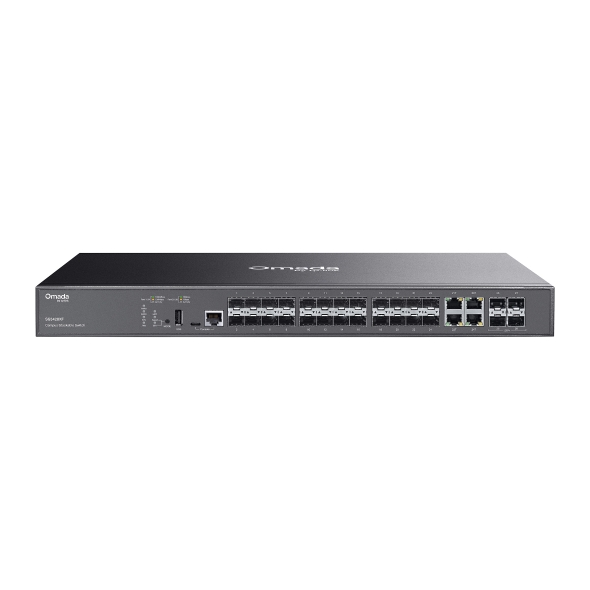
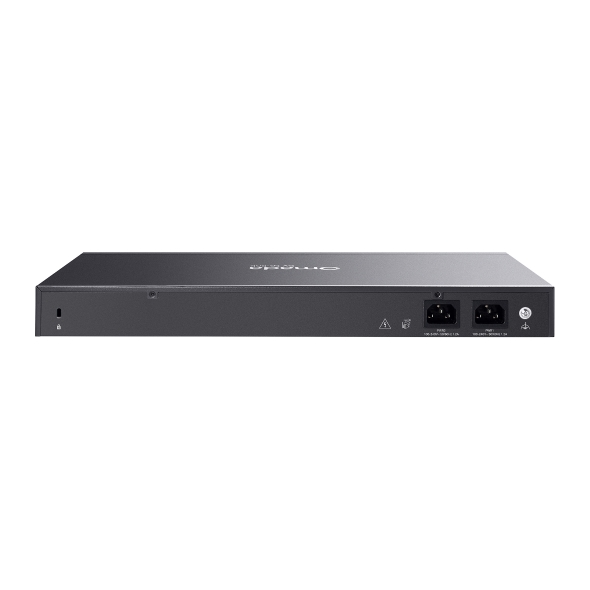
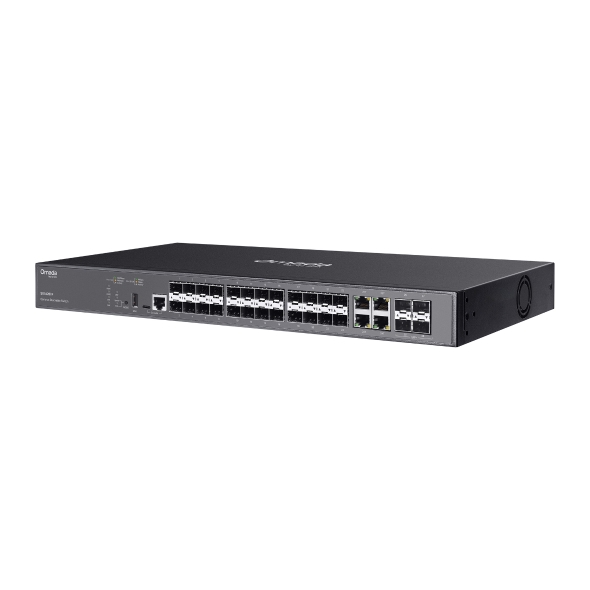
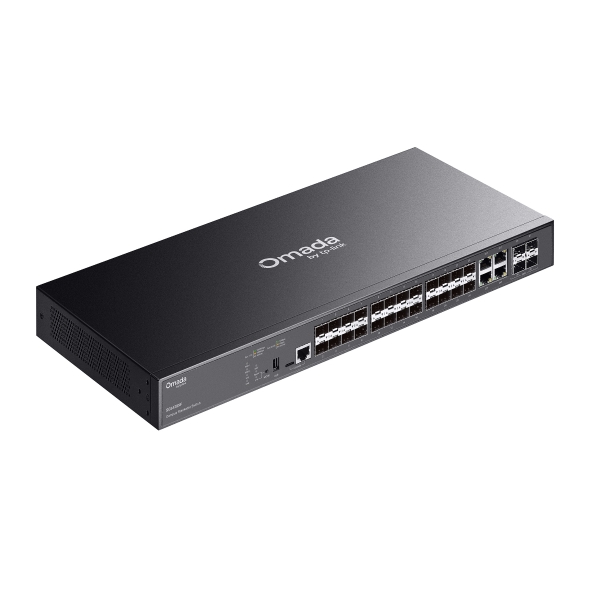
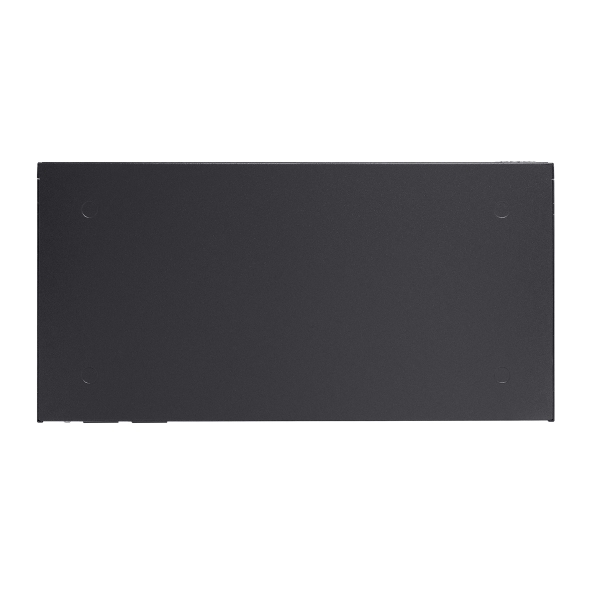
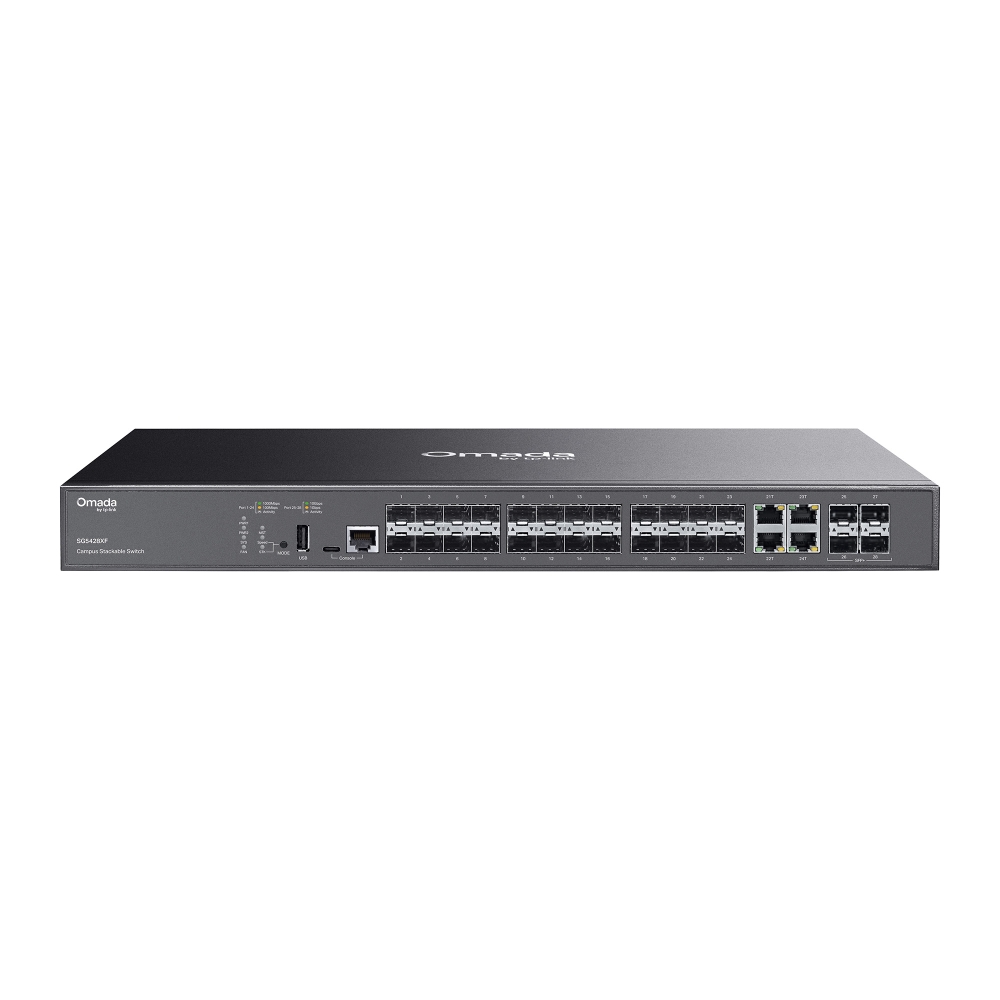
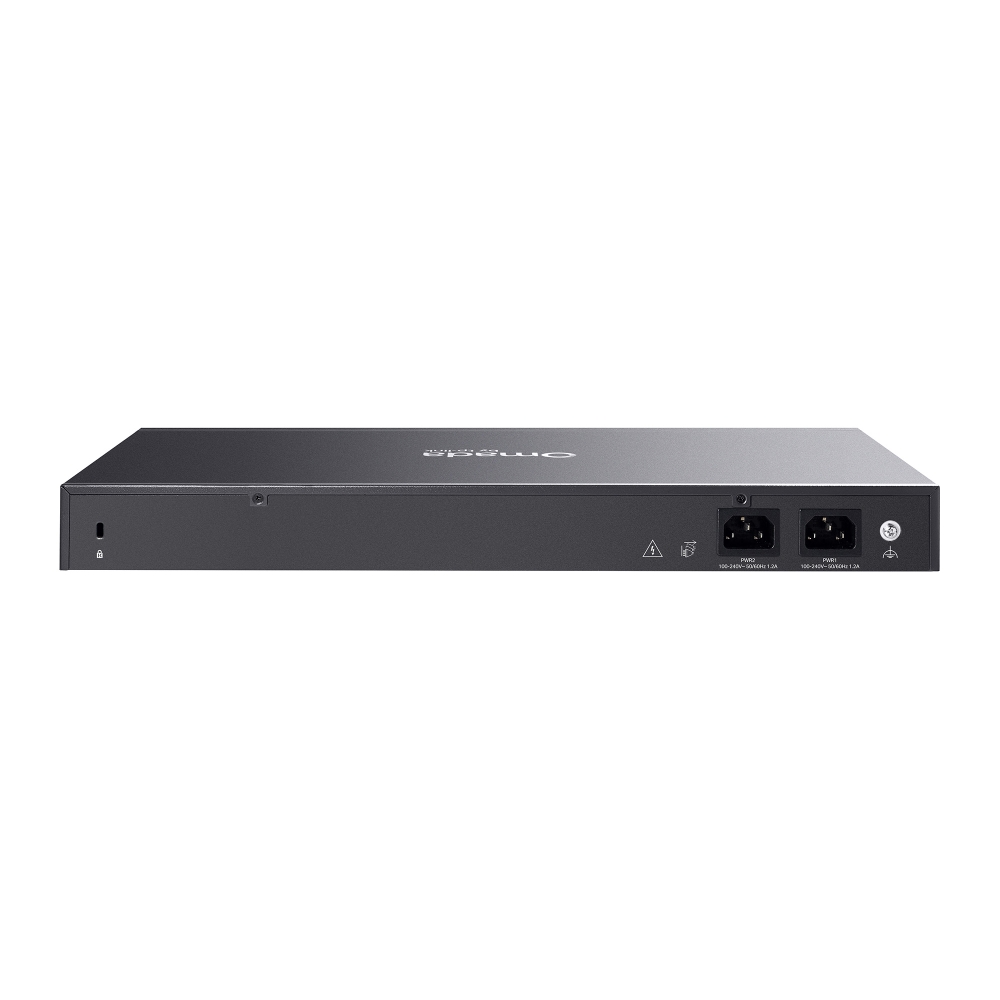
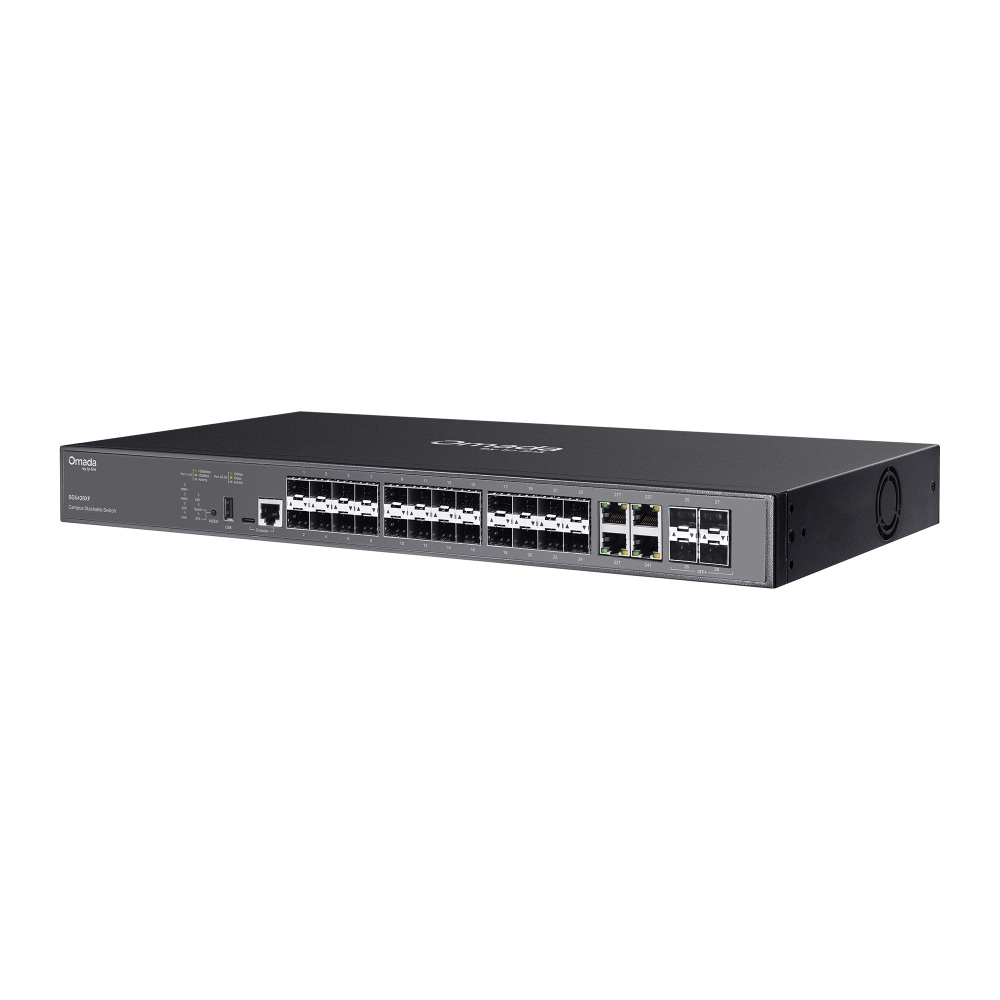
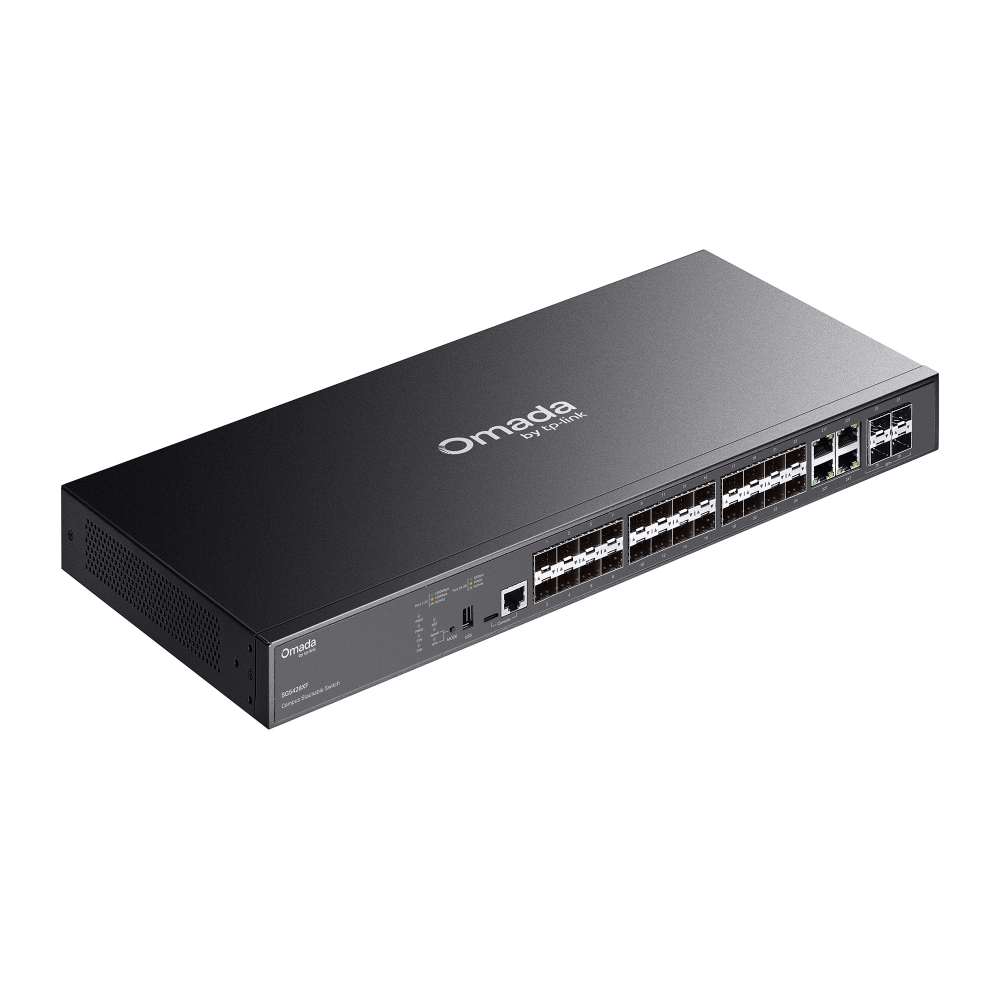
    Omada Campus 24-Port SFP Stackable Lite L3 Managed Switch with  4× 10G Slots
    Omada Campus 24-Port SFP Stackable Lite L3 Managed Switch with  4× 10G Slots
    Omada Campus 24-Port SFP Stackable Lite L3 Managed Switch with  4× 10G Slots
    Omada Campus 24-Port SFP Stackable Lite L3 Managed Switch with  4× 10G Slots
    Omada Campus 24-Port SFP Stackable Lite L3 Managed Switch with  4× 10G Slots
    Omada Campus 24-Port SFP Stackable Lite L3 Managed Switch with  4× 10G Slots
    Omada Campus 24-Port SFP Stackable Lite L3 Managed Switch with  4× 10G Slots
    Omada Campus 24-Port SFP Stackable Lite L3 Managed Switch with  4× 10G Slots
    Omada Campus 24-Port SFP Stackable Lite L3 Managed Switch with  4× 10G Slots
    Omada Campus 24-Port SFP Stackable Lite L3 Managed Switch with  4× 10G Slots
    Omada Campus 24-Port SFP Stackable Lite L3 Managed Switch with  4× 10G Slots
    Omada Campus 24-Port SFP Stackable Lite L3 Managed Switch with  4× 10G Slots
    Omada Campus 24-Port SFP Stackable Lite L3 Managed Switch with  4× 10G Slots
    Omada Campus 24-Port SFP Stackable Lite L3 Managed Switch with  4× 10G Slots
    Omada Campus 24-Port SFP Stackable Lite L3 Managed Switch with  4× 10G Slots

    /5Download

    SG5428XF

    Omada Campus 24-Port SFP Stackable Lite L3 Managed Switch with 4× 10G Slots

    • 20× Gigabit SFP Slots, 4× Gigabit RJ45/SFP Combo Ports
    • 4× 10 Gbps SFP+ Slots
    • Stackable
    • Centralized Cloud Management
    • 20× Gigabit SFP Slots, 4× Gigabit RJ45/SFP Combo Ports
    • 4× 10 Gbps SFP+ Slots
    • Stackable
    • Centralized Cloud Management
    • Documents
    • Videos
    • Downloads
    • Tools
    • Bulletins
    • Community

    Filter By TypeReset

    • checkbox

      產品型錄

    • checkbox

      硬體安裝手冊

    • checkbox

      資料庫

      checkbox
    • checkbox

      更新資訊

    • checkbox

      參考指南

      checkbox
    • checkbox

      其他

    Filter By TagReset

    • Controller
    • Gateway
    • Vlan
    • ACL
    • Standalone
    • Mesh
    • CLI
    • VPN
    • App
    • Online
    • Reset
    • Authentication
    • Portal
    • Wireless
    • API

    How to Maintain Management VLAN and Port Settings When Adopting Switches on Omada Network V6

    Before Omada Controller V6, when adopting a switch on controller, the default configuration will be applied to the switch and override all the previous pre-configuration done in standalone mode. This could cause inconvenience while adopting switches to a network which management VLAN is not the default VLAN. If the default configuration, especially the default VLAN interface, overrides the pre-configuration done on the switch, it will be disconnected after adoption and hard to recover.

    Configuration Guide
    11-20-2025
    8729

    How to configure Management VLAN for Omada Devices (Omada Controller 5.15 or above)

    The management VLAN is a VLAN created to separate the management network from the data network. By default, the management VLAN is the LAN network in a network centrally managed by Omada SDN Controller. You can change the management VLAN to improve network security. With a separated management VLAN, it is much harder for unauthorized users to modify the configurations or monitor the network.

    Configuration Guide
    11-13-2025
    11632

    How to Fix Black Screens, Lag, Distortion, or Pixelation on IPTVs

    This article provides a detailed overview of common causes and troubleshooting methods for IPTV issues such as black screens, lag, image distortion, and pixelation. Based on the practical configuration of TP-Link Omada devices, it offers a systematic, multi-layered diagnostic approach and recommended settings to help you restore video playback quality.

    Troubleshooting Guide
    11-08-2025
    11867

    How to Troubleshoot Slow Channel Switching, Missing Channels, and More in IPTV

    This guide introduces common causes and step-by-step troubleshooting for issues such as slow channel switching, missing channels, and multi-device viewing failures in IPTV. It outlines diagnostic methods by device type (e.g., terminal, AP, access/aggregation/core switches, gateway) and provides recommended configuration values and validation approaches.

    Troubleshooting Guide
    11-07-2025
    11124

    How to edit switch port configuration in Omada Network v6

    In the latest V6 Controller, we have made partial changes to the switch port configuration logic. This article primarily introduces how to correctly configure switch ports when using the V6 Controller and provides explanations on key points.

    Configuration Guide
    10-27-2025
    12960

    How to configure VLAN with Omada Network v6

    We are aware that significant changes regarding LAN settings have been made from Omada Controller v5 to Omada Network v6. This article introduces how to configure the VLAN feature with newest Omada Network v6 to help you establish a better understanding of the workflow of how to configure VLAN with Omada Network v6.

    Configuration Guide
    10-27-2025
    21659

    How to find IP address of my Omada Devices

    By default, Omada devices use dynamic IP addresses. Whether connected to the internet or not, devices such as EAPs or switches should automatically obtain an IP address as long as they are connected to a local network or a DHCP server. There are different ways to find the IP address of an Omada device. Whether the device is in standalone mode or controller mode, you can also use the Omada APP or Discover Utility to find it.

    Configuration Guide
    10-07-2025
    14763

    How to create a VLAN using Omada App

    Creating a VLAN using Omada App just needs a few steps, in this article, you will learn how to set it up.

    Configuration Guide
    10-01-2025
    19711

    How to configure sFlow on Omada Switches

    Configuration Guide
    09-16-2025
    7044

    How to configure QoS on Omada Switches in Standalone Mode

    Configuration Guide
    09-15-2025
    9402
    • Total 11 items
    • 1
    • 2

    No results found.

    Filter By TypeReset

    • checkbox

      韌體

    • checkbox

      軟體

      checkbox
    • checkbox

      MIBs Files

    • checkbox

      GPL Code

    • checkbox

      符合性聲明

      checkbox

    No results found.

    Other Tools

    Omada App

    Omada App

    Filter By TypeReset

    • checkbox

      安全性漏洞

    • checkbox

      EOL/EOM/EOS 通知

    • checkbox

      其他

    No results found.

    No results found.

    訂閱TP-Link認真對待您的隱私。
    有關TP-Link隱私慣例的更多詳細訊息,請參閱TP-Link的隱私政策。

    Email Error

    I would like to be kept up to date with TP-Link news, product updates and promotions.

    填寫此表格即表示您確認您了解並同意我們的隱私權政策 。

    reCaptcha not verified

    關注我們

    • TP-Link Omada facebook
    • TP-Link Omada youtube
    • TP-Link Omada linkedin
    About
    • Corporate Profile
    • Contact Us
    • Privacy Policy
    Press
    • News
    • Blog
    • Security Advisory
    Partners
    • Partner Program
    Learning Center
    • Technology Trends
    TP-Link Omada Omada Pro VIGI
    Hong Kong, China / 繁體中文  |  English

    ©2026 TP-Link Hong Kong & Macau. and its affiliated companies. All rights reserved.

    本網站使用 cookie 來改善網站引導、分析線上活動並在我們的網站上提供最佳的使用者體驗。您可以隨時反對使用 cookie。您可以在我們的隱私權政策中找到更多資訊。 不再顯示

    Your Privacy Choices

    本網站使用 cookie 來改善網站引導、分析線上活動並在我們的網站上提供最佳的使用者體驗。您可以隨時反對使用 cookie。您可以在我們的隱私權政策中找到更多資訊。 不再顯示

    基本 Cookies

    These cookies are necessary for the website to function and cannot be deactivated in your systems.

    TP-Link

    SESSION, JSESSIONID, accepted_local_switcher, tp_privacy_banner, tp_privacy_base, tp_privacy_marketing, tp_top-banner, tp_popup-bottom, tp_popup-center, tp_popup-right-middle, tp_popup-right-bottom, tp_productCategoryType

    Youtube

    id, VISITOR_INFO1_LIVE, LOGIN_INFO, SIDCC, SAPISID, APISID, SSID, SID, YSC, __Secure-1PSID, __Secure-1PAPISID, __Secure-1PSIDCC, __Secure-3PSID, __Secure-3PAPISID, __Secure-3PSIDCC, 1P_JAR, AEC, NID, OTZ

    Zendesk

    OptanonConsent, __cf_bm, __cfruid, _cfuvid, _help_center_session, _pendo___sg__.<container-id>, _pendo_meta.<container-id>, _pendo_visitorId.<container-id>, _zendesk_authenticated, _zendesk_cookie, _zendesk_session, _zendesk_shared_session, ajs_anonymous_id, cf_clearance

    分析和行銷 Cookies

    Analysis cookies enable us to analyze your activities on our website in order to improve and adapt the functionality of our website.

    The marketing cookies can be set through our website by our advertising partners in order to create a profile of your interests and to show you relevant advertisements on other websites.

    Google Analytics & Google Tag Manager

    _gid, _ga_<container-id>, _ga, _gat_gtag_<container-id>

    Google Ads & DoubleClick

    test_cookie, _gcl_au