Omada Pro Logo official website Vigi Logo official website
Contact Us
  • Contact Support
Log In
avatar

    Messages Messages Bookmarks Bookmarks Account Settings Account Settings
    Argentina / Español
    Omada logo
    • Productos

      Productos

      • Inalámbrico
        • WiFi 7
          WiFi 7
        • Ceiling Mount
          Ceiling Mount
        • Wall Plate
          Wall Plate
        • Outdoor
          Outdoor
        • View All
          View All
      • Switches
        • Campus
          Campus
        • Access Max
          Access Max
        • Access Pro
          Access Pro
        • Access Plus
          Access Plus
        • Access
          Access
        • Unmanaged
          Unmanaged
        • View All
          View All
      • Routers / Gateways
        • Wired Gateways
          Wired Gateways
        • Integrated Gateways
          Integrated Gateways
        • View All
          View All
      • Controladores
        • Cloud-Based
          Cloud-Based
        • Hardware
          Hardware
        • Software
          Software
        • View All
          View All
      • Accesorios
        • Power & PoE
          Power & PoE
        • Media Converters
          Media Converters
        • Modules & Cables
          Modules & Cables
        • Mounting & Brackets
          Mounting & Brackets
        • View All
          View All

      Plataformas de gestión

      • Sistemas de gestión
        • Cloud-Based
          Cloud-Based
        • Hardware
          Hardware
        • Software
          Software
        • View All
          View All
      • Portal cloud
    • Soluciones
      Solutions Home

      Por escenarios

      • Oficinas pequeñas y medianas
      • Cadenas de restaurantes y tiendas pequeñas
      • Wi-Fi para campos / estacionamientos
      • Wi-Fi de alta densidad

      Por tecnología

      • WiFi 7
      • Solución PPSK
      • Puentes inalámbricos PtP y PtMP
      • Solución Multi-Gigabit
      • Switches PoE para vigilancia

      Case Studies

      Case Studies

      Omada Powers Shift4’s POS Solution over 20,000 Sites in the US

      Navegar
    • Capacitación y Desarrollo

      Aprendizaje

      • FAQs
      • Videos de configuración
      • Guías de configuración
      • Case Studies

      Entrenamiento

      • Introducción
      • Para estudiantes
      • Para instructores
    • Soporte
      Support Home

      Documents

      • Hardware Installation Guide
      • Knowledgebase
      • Datasheet
      • Reference Guide
      • View All

      Downloads

      • Software Download
      • Firmware Download
      • GPL Code
      • MIBs Files
      • View All

      Bulletins

      • Security Vulnerability
      • EOL/EOM/EOS Notification
      • View All

      Contact Support

      • Email Support
      • Call Support
      • Warranty Services

      Tools

      • Omada Emulators
      • Omada App
      • Compatibility List
    • Partner

      Partner Program

      • Log In
      • Explore Now

      Become a Partner

      • Join Now

      Deal Registration

      • Submit Now

      Find a Distributor

      • Find Now
    • Comunidad
    Busca
    1. Home>
    2. Product Support>
    3. ES210GMP>
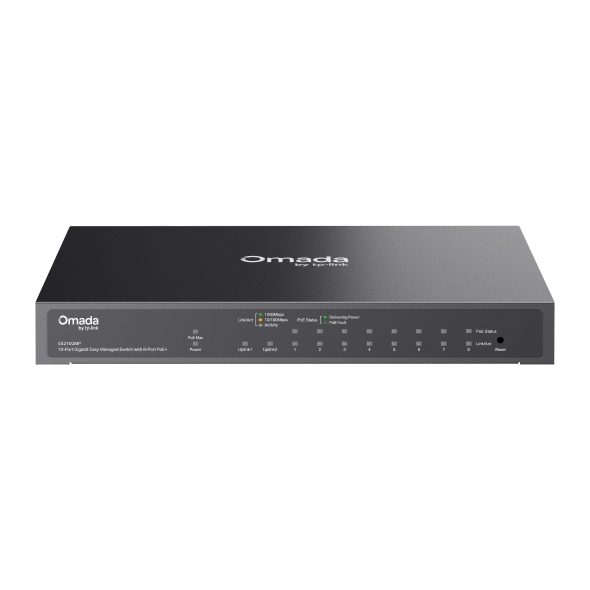
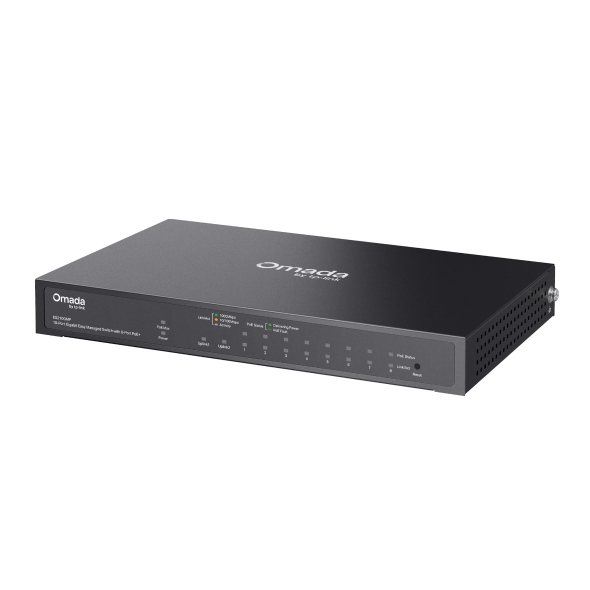
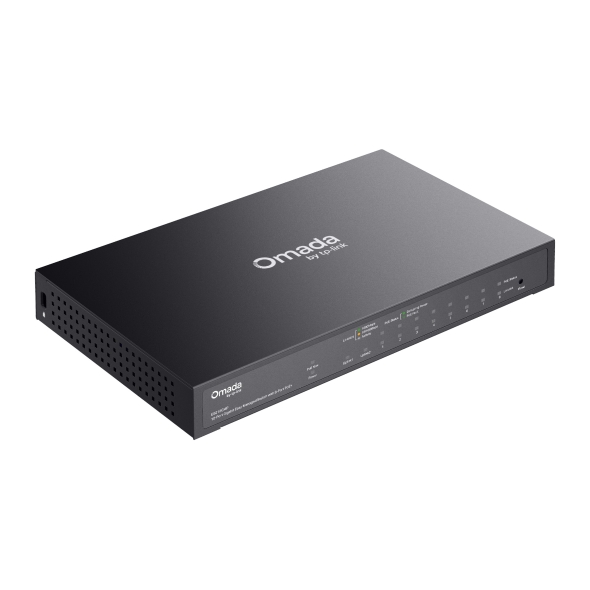
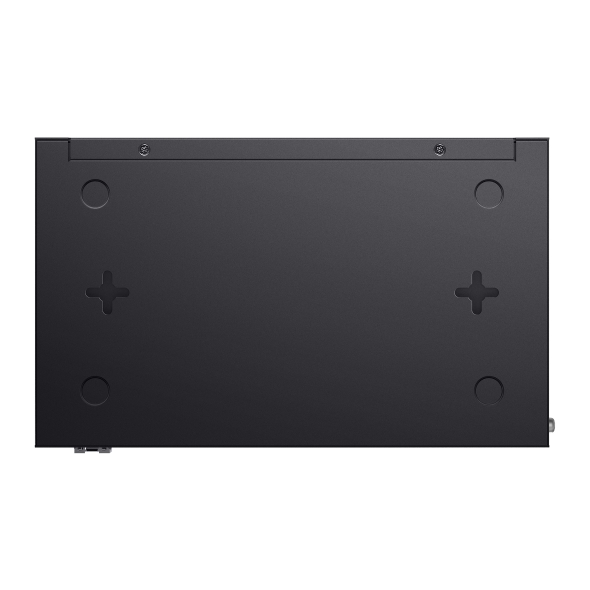
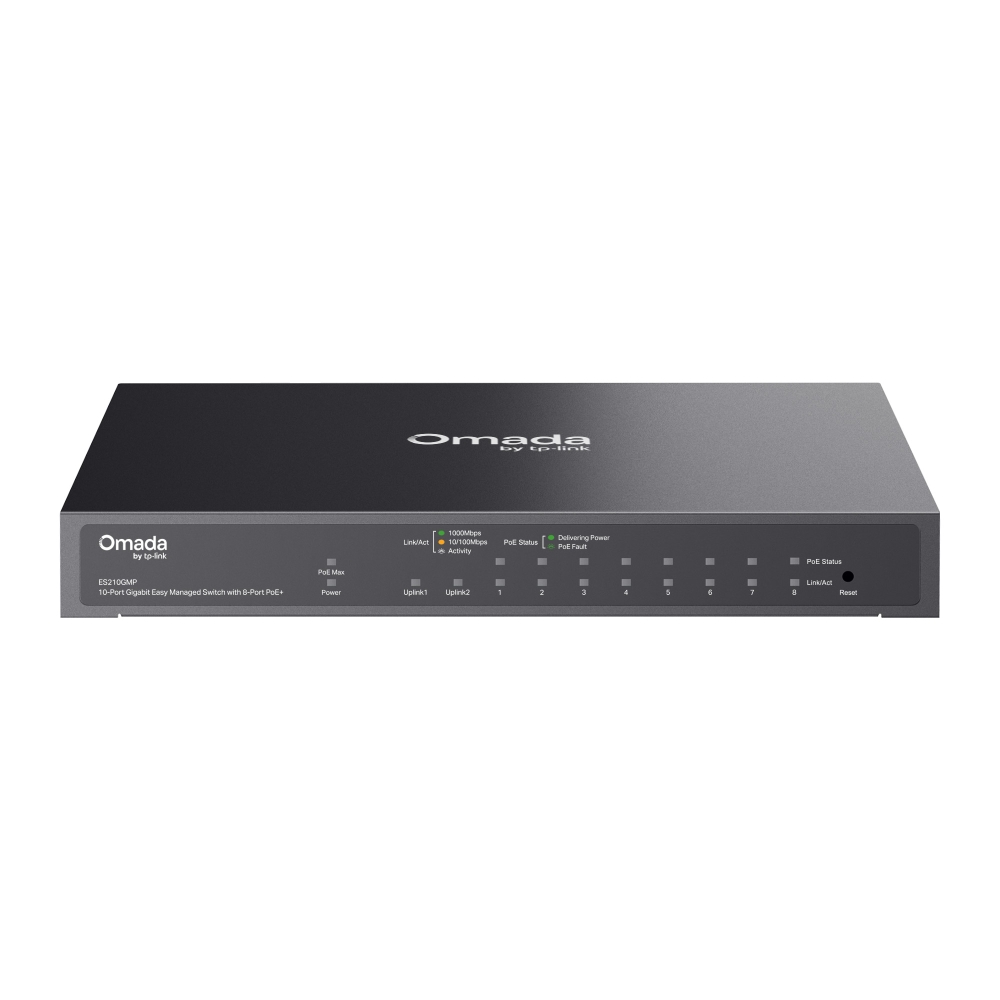
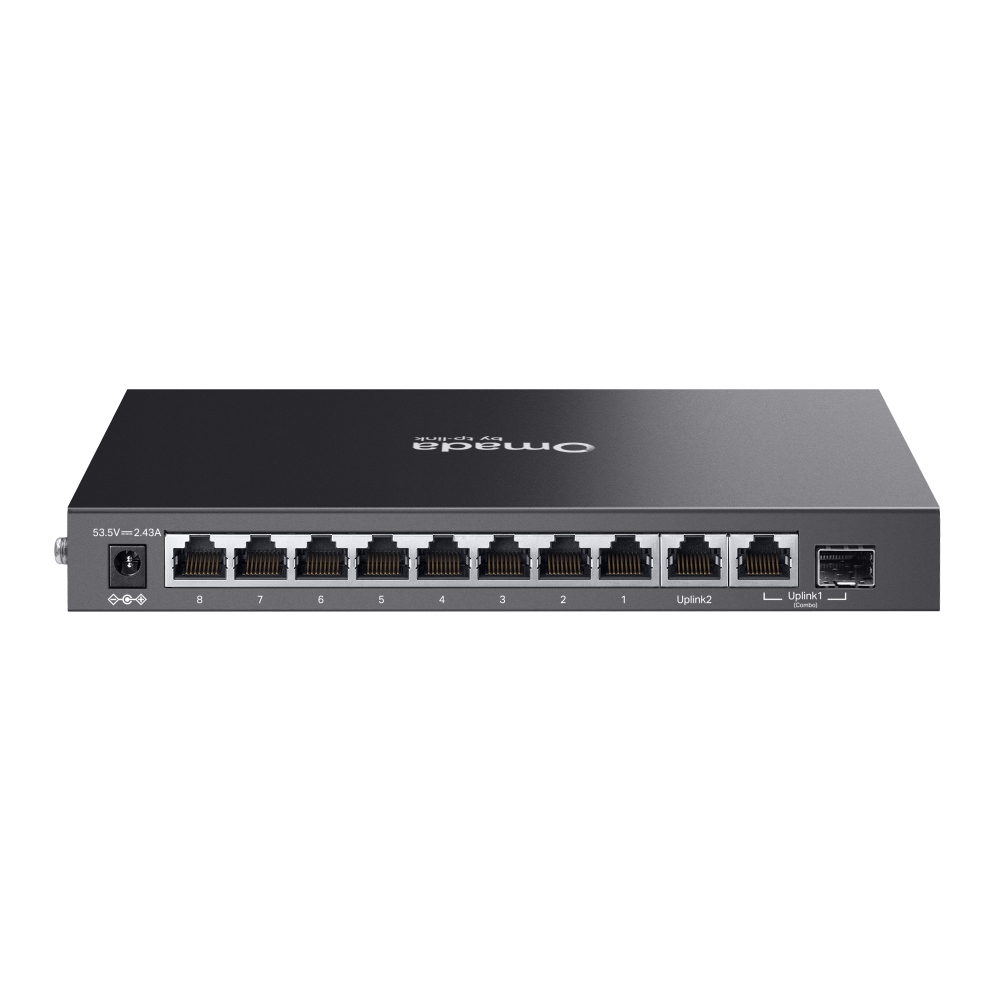
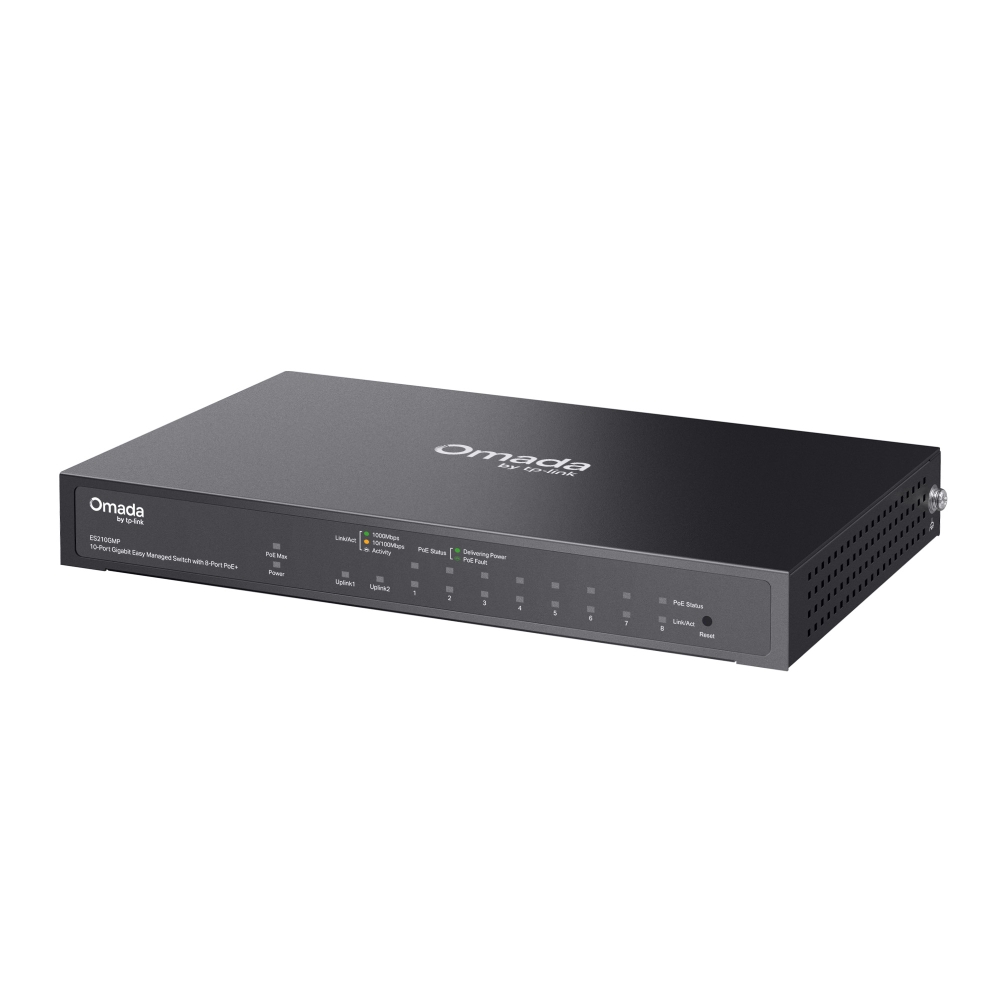
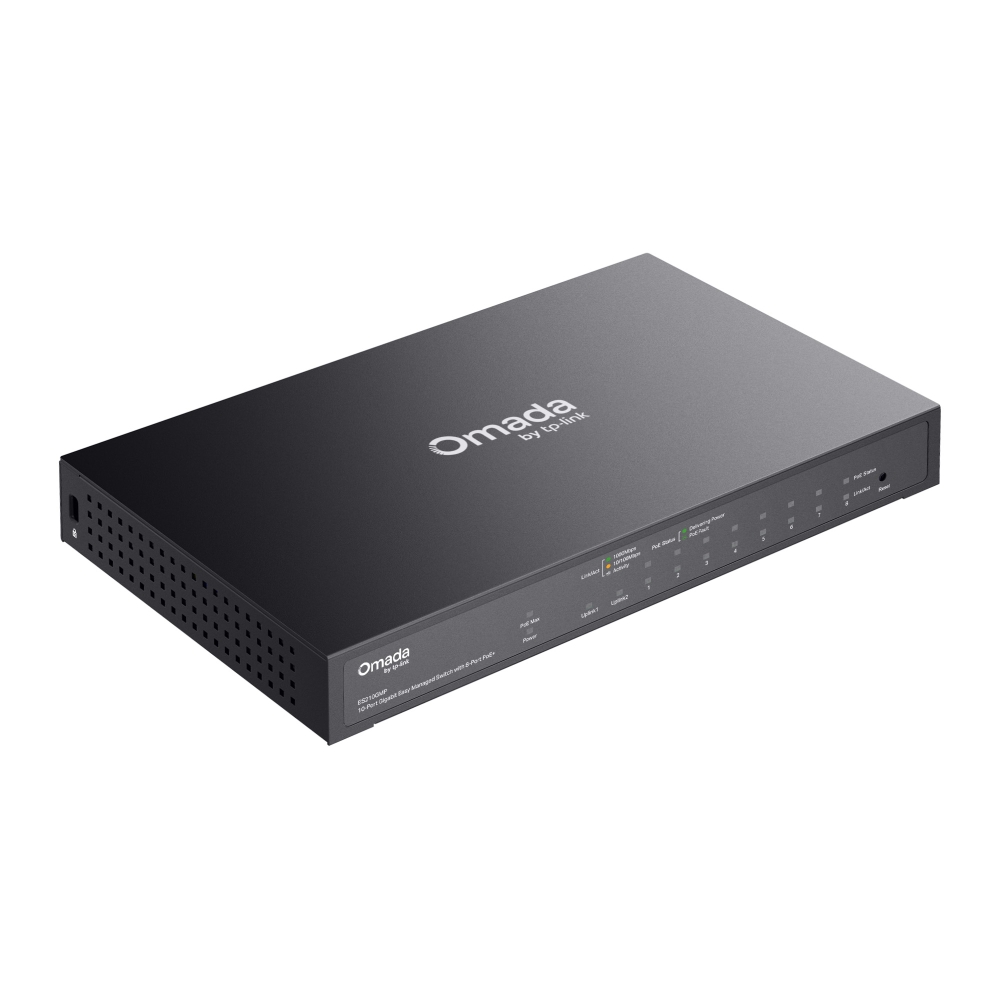
    Omada 10-Port Gigabit Easy Managed Switch with 8-Port PoE+
    Omada 10-Port Gigabit Easy Managed Switch with 8-Port PoE+
    Omada 10-Port Gigabit Easy Managed Switch with 8-Port PoE+
    Omada 10-Port Gigabit Easy Managed Switch with 8-Port PoE+
    Omada 10-Port Gigabit Easy Managed Switch with 8-Port PoE+
    Omada 10-Port Gigabit Easy Managed Switch with 8-Port PoE+
    Omada 10-Port Gigabit Easy Managed Switch with 8-Port PoE+
    Omada 10-Port Gigabit Easy Managed Switch with 8-Port PoE+
    Omada 10-Port Gigabit Easy Managed Switch with 8-Port PoE+
    Omada 10-Port Gigabit Easy Managed Switch with 8-Port PoE+
    Omada 10-Port Gigabit Easy Managed Switch with 8-Port PoE+
    Omada 10-Port Gigabit Easy Managed Switch with 8-Port PoE+
    Omada 10-Port Gigabit Easy Managed Switch with 8-Port PoE+
    Omada 10-Port Gigabit Easy Managed Switch with 8-Port PoE+
    Omada 10-Port Gigabit Easy Managed Switch with 8-Port PoE+

    /5Download

    ES210GMP

    Omada 10-Port Gigabit Easy Managed Switch with 8-Port PoE+

    ¿Cómo encontrar la versión de hardware en un dispositivo TP-Link?
    IMPORTANTE : la disponibilidad del modelo y la versión de hardware varía según la región. Consulte su sitio web regional de TP-Link para determinar la disponibilidad del producto.
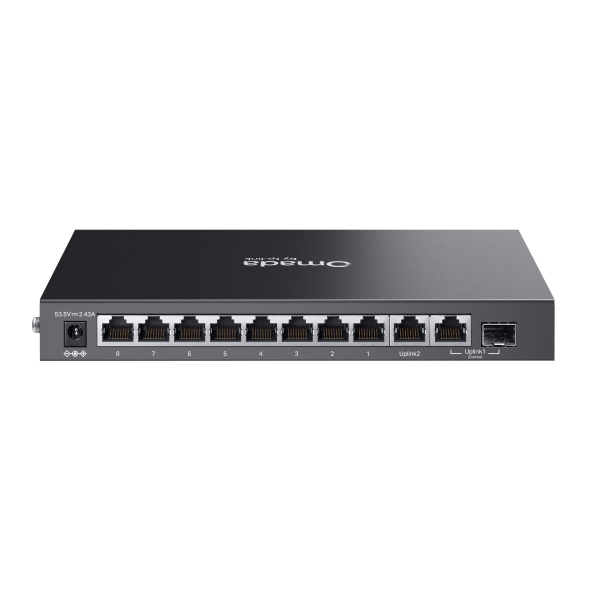
    • 9× Gigabit RJ45 Ports (8× PoE+)
    • 1× Gigabit RJ45/SFP Combo Port
    • 123W Power Budget
    • Easy to Use
    • Cloud Centralized Management
    • Fanless Design for Silent Operation
    • 9× Gigabit RJ45 Ports (8× PoE+)
    • 1× Gigabit RJ45/SFP Combo Port
    • 123W Power Budget
    • Easy to Use
    • Cloud Centralized Management
    • Fanless Design for Silent Operation
    • Documents
    • Videos
    • Downloads
    • Tools
    • Bulletins
    • Community

    Filter By TypeReset

    • checkbox

      Datasheet

    • checkbox

      Guía de Instalación del Hardware

    • checkbox

      Base de conocimientos

      checkbox
    • checkbox

      Nota de difusión

    • checkbox

      Guía de referencia

      checkbox
    • checkbox

      Otros

    Filter By TagReset

    • Controller
    • Gateway
    • Vlan
    • ACL
    • Standalone
    • Mesh
    • CLI
    • VPN
    • App
    • Online
    • Reset
    • Authentication
    • Portal
    • Wireless
    • API

    How to Understand and Troubleshoot LED Indicators on Omada Switches

    Learn what Omada switch LED indicators mean and troubleshoot abnormal Power, port, and PoE LED indicators.

    Troubleshooting Guide
    10-13-2026
    3855

    Best Practices for Deploying Sonos on an Omada Network

    Sonos device causing loops in the Omada Network? Follow this best practice guide to configure the Omada devices to work with your Sonos speakers.

    Troubleshooting Guide
    10-15-2026
    30874

    How to Configure 802.1Q VLAN on Omada Agile/Easy Managed Switches in Standalone Mode

    Need to configure 802.1Q VLAN on Omada switches without Omada Controller? Provide a step-by-step guide in this article.

    Configuration Guide
    07-25-2026
    15190

    How to Use an Omada Controller to Manage Omada Devices Across Different Subnets Over the Internet

    In enterprise networks, devices are often deployed across different subnets, making it common for Omada devices and the Omada Controller to reside in separate network segments. Supporting device adoption and management across subnets enables centralized control without changing existing network designs. This article introduces different methods for adopting devices across subnets using Omada products.

    Configuration Guide
    06-23-2026
    63914

    Why Can I Configure Fewer VLANs Than Expected on My Agile Switch

    When using Omada Agile Switch (ES Series) together with Omada Controller, you may notice that the available number of VLANs is not the expected 32, but 31 instead. This document explains the reason for this phenomenon and the specific scenarios in which it may occur.

    FAQ
    08-14-2026
    21087

    How to Troubleshoot Slow Channel Switching, Missing Channels, and More in IPTV

    This guide introduces common causes and step-by-step troubleshooting for issues such as slow channel switching, missing channels, and multi-device viewing failures in IPTV. It outlines diagnostic methods by device type (e.g., terminal, AP, access/aggregation/core switches, gateway) and provides recommended configuration values and validation approaches.

    Troubleshooting Guide
    11-07-2025
    79678

    How to Configure VLAN in Omada Network v6

    We are aware that significant changes regarding LAN settings have been made from Omada Controller v5 to Omada Network v6. This article introduces how to configure the VLAN feature with newest Omada Network v6 to help you establish a better understanding of the workflow of how to configure VLAN with Omada Network v6.

    Configuration Guide
    08-18-2026
    134539

    How to Find the IP Address of My Omada Devices

    By default, Omada devices use dynamic IP addresses. Whether connected to the internet or not, devices such as EAPs or switches should automatically obtain an IP address as long as they are connected to a local network or a DHCP server. There are different ways to find the IP address of an Omada device. Whether the device is in standalone mode or controller mode, you can also use the Omada APP or Discover Utility to find it.

    Configuration Guide
    10-07-2026
    85302

    How to Configure Extend Mode on PoE Switches for Long-Distance Connections

    Configuration Guide
    08-20-2026
    53104

    How to Run a Cable Test in Omada Network

    Learn how to perform a Cable Test in Omada Network to check cable status, estimate cable length, locate faults, and interpret diagnostic results.

    Configuration Guide
    09-10-2026
    34123
    • Total 17 items
    • 1
    • 2

    No results found.

    Filter By TypeReset

    • checkbox

      Firmware

    • checkbox

      Software

      checkbox
    • checkbox

      Archivos MIB

    • checkbox

      Código GPL

    Other Tools

    Omada App

    Omada App

    Filter By TypeReset

    • checkbox

      Vulnerabilidad de la seguridad

    • checkbox

      Notificación EOL/EOM/EOS

    • checkbox

      Otros

    No results found.

    Síguenos

    • TP-Link Omada facebook
    • TP-Link Omada youtube
    • TP-Link Omada twitter
    • TP-Link Omada instagram
    • TP-Link Omada linkedin
    About
    • Corporate Profile
    • Contact Us
    • Privacy Policy
    Press
    • News
    • Blog
    • Security Advisory
    Partners
    • Partner Program
    Learning Center
    • Technology Trends
    TP-Link Omada Omada Pro VIGI
    Argentina / Español

    Copyright © 2026 TP-Link SRL Reservados todos los derechos.

    Este sitio utiliza cookies. Si continúa navegando por el sitio, acepta el uso que hacemos de las cookies. No volver a mostrar Más información .

    Your Privacy Choices

    Este sitio utiliza cookies. Si continúa navegando por el sitio, acepta el uso que hacemos de las cookies. No volver a mostrar Más información .

    Cookies basicas

    Esas cookies son necesarias para que el sitio web funcione y no se puede desactivar en sus sistemas.

    TP-Link

    SESSION, JSESSIONID, accepted_local_switcher, tp_privacy_banner, tp_privacy_base, tp_privacy_marketing, tp_top-banner, tp_popup-bottom, tp_popup-center, tp_popup-right-middle, tp_popup-right-bottom, tp_productCategoryType

    Youtube

    id, VISITOR_INFO1_LIVE, LOGIN_INFO, SIDCC, SAPISID, APISID, SSID, SID, YSC, __Secure-1PSID, __Secure-1PAPISID, __Secure-1PSIDCC, __Secure-3PSID, __Secure-3PAPISID, __Secure-3PSIDCC, 1P_JAR, AEC, NID, OTZ

    Zendesk

    OptanonConsent, __cf_bm, __cfruid, _cfuvid, _help_center_session, _pendo___sg__.<container-id>, _pendo_meta.<container-id>, _pendo_visitorId.<container-id>, _zendesk_authenticated, _zendesk_cookie, _zendesk_session, _zendesk_shared_session, ajs_anonymous_id, cf_clearance

    Cookies de análisis y marketing

    Las cookies de análisis nos permiten analizar sus actividades en nuestro sitio web para mejorar y adaptar la funcionalidad de nuestro sitio web.

    Nuestros socios publicitarios pueden configurar las cookies de marketing a través de nuestro sitio web para crear un perfil de sus intereses y mostrarle anuncios relevantes en otros sitios web.

    Google Analytics y Google Tag Manager

    _gid, _ga_<container-id>, _ga, _gat_gtag_<container-id>

    Google Ads y DoubleClick

    test_cookie, _gcl_au