


Contents
Objective
This guide provides instructions for changing the MAC format display in the controller.
Requirements
- Omada Controller
Introduction
In network management, the MAC (Media Access Control) address serves as one of the core identifiers for recognizing and tracking network devices. It is a unique physical address composed of 48 binary bits, typically represented as six groups of two hexadecimal digits separated by colons or hyphens. The MAC address plays a vital role at the foundational level of network communication, enabling network devices such as routers and switches to accurately deliver data frames to the intended destination. With the release of Omada Controller 6.1, we have officially introduced the feature to customize the display format of MAC addresses. This update allows users to flexibly switch between different display formats, further optimizing the management experience.
Configuration
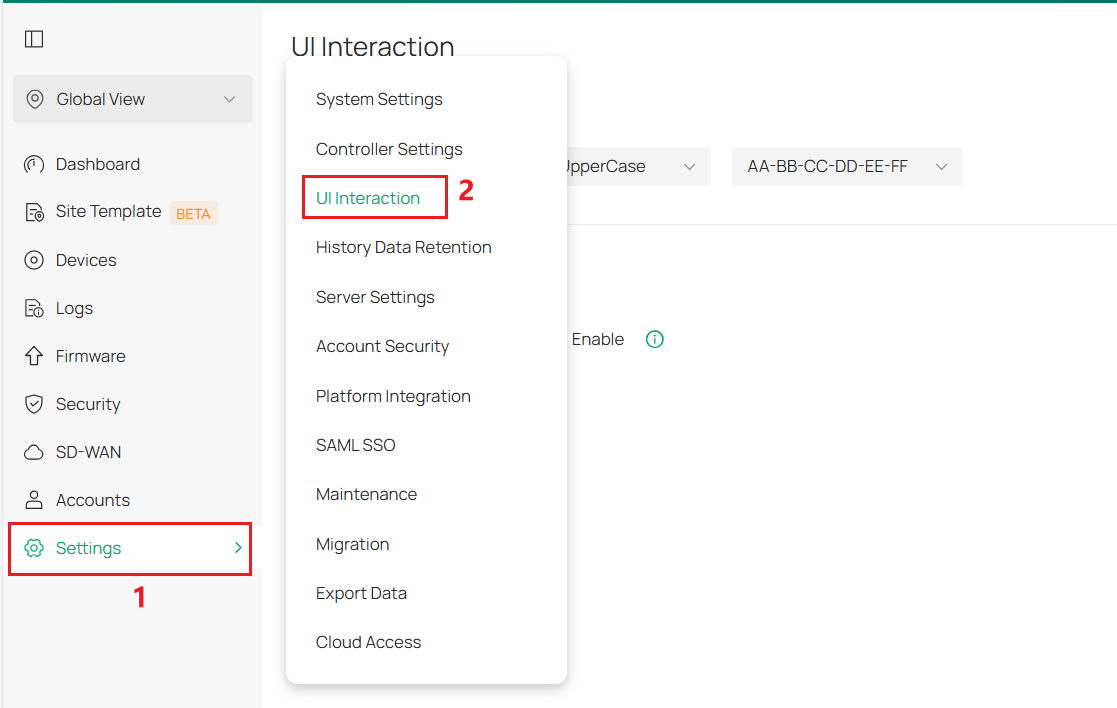
Step 1. Enter Global Settings > UI Interaction.
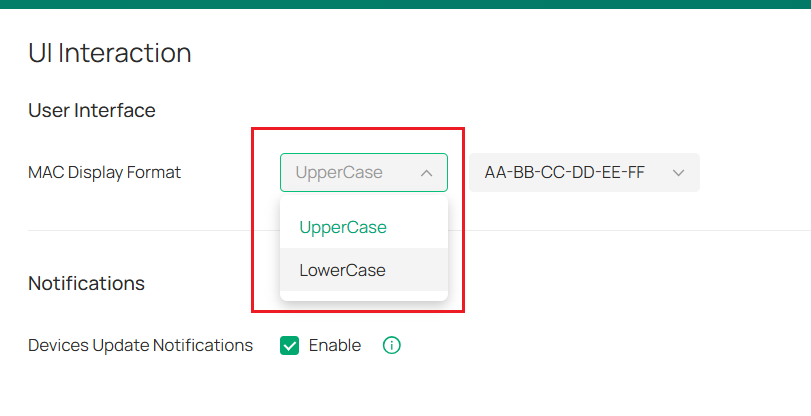
Step 2. Select the display case format for MAC.
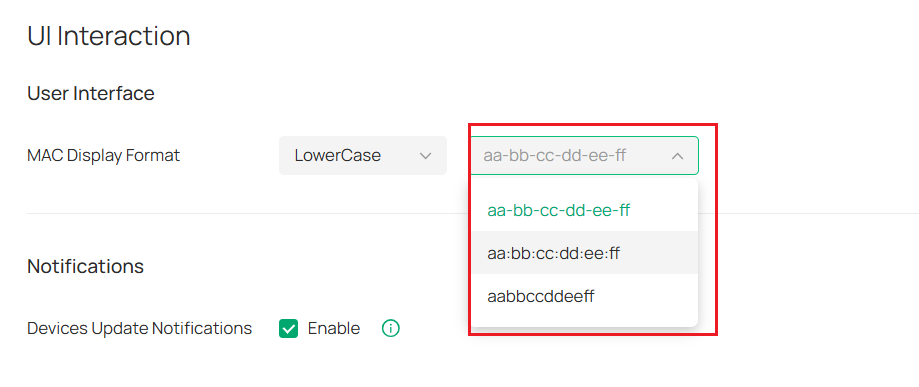
Step 2. Select the display interval format for MAC.
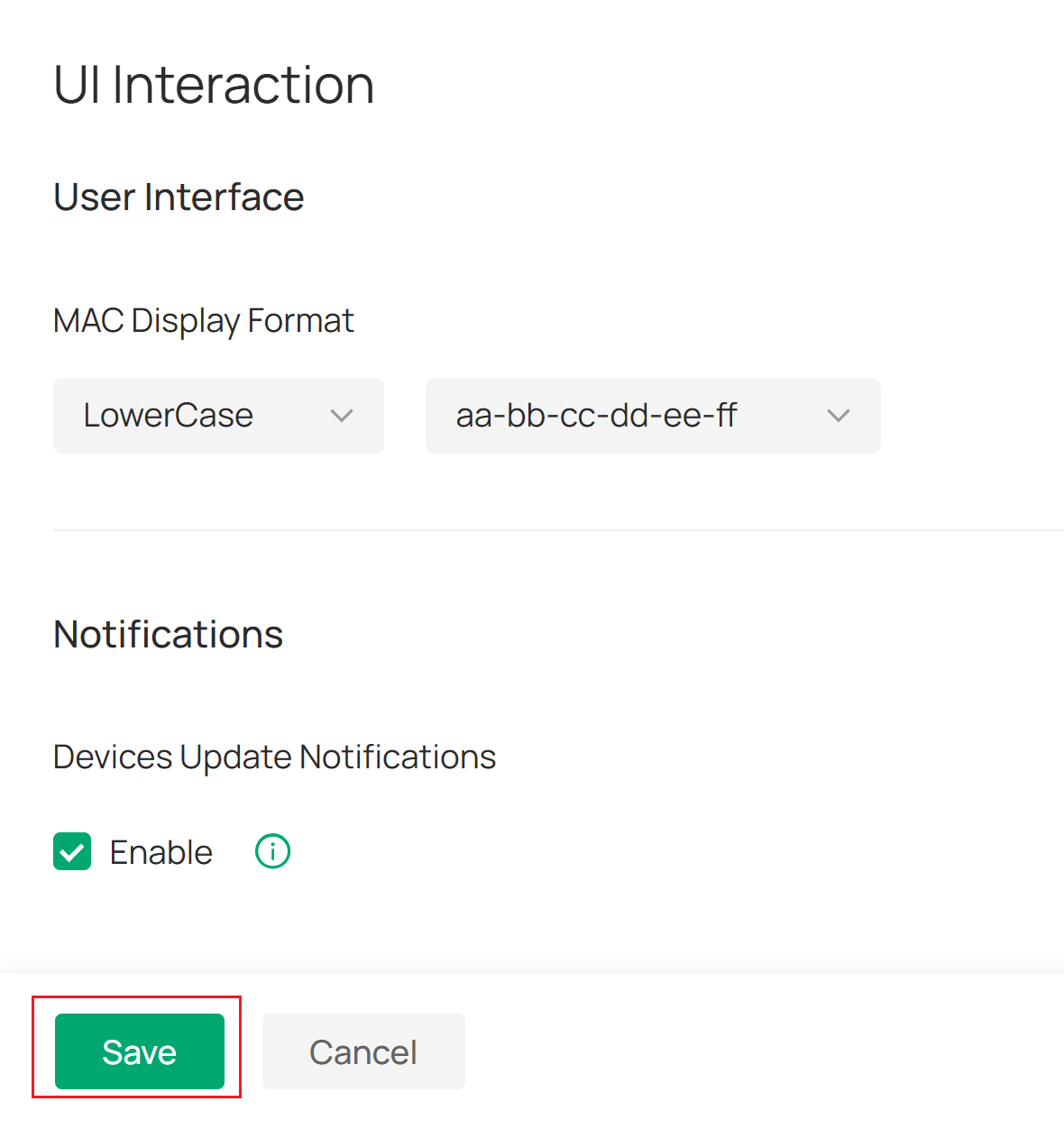
Step 3. Click Save button.
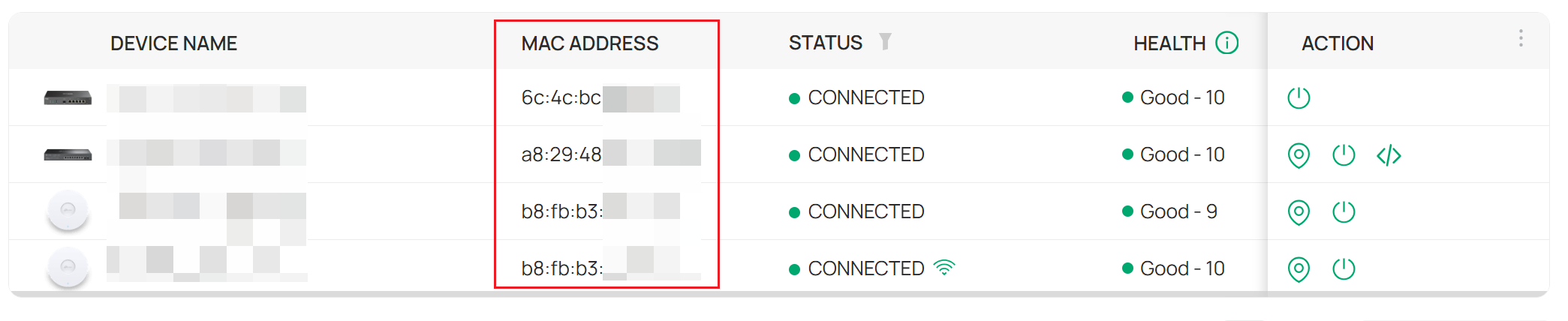
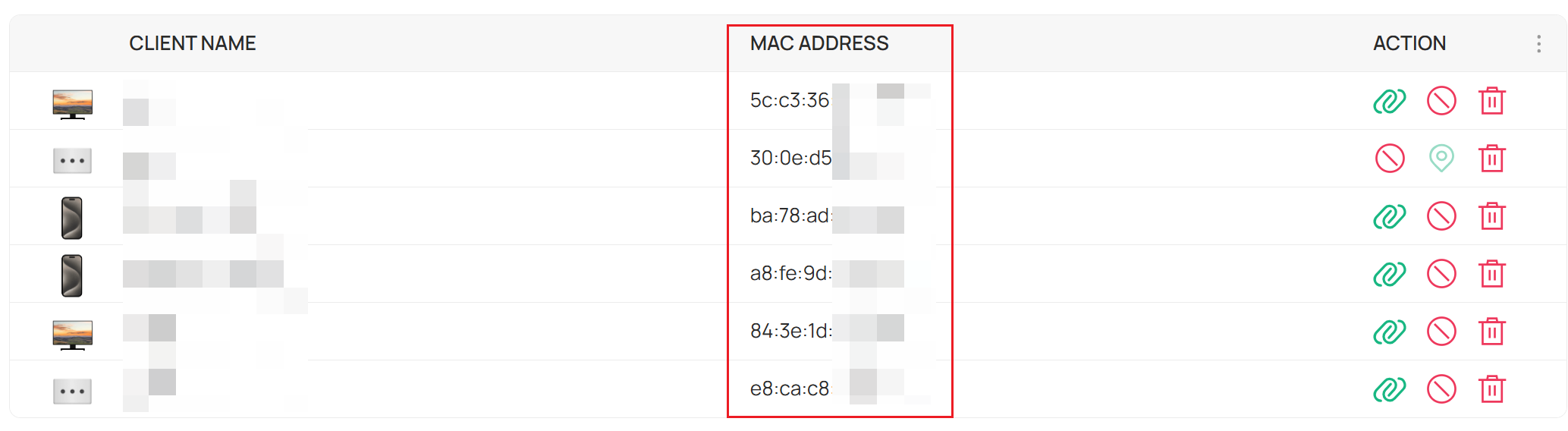
Step 4. Then you can see the new MAC format on all pages that display MAC information.
Get to know more details of each function and configuration please go to Download Center to download the manual of your product.
