Omada Pro Logo official website Vigi Logo official website
Contáctanos
  • Contacto soporte
Iniciar Sesión
avatar

    Mensajes Mensajes Favoritos Favoritos Ajustes de cuenta Ajustes de cuenta
    Colombia / Español
    Omada logo
    • Productos

      Productos

      • Inalámbirco
        • WiFi 7
          WiFi 7
        • Access Point
          Access Point
        • Access Point de pared
          Access Point de pared
        • Desktop
          Desktop
        • Exterior
          Exterior
        • Ver todo
          Ver todo
      • Switches
        • Access Pro
          Access Pro
        • Access Plus
          Access Plus
        • Access
          Access
        • Ver todo
          Ver todo
      • Gateways
        • Wired Gateways
          Wired Gateways
        • WiFi Gateways
          WiFi Gateways
        • Integrated Gateways
          Integrated Gateways
        • Ver todo
          Ver todo
      • Controladores
        • Cloud-Based
          Cloud-Based
        • Hardware
          Hardware
        • Software
          Software
        • Ver todo
          Ver todo
      • Accesorios
        • Convertidores de medios
          Convertidores de medios
        • Módulos/Cables
          Módulos/Cables
        • Adaptadores PoE
          Adaptadores PoE
        • Accesorios Rackmount
          Accesorios Rackmount
        • Ver todo
          Ver todo

      Plataformas de gestión

      • Sistemas de gestión
        • Cloud-Based
          Cloud-Based
        • Hardware
          Hardware
        • Software
          Software
        • Ver todo
          Ver todo
      • Portal de Cloud
    • Soluciones
      Home Soluciones

      Por escenarios

      • Pequeñas y medianas oficinas
      • Restaurantes y tiendas de cadena pequeñas
      • WiFi para fincas, campos y estacionamientos
      • WiFi de alta densidad

      Por tecnología

      • WiFi 7
      • Solución PPSK
      • Puentes inalámbricos PtP & PtMP
      • Solución Multi-Gigabit
      • Switches PoE para videovigilancia

      Casos de estudio

      Casos de estudio

      Omada Powers Shift4’s POS Solution over 20,000 Sites in the US

      Navegar
    • Aprender y capacitarse

      Aprendizaje

      • Preguntas frecuentes
      • Videos de instalación
      • Guias de configuración
      • Casos de estudio

      Capacitaciones

      • Introducción capacitaciones
      • Para aprendices
      • Para instructores
    • Soporte
      Home soporte

      Documentos

      • Guía de instalación de Hardware
      • Soporte y recursos
      • Fichas técnicas
      • Guía de referencia
      • Ver todo

      Descargas

      • Descargar Software
      • Descargar Firmware
      • Código GPL
      • Archivos MIBs
      • Ver todo

      Boletines

      • Vulnerabilidad de seguridad
      • Notificaciones EOL/EOM/EOS
      • Ver todo

      Contacto soporte

      • Email soporte
      • Número soporte
      • Servicios de garantías

      Herramientas

      • Emuladores Omada
      • Omada App
      • Lista de compatibilidad
    • Comunidad
    Buscar
    1. Home>
    2. Product Support>
    3. TL-SG3428XMP>
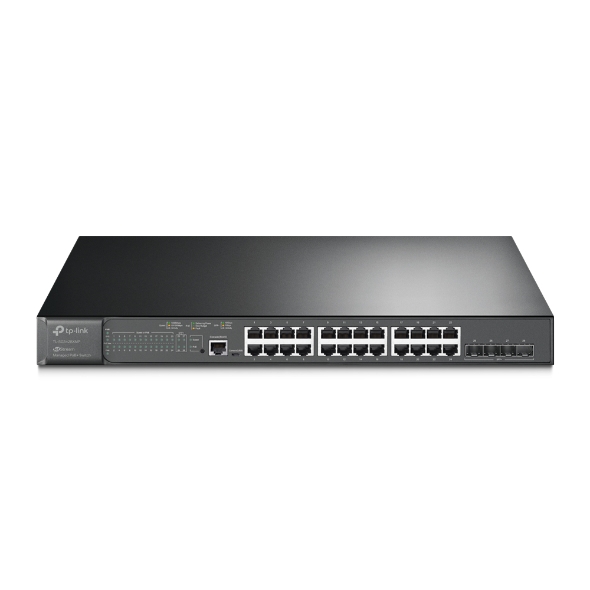
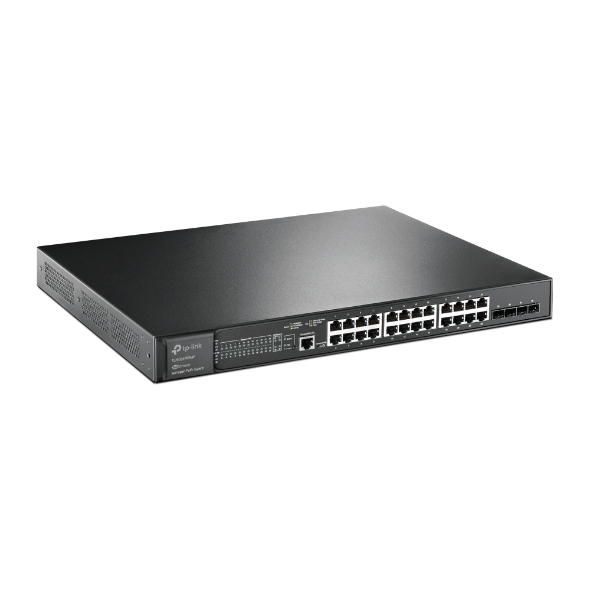
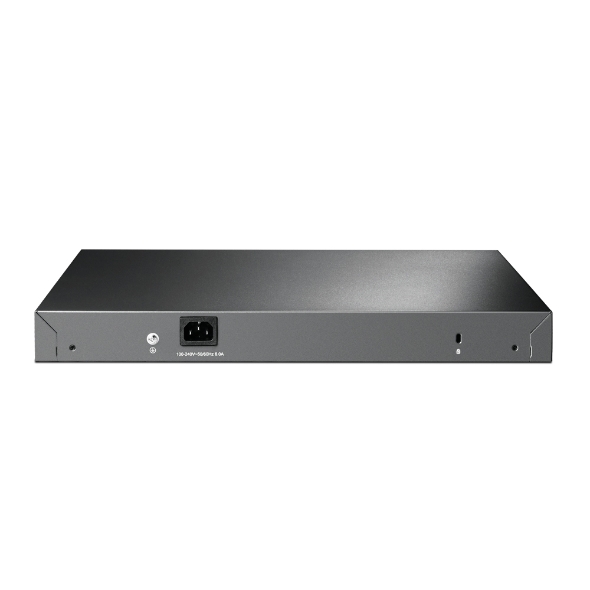
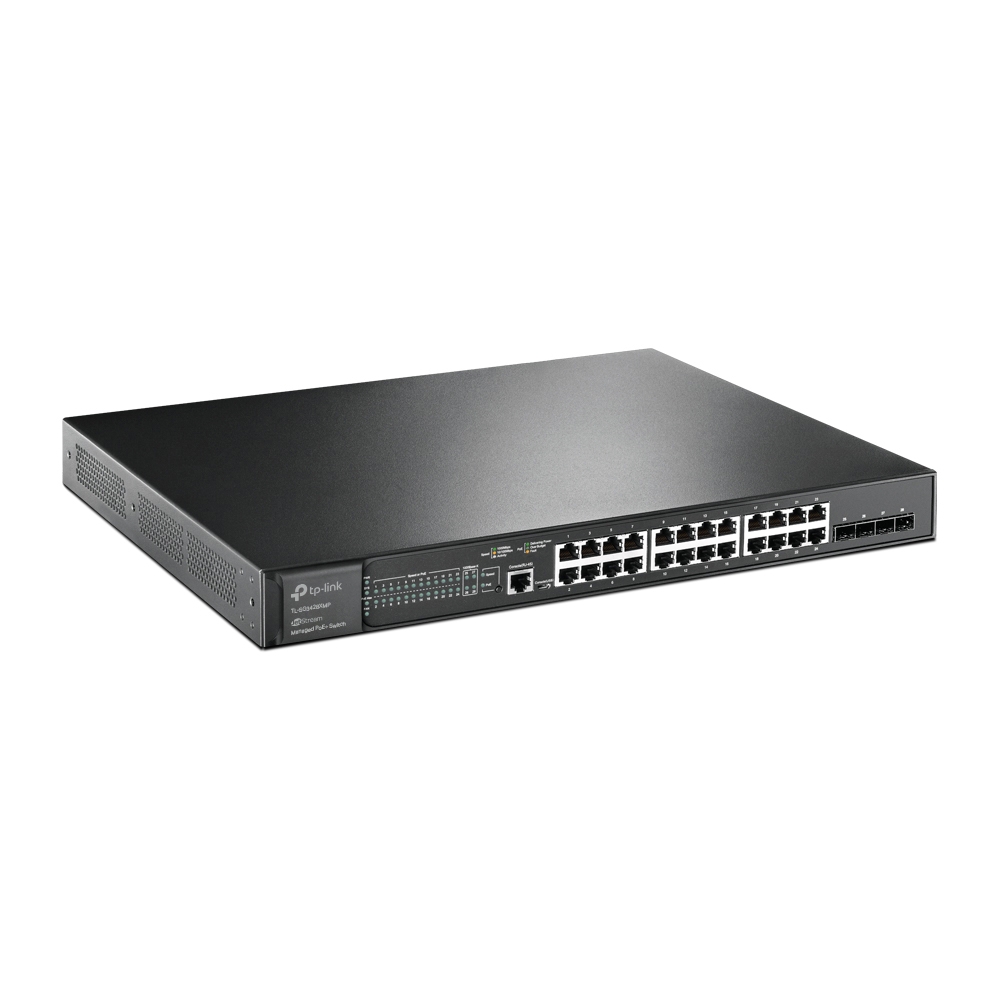
    Switch administrado L2+ JetStream de 24 puertos Gigabit PoE+ y 4 puertos 10GE SFP+
    Switch administrado L2+ JetStream de 24 puertos Gigabit PoE+ y 4 puertos 10GE SFP+
    Switch administrado L2+ JetStream de 24 puertos Gigabit PoE+ y 4 puertos 10GE SFP+
    Switch administrado L2+ JetStream de 24 puertos Gigabit PoE+ y 4 puertos 10GE SFP+
    Switch administrado L2+ JetStream de 24 puertos Gigabit PoE+ y 4 puertos 10GE SFP+
    Switch administrado L2+ JetStream de 24 puertos Gigabit PoE+ y 4 puertos 10GE SFP+
    Switch administrado L2+ JetStream de 24 puertos Gigabit PoE+ y 4 puertos 10GE SFP+
    Switch administrado L2+ JetStream de 24 puertos Gigabit PoE+ y 4 puertos 10GE SFP+
    Switch administrado L2+ JetStream de 24 puertos Gigabit PoE+ y 4 puertos 10GE SFP+

    /3Download

    TL-SG3428XMP

    Switch administrado L2+ JetStream de 24 puertos Gigabit PoE+ y 4 puertos 10GE SFP+

    • 24 puertos Gigabit PoE +
    • 4 ranuras 10G SFP +
    • PoE total de 384 W
    • Gestión centralizada
    • 24 puertos Gigabit PoE +
    • 4 ranuras 10G SFP +
    • PoE total de 384 W
    • Gestión centralizada
    • Documents
    • Videos
    • Downloads
    • Tools
    • Bulletins
    • Community

    Filter By TypeReset

    • checkbox

      Datasheet

    • checkbox

      Guía de Instalación del Hardware

    • checkbox

      Base de conocimientos

      checkbox
    • checkbox

      Nota de difusión

    • checkbox

      Guía de referencia

      checkbox
    • checkbox

      Otros

    Filter By TagReset

    • Controller
    • Gateway
    • Vlan
    • ACL
    • Standalone
    • Mesh
    • CLI
    • VPN
    • App
    • Online
    • Reset
    • Authentication
    • Portal
    • Wireless
    • API

    How to Maintain Management VLAN and Port Settings When Adopting Switches on Omada Network V6

    Before Omada Controller V6, when adopting a switch on controller, the default configuration will be applied to the switch and override all the previous pre-configuration done in standalone mode. This could cause inconvenience while adopting switches to a network which management VLAN is not the default VLAN. If the default configuration, especially the default VLAN interface, overrides the pre-configuration done on the switch, it will be disconnected after adoption and hard to recover.

    Configuration Guide
    11-20-2025
    5132

    How to configure Management VLAN for Omada Devices (Omada Controller 5.15 or above)

    The management VLAN is a VLAN created to separate the management network from the data network. By default, the management VLAN is the LAN network in a network centrally managed by Omada SDN Controller. You can change the management VLAN to improve network security. With a separated management VLAN, it is much harder for unauthorized users to modify the configurations or monitor the network.

    Configuration Guide
    11-13-2025
    7428

    How to Fix Black Screens, Lag, Distortion, or Pixelation on IPTVs

    This article provides a detailed overview of common causes and troubleshooting methods for IPTV issues such as black screens, lag, image distortion, and pixelation. Based on the practical configuration of TP-Link Omada devices, it offers a systematic, multi-layered diagnostic approach and recommended settings to help you restore video playback quality.

    Troubleshooting Guide
    11-08-2025
    7959

    How to Troubleshoot Slow Channel Switching, Missing Channels, and More in IPTV

    This guide introduces common causes and step-by-step troubleshooting for issues such as slow channel switching, missing channels, and multi-device viewing failures in IPTV. It outlines diagnostic methods by device type (e.g., terminal, AP, access/aggregation/core switches, gateway) and provides recommended configuration values and validation approaches.

    Troubleshooting Guide
    11-07-2025
    7528

    How to edit switch port configuration in Omada Network v6

    In the latest V6 Controller, we have made partial changes to the switch port configuration logic. This article primarily introduces how to correctly configure switch ports when using the V6 Controller and provides explanations on key points.

    Configuration Guide
    10-27-2025
    8950

    How to configure VLAN with Omada Network v6

    We are aware that significant changes regarding LAN settings have been made from Omada Controller v5 to Omada Network v6. This article introduces how to configure the VLAN feature with newest Omada Network v6 to help you establish a better understanding of the workflow of how to configure VLAN with Omada Network v6.

    Configuration Guide
    10-27-2025
    14818

    How to find IP address of my Omada Devices

    By default, Omada devices use dynamic IP addresses. Whether connected to the internet or not, devices such as EAPs or switches should automatically obtain an IP address as long as they are connected to a local network or a DHCP server. There are different ways to find the IP address of an Omada device. Whether the device is in standalone mode or controller mode, you can also use the Omada APP or Discover Utility to find it.

    Configuration Guide
    10-07-2025
    12270

    How to create a VLAN using Omada App

    Creating a VLAN using Omada App just needs a few steps, in this article, you will learn how to set it up.

    Configuration Guide
    10-01-2025
    15624

    How to configure sFlow on Omada Switches

    Configuration Guide
    09-16-2025
    5947

    How to configure QoS on Omada Switches in Standalone Mode

    Configuration Guide
    09-15-2025
    7928
    • Total 65 items
    • 1
    • 2
    • 3
    • 4
    • 5
    • 6
    • 7
    • 10 / page

    No results found.

    Filter By TypeReset

    • checkbox

      Firmware

    • checkbox

      Software

      checkbox
    • checkbox

      Archivos MIB

    • checkbox

      Código GPL

    No results found.

    Other Tools

    Omada App

    Omada App

    Filter By TypeReset

    • checkbox

      Vulnerabilidad de la seguridad

    • checkbox

      Notificación EOL/EOM/EOS

    • checkbox

      Otros

    No results found.

    • Total 21 items
    • 1
    • 2
    • 3

    SubscriptionTP-Link toma en serio su privacidad. Para obtener más detalles sobre las prácticas de privacidad de TP-Link, consulte la Política de privacidad de TP-Link.

    Email Error

    Me gustaría estar al tanto de las novedades, actualizaciones de productos y promociones de TP-Link.

    Al completar este formulario, confirma que comprende y acepta nuestra Política de Privacidad .

    reCaptcha not verified

    Síguenos

    • TP-Link Omada facebook
    • TP-Link Omada youtube
    Sobre nosotros
    • Perfil corporativo
    • Contáctanos
    • Política de privacidad
    Prensa
    • Noticias
    • Blog
    • Aviso de seguridad
    Partners
    • Partner Program
    Centro de aprendizaje
    • Tendencias en tecnología
    TP-Link Omada Omada Pro VIGI
    Colombia / Español

    ©2025 TPLINK Colombia LTDA and its affiliated companies. All rights reserved.

    Este sitio web utiliza cookies para mejorar la navegación en el sitio web, analizar las actividades en línea y tener la mejor experiencia de usuario posible en nuestro sitio web. Puedes oponerte al uso de cookies en cualquier momento. Puede encontrar más información en nuestra política de privacidad . No volver a mostrar

    Your Privacy Choices

    Este sitio web utiliza cookies para mejorar la navegación en el sitio web, analizar las actividades en línea y tener la mejor experiencia de usuario posible en nuestro sitio web. Puedes oponerte al uso de cookies en cualquier momento. Puede encontrar más información en nuestra política de privacidad . No volver a mostrar

    Basic Cookies

    These cookies are necessary for the website to function and cannot be deactivated in your systems.

    TP-Link

    SESSION, JSESSIONID, accepted_local_switcher, tp_privacy_banner, tp_privacy_base, tp_privacy_marketing, tp_top-banner, tp_popup-bottom, tp_popup-center, tp_popup-right-middle, tp_popup-right-bottom, tp_productCategoryType

    Youtube

    id, VISITOR_INFO1_LIVE, LOGIN_INFO, SIDCC, SAPISID, APISID, SSID, SID, YSC, __Secure-1PSID, __Secure-1PAPISID, __Secure-1PSIDCC, __Secure-3PSID, __Secure-3PAPISID, __Secure-3PSIDCC, 1P_JAR, AEC, NID, OTZ

    Zendesk

    OptanonConsent, __cf_bm, __cfruid, _cfuvid, _help_center_session, _pendo___sg__.<container-id>, _pendo_meta.<container-id>, _pendo_visitorId.<container-id>, _zendesk_authenticated, _zendesk_cookie, _zendesk_session, _zendesk_shared_session, ajs_anonymous_id, cf_clearance

    Analysis and Marketing Cookies

    Analysis cookies enable us to analyze your activities on our website in order to improve and adapt the functionality of our website.

    The marketing cookies can be set through our website by our advertising partners in order to create a profile of your interests and to show you relevant advertisements on other websites.

    Google Analytics & Google Tag Manager

    _gid, _ga_<container-id>, _ga, _gat_gtag_<container-id>

    Google Ads & DoubleClick

    test_cookie, _gcl_au