Vigi Logo official website
Contatti
  • Contatti commerciali
  • Contatta il Supporto Tecnico
Log In
avatar

    Messaggi Messaggi Segnalibri Segnalibri Impostazioni account Impostazioni account
    Italia / Italiano
    Omada logo
    • Prodotti

      Prodotti

      • Fusion Gateway
        • Fusion Series
          Fusion Series
        • Fusion Pro Series
          Fusion Pro Series
        • View All
          View All
      • Standard Gateway
        • Router Wired
          Router Wired
        • Router WiFi
          Router WiFi
        • Router WiFi 4G
          Router WiFi 4G
        • Router All-in-One
          Router All-in-One
        • DSL Gateways
          DSL Gateways
        • Mostra tutti
          Mostra tutti
      • Prodotti WiFi
        • WiFi 7
          WiFi 7
        • Indoor
          Indoor
        • Wall
          Wall
        • Desktop
          Desktop
        • Outdoor
          Outdoor
        • Wireless Bridge
          Wireless Bridge
        • GPON
          GPON
        • Mostra tutti
          Mostra tutti
      • Switch
        • Campus
          Campus
        • Aggregation
          Aggregation
        • Access Max
          Access Max
        • Access Pro
          Access Pro
        • Access Plus
          Access Plus
        • Access
          Access
        • Agile
          Agile
        • Industrial
          Industrial
        • Mostra tutti
          Mostra tutti
      • Controller
        • Cloud-Based
          Cloud-Based
        • Hardware
          Hardware
        • Software
          Software
        • Mostra tutti
          Mostra tutti
      • Accessori
        • Alimentazione e PoE
          Alimentazione e PoE
        • Media Converter
          Media Converter
        • Moduli & Cavi
          Moduli & Cavi
        • Montaggio e Staffa
          Montaggio e Staffa
        • Mostra tutti
          Mostra tutti
      • GPON Solutions

      Piattaforme di Management

      • Sistemi di Management
        • Fusion Gateway
          Fusion Gateway
        • Cloud-Based
          Cloud-Based
        • Hardware
          Hardware
        • Software
          Software
        • Mostra tutti
          Mostra tutti
      • Cloud Portal

      Software Tools

      • Omada Design Hub
      • Omada WiFi Navi App
      • Omada App
    • Soluzioni
      Homepage soluzioni

      Per scenario

      • Hospitality
      • Retail
      • Scuola 4.0
      • Aziende / Uffici
      • Unità abitative multiple / Studentati (MDU)
      • Logistica / Magazzini
      • Healthcare
      • WiFi per Outdoor
      • WiFi High-Density

      Per tecnologia

      • Omada Central - Gestione rete e videosorveglianza
      • Omada Cloud Essentials - Controller cloud gratuito
      • Soluzioni GPON
      • WiFi 7
      • Soluzioni PPSK
      • Bridge Wireless PtP & PtMP
      • Soluzioni Multi-Gigabit
      • Switch PoE per Videosorveglianza
      • Switch Industriali

      Case Study

      Case Study

      Omada alimenta il successo nel mondo reale

      Naviga
    • Formazione

      Risorse

      • Domande Frequenti
      • Video di Setup
      • Guide alla Configurazione
      • Case Study

      Training

      • Introduzione ai Training
      • Per Partner
      • Per Istruttori
    • Supporto
      Homepage Supporto

      Documentazione

      • Hardware Installation Guide
      • Knowledgebase
      • Datasheet
      • Guide
      • Mostra tutti

      Download

      • Software Download
      • Firmware Download
      • GPL Code
      • MIBs Files
      • Mostra tutti

      Avvisi

      • Vulnerabilità della sicurezza
      • Notifiche prodotti EOL/EOM/EOS
      • Mostra tutti

      Contatta il Supporto Tecnico

      • Email
      • Garanzia

      Tool

      • Emulatore Omada
      • Omada App
      • Omada Wi-Fi Navi App
      • Compatibility List
    • Partner

      Partner Program

      • Log In
      • Scopri i vantaggi

      Diventa Partner

      • Registrati ora

      Deal Registration

      • Invia ora

      Trova un Distributore

      • Scopri
    • Community
    Cerca
    1. Home>
    2. Supporto Prodotto>
    3. Omada Guard App>
    Omada Guard App
    Omada Guard App
    Omada Guard App
    Omada Guard App
    Omada Guard App
    Omada Guard App
    Omada Guard App
    Omada Guard App
    Omada Guard App
    Omada Guard App
    Omada Guard App
    Omada Guard App
    Omada Guard App
    Omada Guard App
    Omada Guard App
    Omada Guard App
    Omada Guard App
    Omada Guard App

    /6Download

    Omada Guard App

    Omada Guard App

    Come identificare modello e versione hardware di un prodotto TP-Link?
    ATTENZIONE
    Modelli e versioni variano a seconda dell'area geografica.
    Per prodotti in uso in Italia, utilizzare solo risorse presenti sul sito
    http://www.tp-link.it .
    È strettamente necessario verificare modello e versione hardware prima di scaricare ed installare ogni firmware.
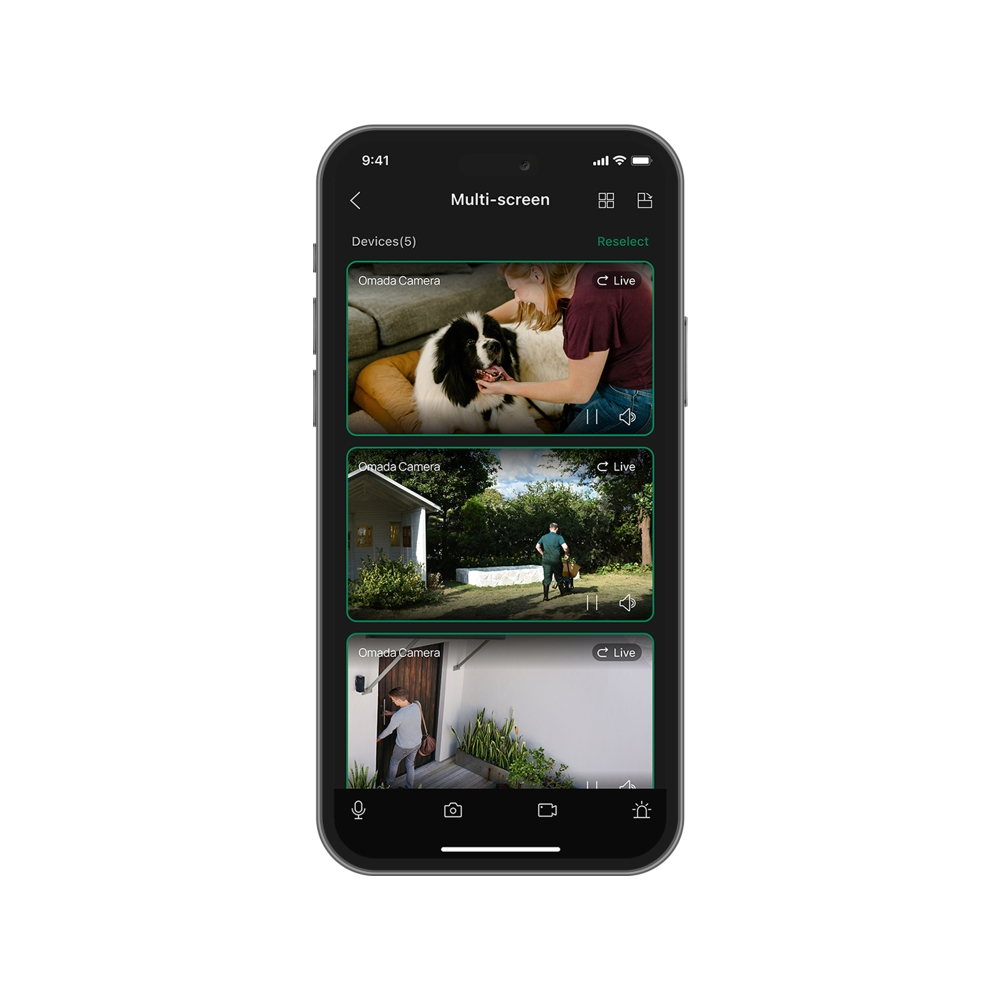
    • Gestione remota
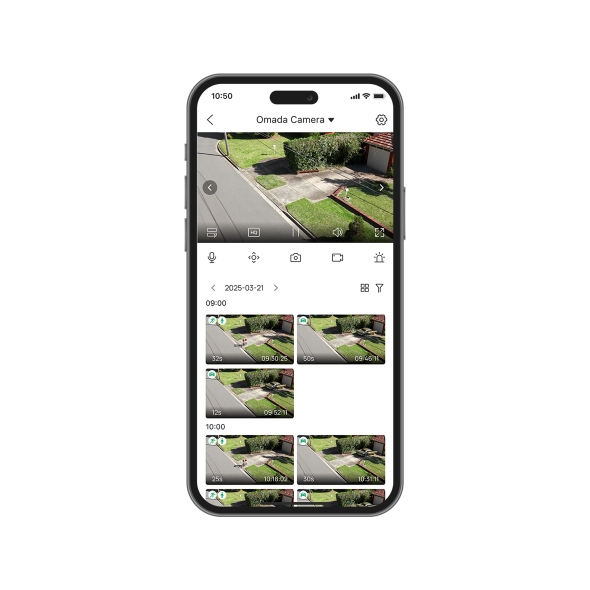
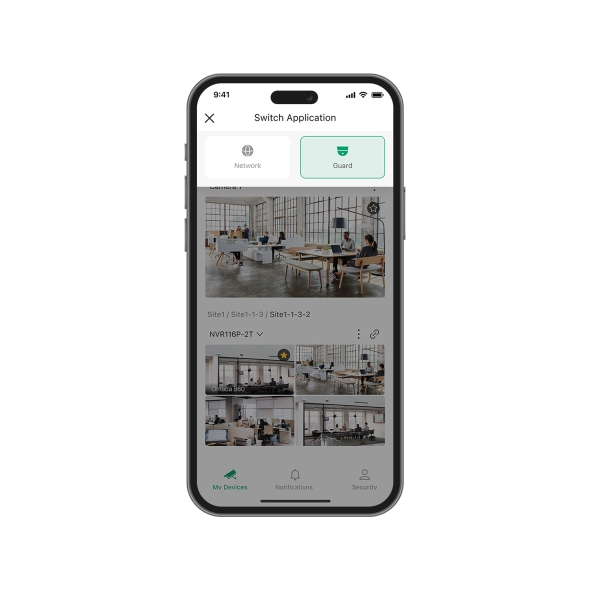
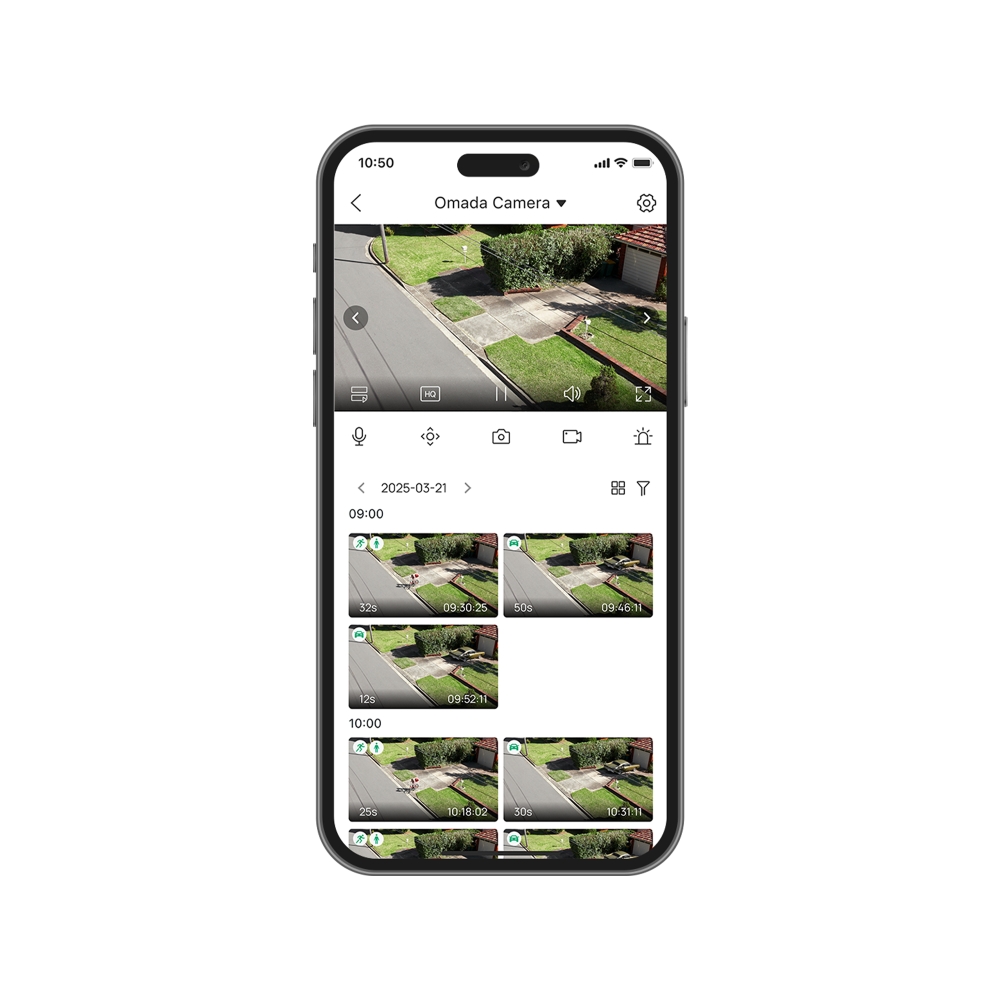
    • Pagina Live View e Playback integrata
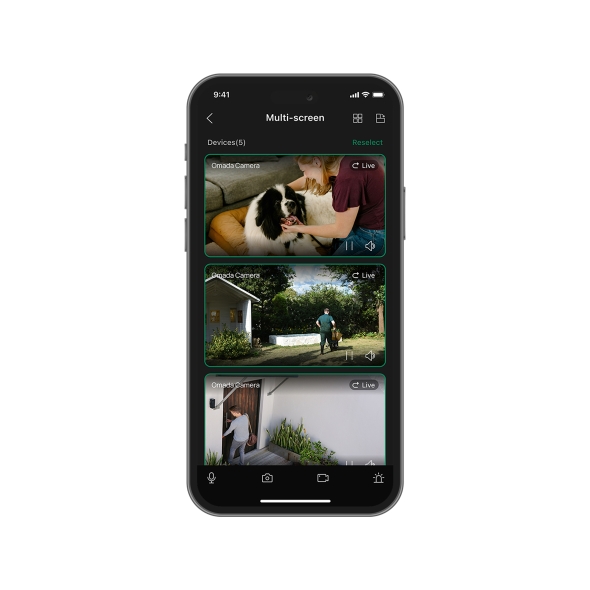
    • Multi-view fluida
    • Ricerca rapida degli eventi tramite timeline, date ed evento
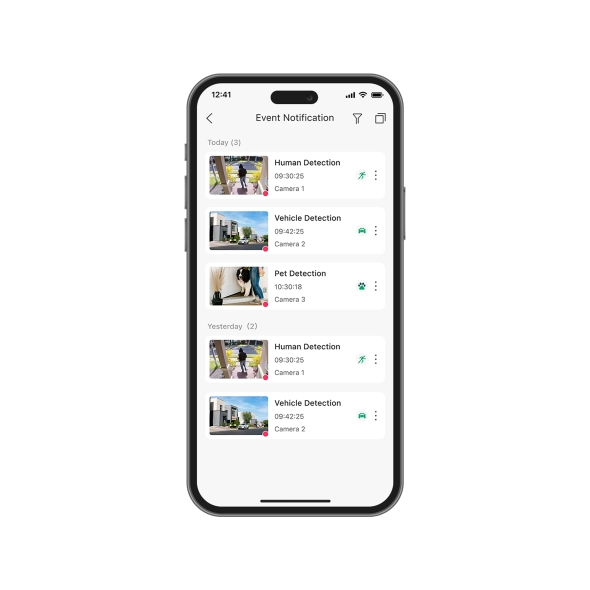
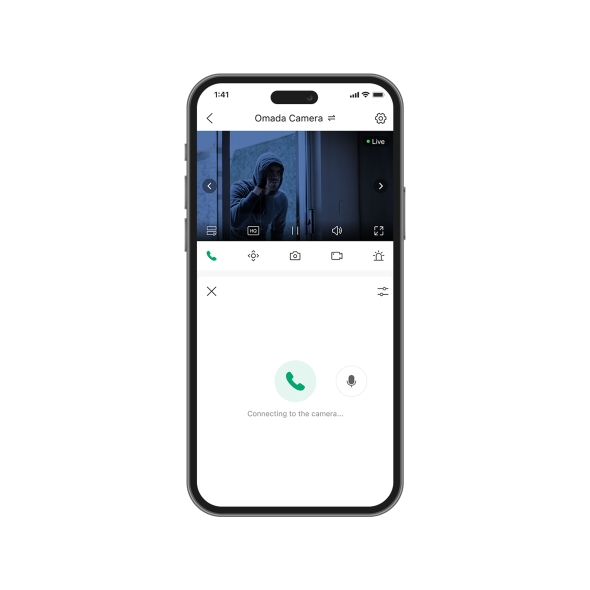
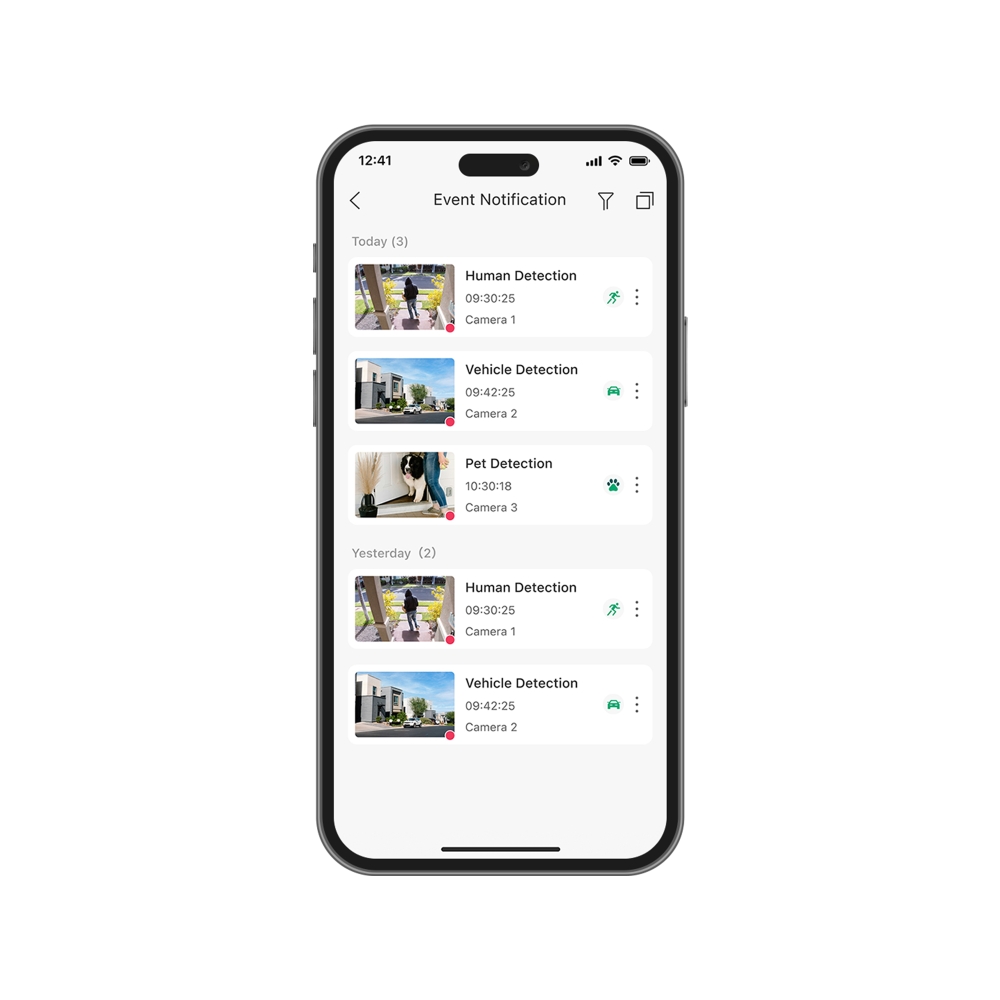
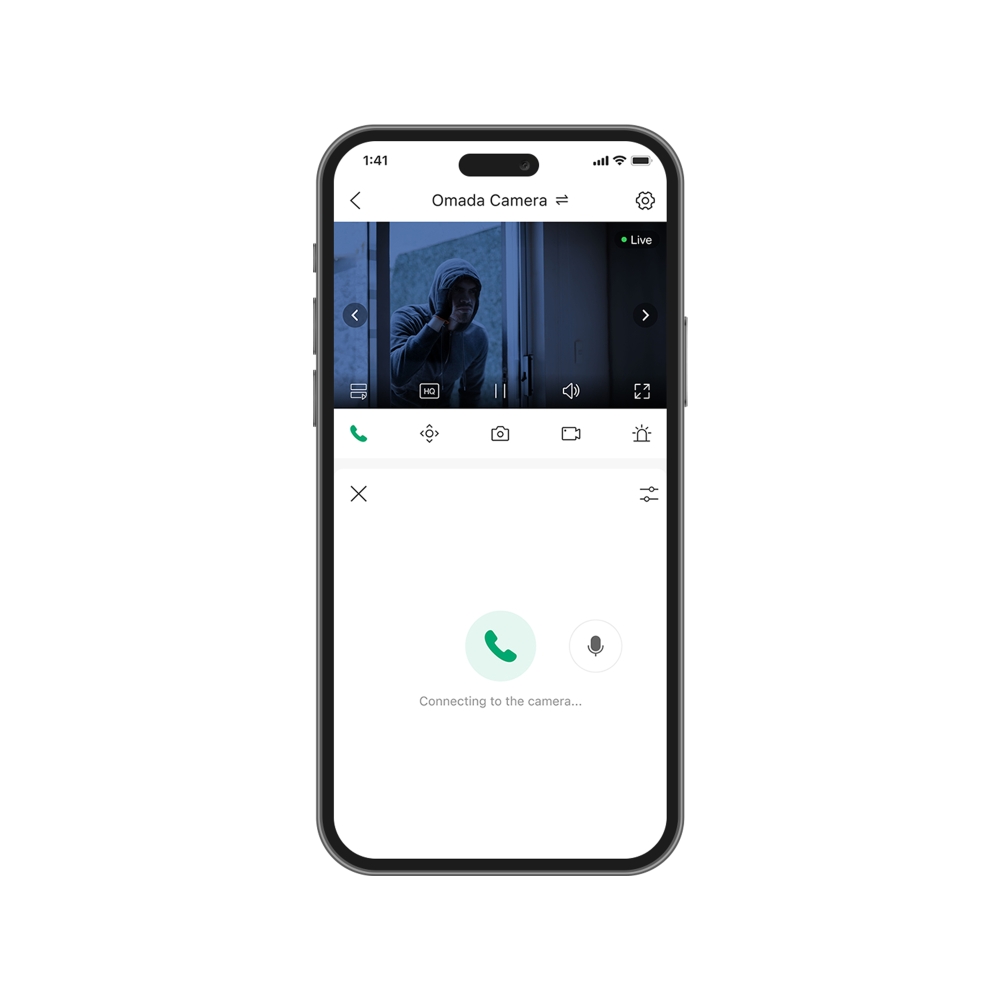
    • Notifiche istantanee e audio bidirezionale
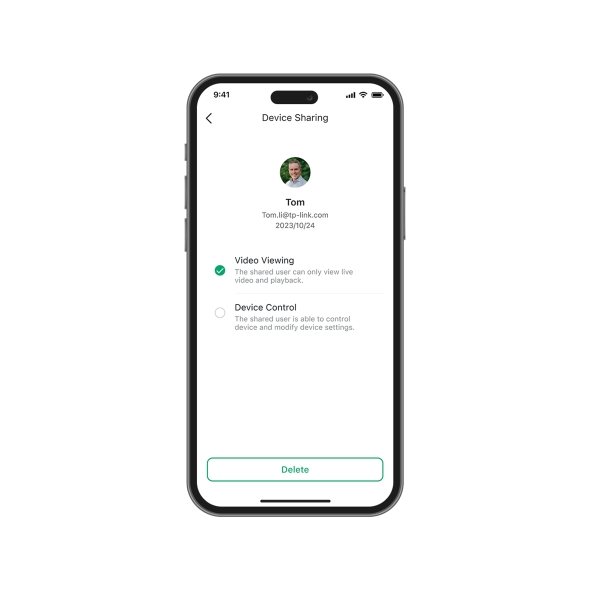
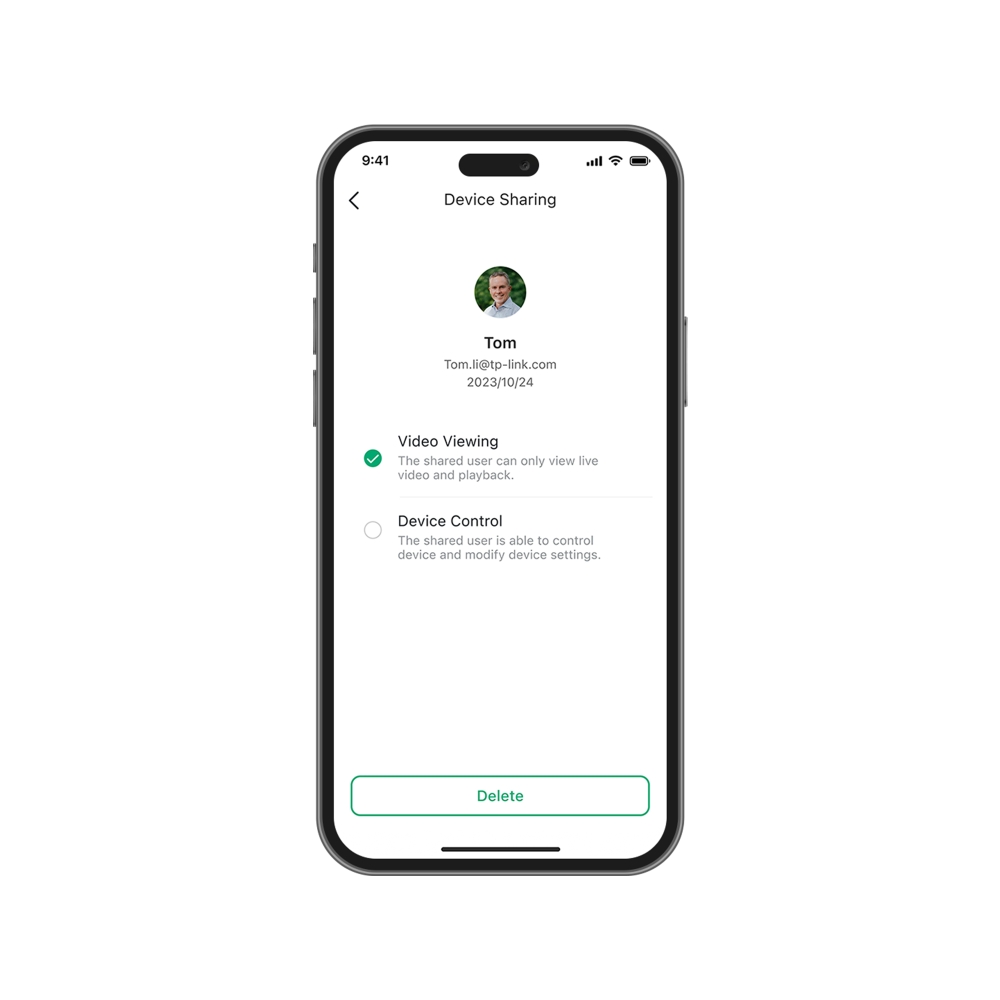
    • Condivisione dispositivo con massimo cinque utenti
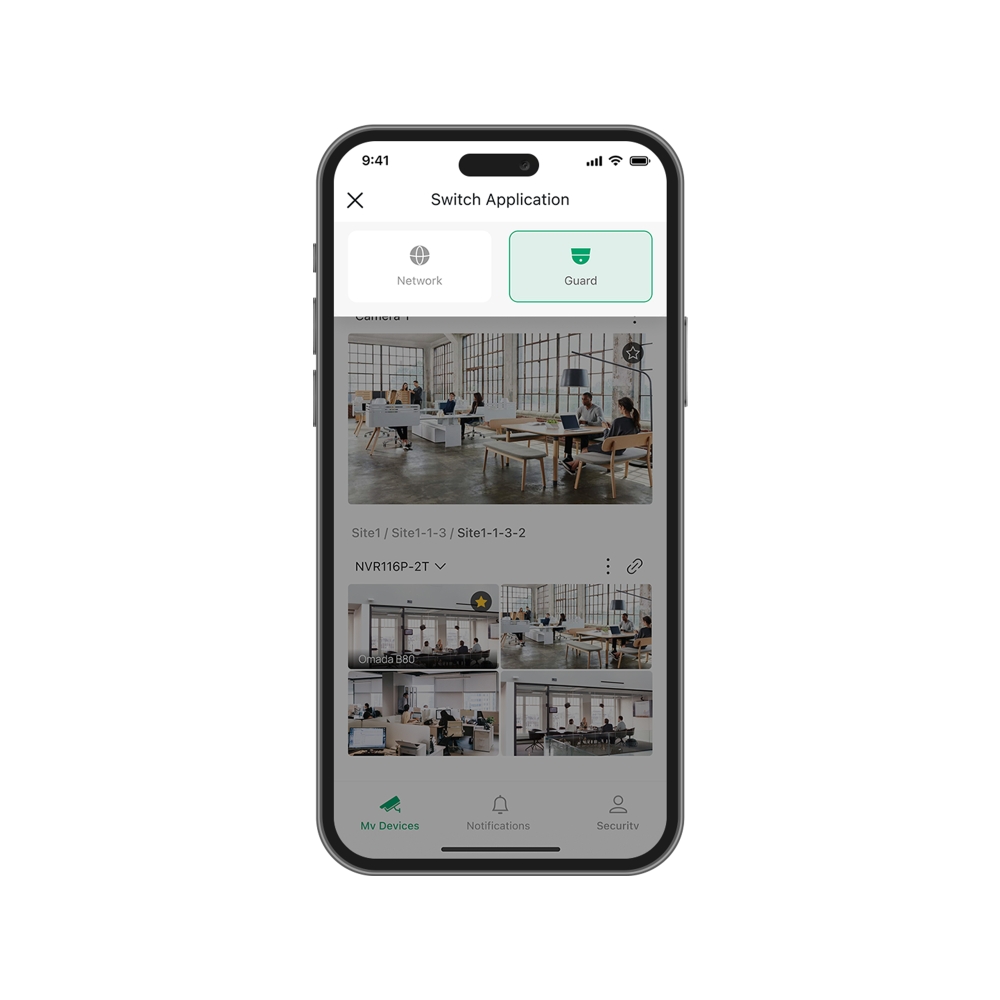
    • Ricerca automatica e aggiunta dispositivi in batch
    • Gestione remota
    • Pagina Live View e Playback integrata
    • Multi-view fluida
    • Ricerca rapida degli eventi tramite timeline, date ed evento
    • Notifiche istantanee e audio bidirezionale
    • Condivisione dispositivo con massimo cinque utenti
    • Ricerca automatica e aggiunta dispositivi in batch
    • Documenti
    • Video
    • Download
    • Tool
    • Avvisi
    • Community

    Filtra per TipologiaReset

    • checkbox

      Datasheet

    • checkbox

      Guida all'installazione dell'hardware

    • checkbox

      Knowledgebase

      checkbox
    • checkbox

      Release Note

    • checkbox

      Guide

      checkbox
    • checkbox

      Altro

    Filtra per TagReset

    • Controller
    • Gateway
    • Vlan
    • ACL
    • Standalone
    • Mesh
    • CLI
    • VPN
    • App
    • Online
    • Reset
    • Autenticazione
    • Portale
    • Wireless
    • API

    How to Download Videos from Omada Guard on an Omada Fusion Pro Gateway

    Learn how to download and export videos from Omada Guard using Playback, Events, and Smart Search on Omada Fusion Pro Gateway.

    Configuration Guide
    09-10-2026
    25488

    How to Transfer Organization Ownership in Omada Guard

    Learn how to transfer Omada Guard organization ownership to another permanent administrator account while retaining administrative access for the previous owner.

    Configuration Guide
    08-12-2026
    9222

    How to Integrate Omada Guard App with Google Home and Amazon Alexa

    Walk through the initial setup process and explain the additional features available through third-party integration, such as voice control, device discovery, and video or snapshot previews on Omada Guard app.

    Configuration Guide
    07-29-2026
    10260

    Omada Guard App Integration with Google Home and Amazon Alexa

    This FAQ introduces the Third-Party Services feature in the Omada Guard app. This feature allows users to link Omada Guard with supported third-party platforms, such as Google Home and Amazon Alexa. Once linked, users can control supported Omada cameras through these services and integrate them with their smart home environment.

    Configuration Guide
    07-23-2026
    10787

    How to Add VIGI Devices to Omada Fusion Pro Gateway

    Omada Fusion Pro Gateway integrates both networking and security functions into one device and supports the adoption of VIGI security devices. This article will introduce how to add VIGI devices to the Omada Fusion Pro Gateway.

    Configuration Guide
    09-23-2026
    6006

    How to Find the IP Address of My Omada Devices

    By default, Omada devices use dynamic IP addresses. Whether connected to the internet or not, devices such as EAPs or switches should automatically obtain an IP address as long as they are connected to a local network or a DHCP server. There are different ways to find the IP address of an Omada device. Whether the device is in standalone mode or controller mode, you can also use the Omada APP or Discover Utility to find it.

    Configuration Guide
    10-07-2026
    85189

    How to Unbind an Omada Security Device from a TP-Link ID Using the Omada Guard App

    Need help unlinking your Omada security device from TP-Link ID? This article will teach you how to do that via Omada Guard app.

    FAQ
    10-01-2026
    32745

    How to Configure Pet Detection on Omada Cameras

    Pet Detection can be found under the Motion Detection, Line Crossing Detection and Intrusion Detection configurations within an Omada IP Camera. Under each of these configurations, Pet Detection can be enabled and will follow the rules set for each configuration.

    Configuration Guide
    08-14-2026
    23287

    How to Share Your Omada Security Devices Using the Omada Guard App

    The Device Sharing feature in the Omada Guard App allows you to share Omada Guard devices with other TP-Link ID users. After sharing, invited users can access and manage the devices based on the permissions you assign. This article explains how to use the Device Sharing feature to invite users, configure permissions, and manage shared access.

    FAQ
    07-22-2026
    28839

    How to Fix Flickering or Rolling Bands in Omada Camera Live View

    See flickering or rolling bands on your live view? Follow this article to find 2 ways to solve the issue.

    Troubleshooting Guide
    07-30-2026
    24583
    • 11 elementi in totale
    • 1
    • 2

    Nessun risultato trovato

    Filtra per TipologiaReset

    • checkbox

      Firmware

    • checkbox

      Software

      checkbox
    • checkbox

      MIBs Files

    • checkbox

      GPL Code

    • checkbox

      Dichiarazione di Conformità

      checkbox

    Nessun risultato trovato

    Altri Tool

    Filtra per TipologiaReset

    • checkbox

      Sicurezza/ Vulnerabilità

    • checkbox

      Notifica EOL/EOM/EOS

    • checkbox

      Altro

    Nessun risultato trovato

    Nessun risultato trovato

    Iscriviti alla newsletter TP-Link prende la Privacy seriamente. Per maggiori informazioni sul trattamento dei tuoi dati consulta l'Informativa Privacy.

    Email Error

    Iscriviti alla newsletter

    By completing this form you confirm that you understand and agree to our Privacy Policy.

    reCaptcha not verified

    Seguici

    About
    • Corporate Profile
    • About Us
    • Sustainability
    • Contact Us
    • Careers at TP-Link
    • Privacy Policy
    • Codice di buona condotta e reclami
    Press
    • News
    • Blog
    • Security Advisory
    Dove Acquistare
    • Distributori
    Partners
    • Partner Program
    Learning Center
    • Technology Trends
    TP-Link Omada VIGI
    Italia / Italiano

    Copyright © 2026 TP-Link Italia SRL Tutti i diritti riservati.

    Questo sito utilizza i cookies per migliorare l'esperienza di navigazione, analizzare le attività online e offrire agli utenti una migliore user experience. Puoi disattivare o rifiutare il loro utilizzo in qualunque momento. Per maggiori informazioni consulta la nostra privacy policy .

    Your Privacy Choices

    Questo sito utilizza i cookies per migliorare l'esperienza di navigazione, analizzare le attività online e offrire agli utenti una migliore user experience. Puoi disattivare o rifiutare il loro utilizzo in qualunque momento. Per maggiori informazioni consulta la nostra privacy policy .

    Basic Cookies

    Questi cookies sono necessari per il corretto funzionamento del sito e non possono essere disattivati nel tuo sistema.

    TP-Link

    SESSION, JSESSIONID, accepted_local_switcher, tp_privacy_banner, tp_privacy_base, tp_privacy_marketing, tp_top-banner, tp_popup-bottom, tp_popup-center, tp_popup-right-middle, tp_popup-right-bottom, tp_productCategoryType

    Youtube

    id, VISITOR_INFO1_LIVE, LOGIN_INFO, SIDCC, SAPISID, APISID, SSID, SID, YSC, __Secure-1PSID, __Secure-1PAPISID, __Secure-1PSIDCC, __Secure-3PSID, __Secure-3PAPISID, __Secure-3PSIDCC, 1P_JAR, AEC, NID, OTZ

    Zendesk

    OptanonConsent, __cf_bm, __cfruid, _cfuvid, _help_center_session, _pendo___sg__.<container-id>, _pendo_meta.<container-id>, _pendo_visitorId.<container-id>, _zendesk_authenticated, _zendesk_cookie, _zendesk_session, _zendesk_shared_session, ajs_anonymous_id, cf_clearance

    Analytics e Marketing Cookies

    I cookies analitici ci permettono di analizzare le tue attività sul nostro sito allo scopo di migliorarne le funzionalità.

    I marketing cookies possono essere impostati sul nostro sito dai nostri partner pubblicitari allo scopo di creare un profilo di tuo interesse e proporti contenuti pubblicitari rilevanti su altri siti.

    Google Analytics & Google Tag Manager

    _gid, _ga_<container-id>, _ga, _gat_gtag_<container-id>

    Google Ads & DoubleClick

    test_cookie, _gcl_au