


Contents
Introduction
This article outlines the key changes introduced in Omada Network 6.3 compared to 6.2. It is designed to help you quickly understand new features, enhancements, and structural updates in the latest version.
Requirements
- Omada Network 6.3
Key Updates
1. Added support for managing all Omada Pro/Campus devices.
2. Added support for direct upgrade to Omada Network 6.3 from the following on-premises systems:
- Omada Pro Software Controller v1.10.20 (Windows and Linux in TAR format)
- Omada Pro Hardware Controller C5300 (firmware version 1.4.4 Build 20260121 Rel. 36286)
3. Added support for importing Omada Pro Controller configuration files via Settings > Maintenance > Restore or Settings > Migration > Controller Migration > Migration Import.
4. Compared to Omada Pro Controller v1.10.20 or Omada Network 6.2, Omada Network 6.3 does not lack any features.
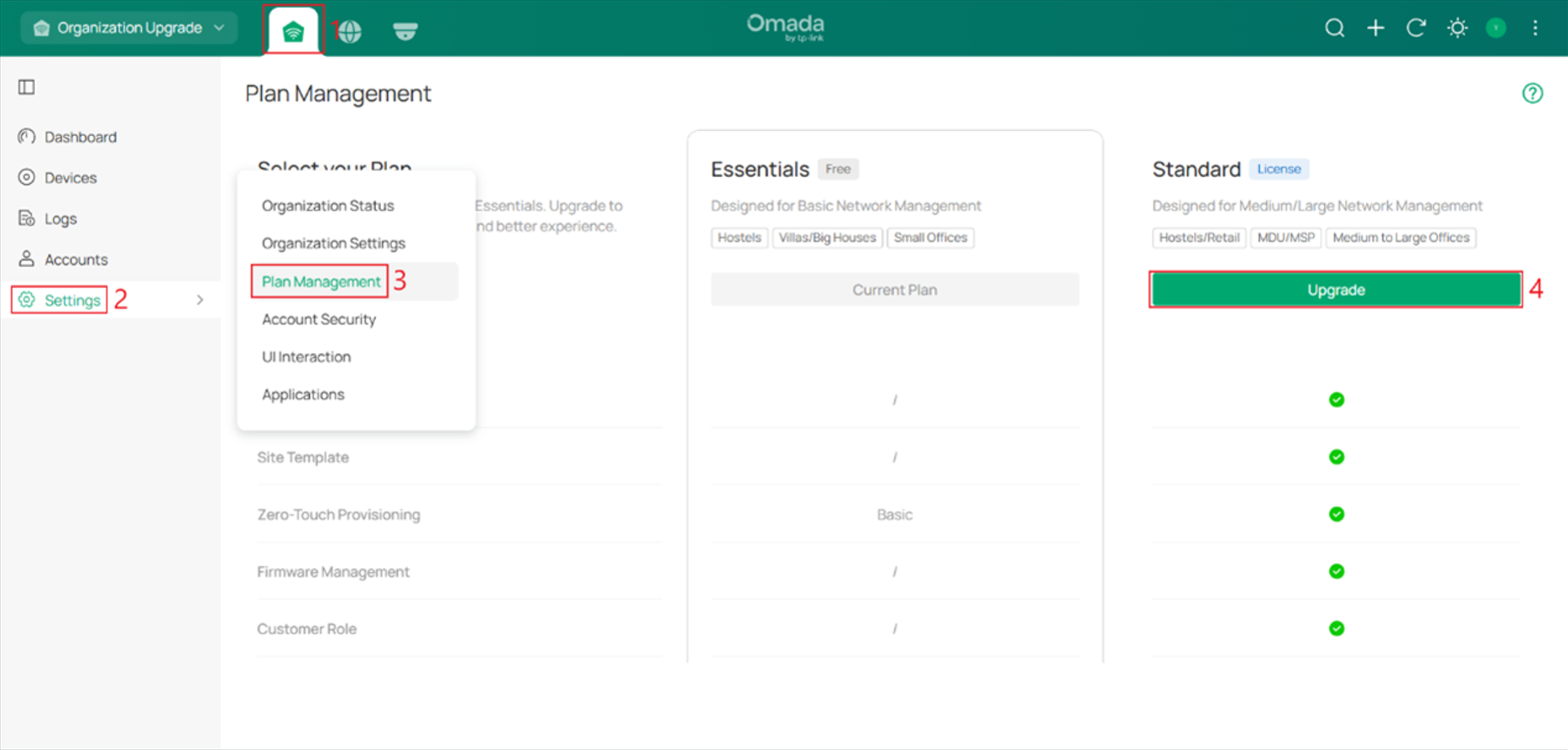
5. Added support for upgrading Omada Central Essential to Omada Central Standard in Omada Central Plane.
What’s New in Global View
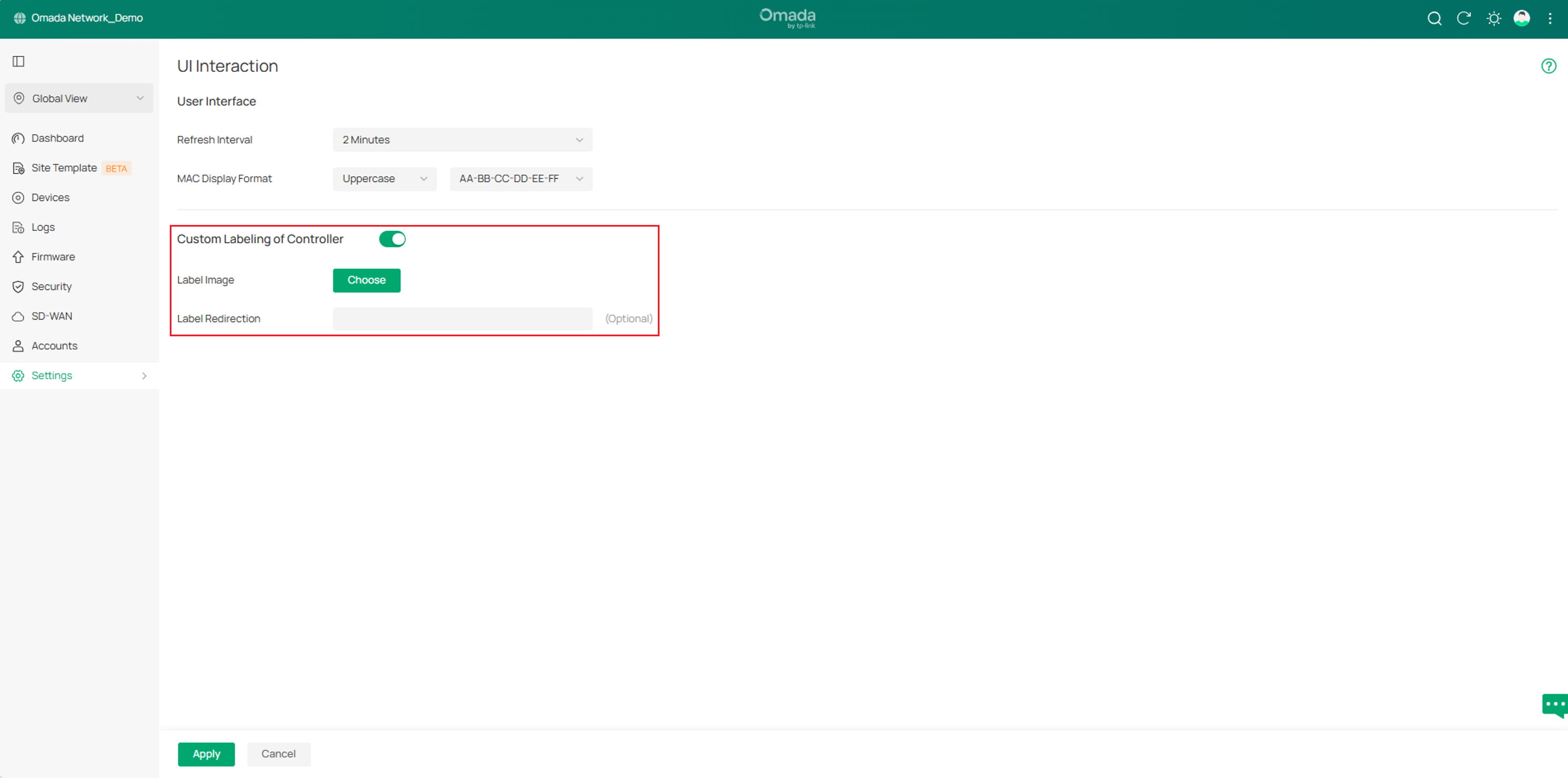
1. Added support for custom labeling of the Controller in Settings > UI Interaction.
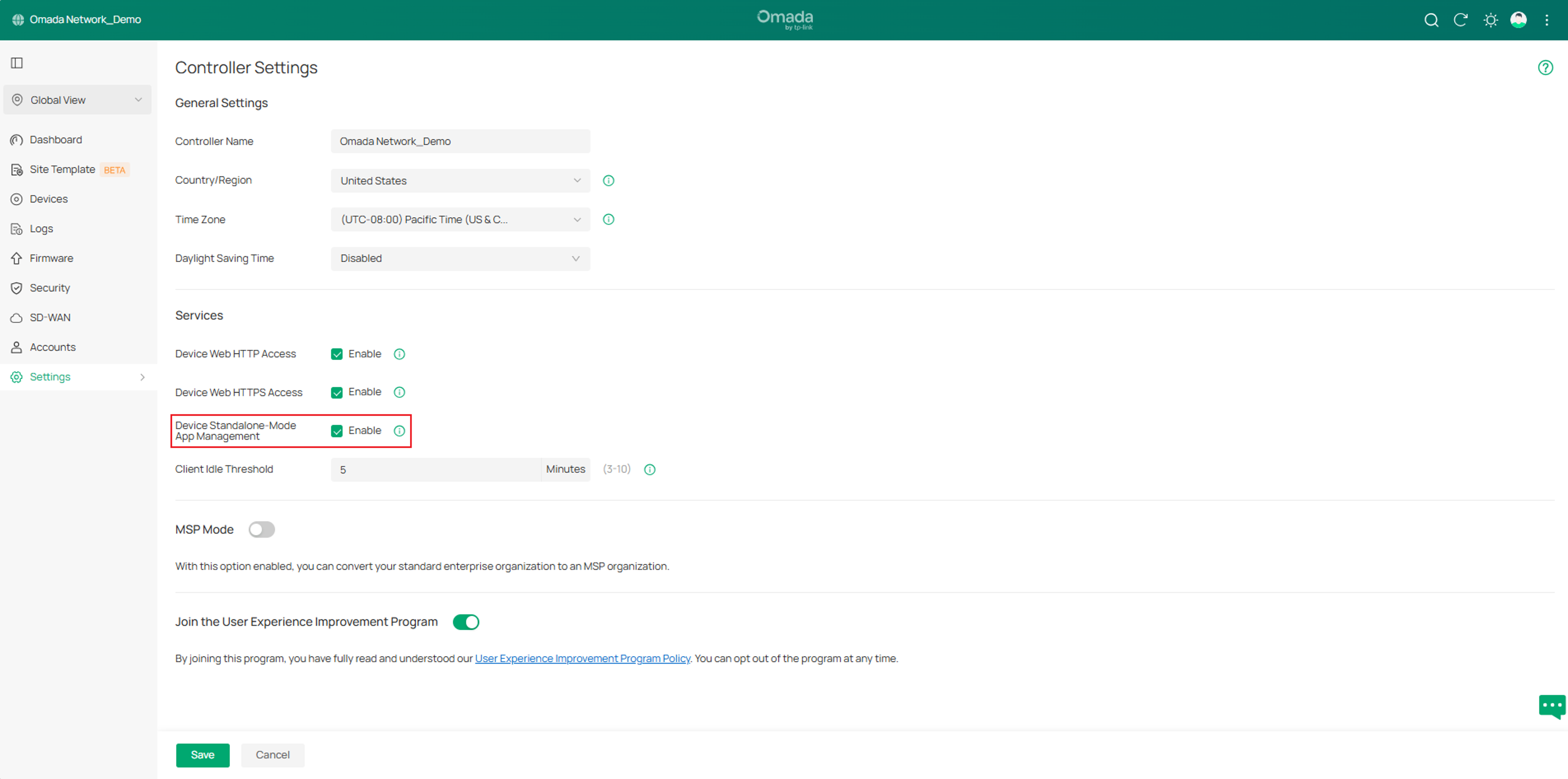
2. Added support for controlling standalone-mode app management of managed Omada devices in Settings > Controller Settings > Services.
What’s New in Site View
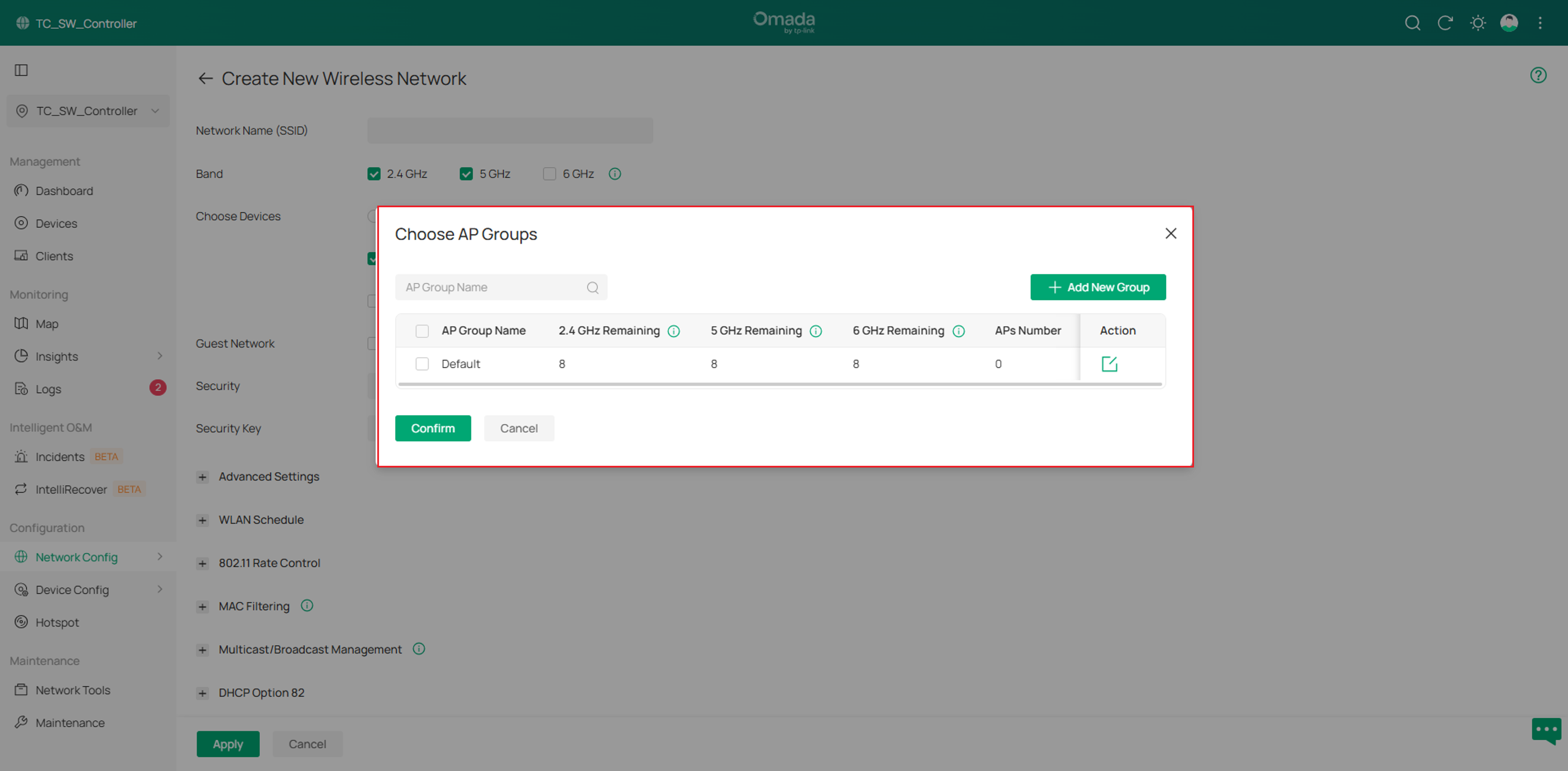
1. Added support for AP Group, instead of WLAN Group, in Configuration > Network Config > Network Settings > WLAN > Choose Devices > Custom > AP.
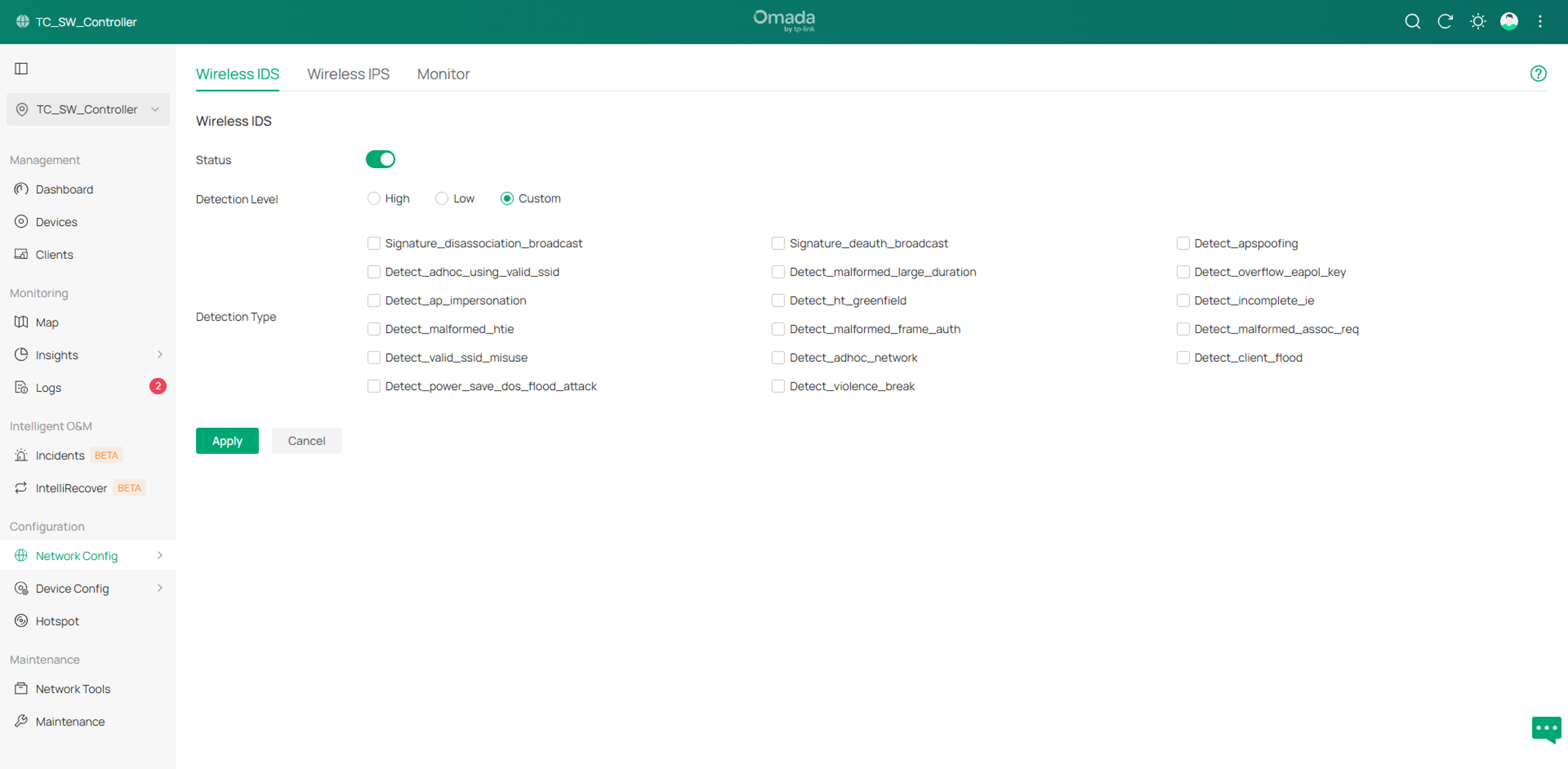
2. Add support for Wireless IDS/IPS in Configuration > Network Config > Security > Wireless IDS/IPS.
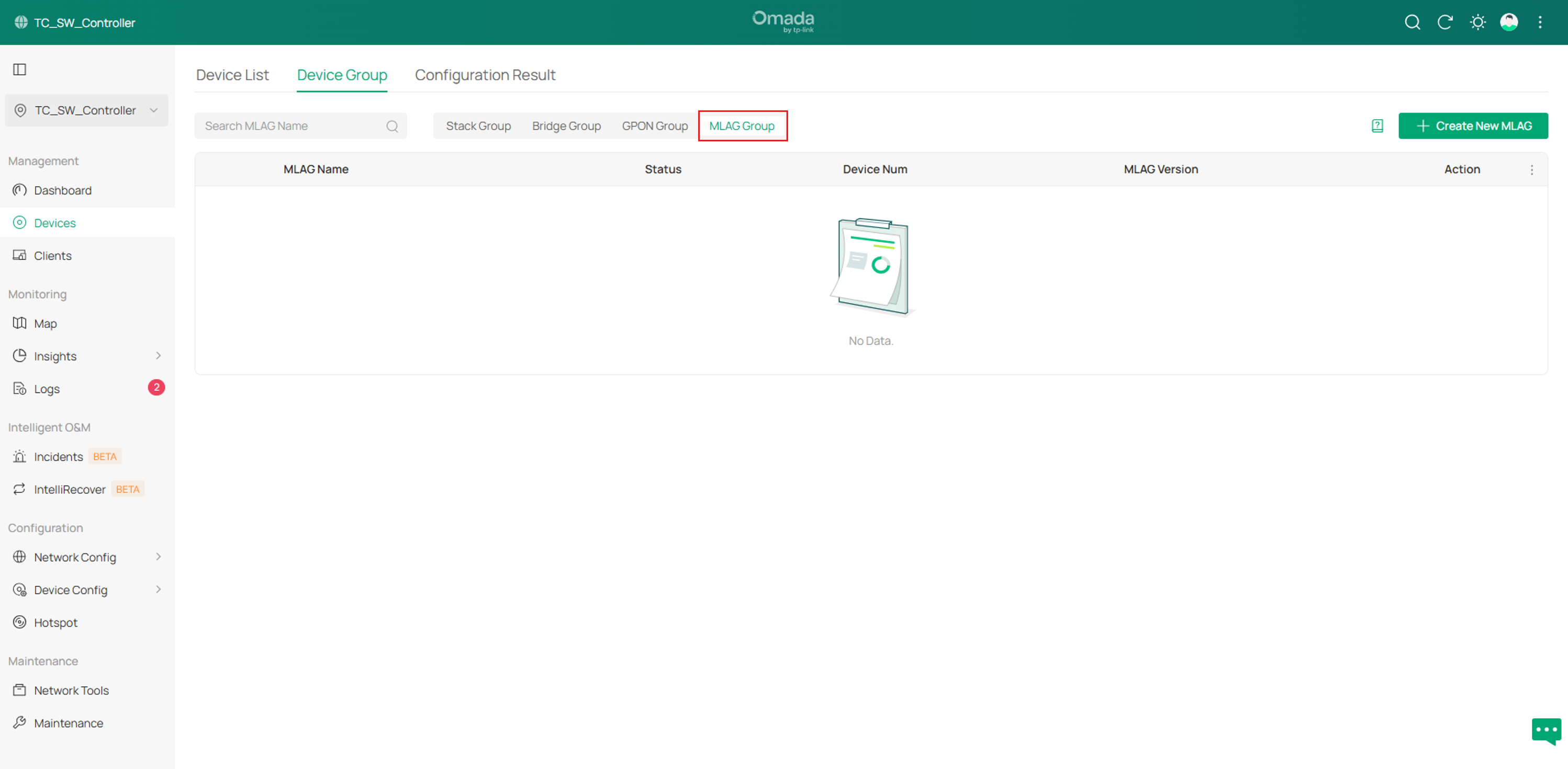
3. Add support for M-LAG in Devices > Device Group > M-LAG Group.
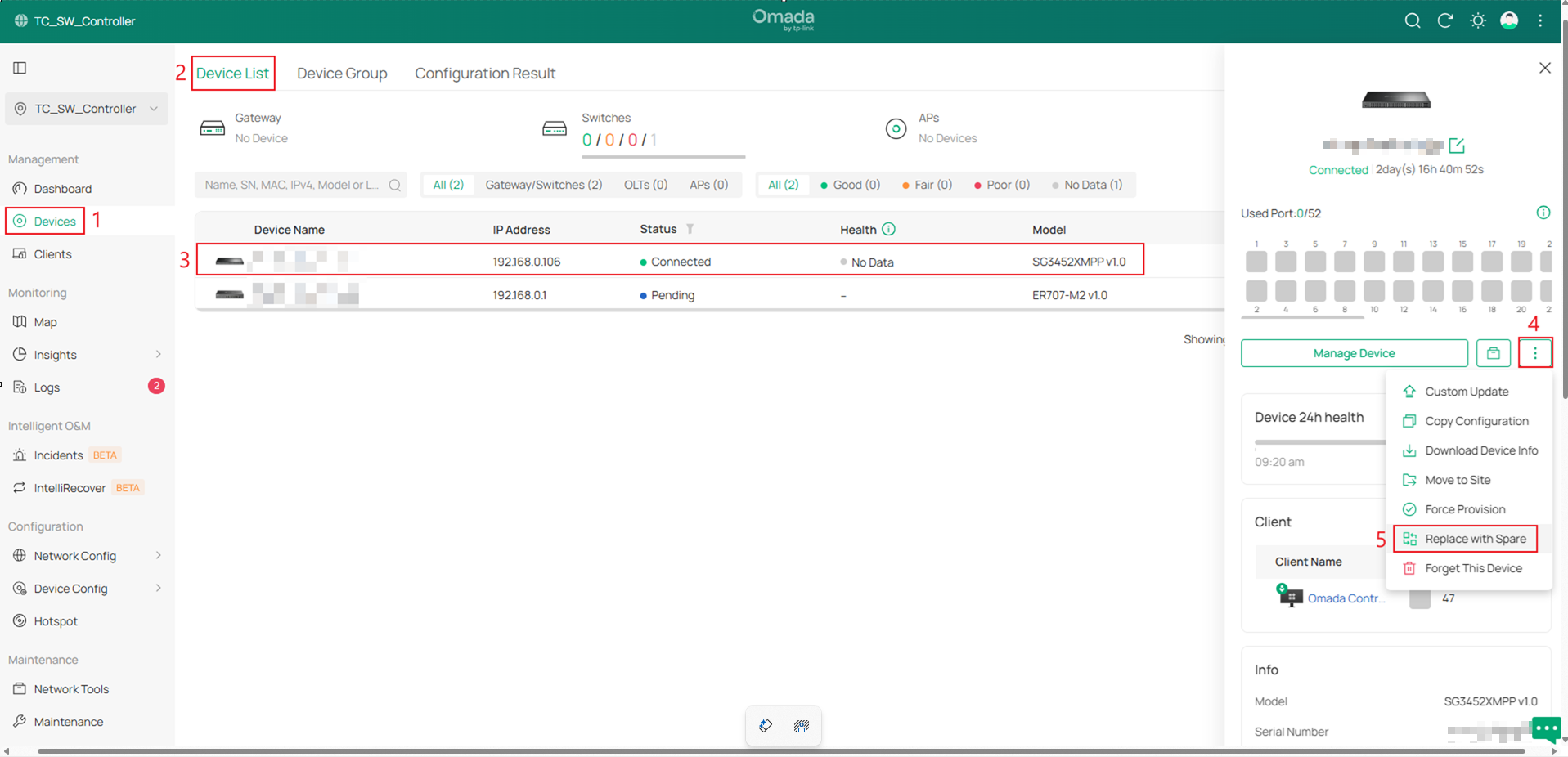
4. Added support for Replace with Spare (Only for Omada Switches and EAPs).
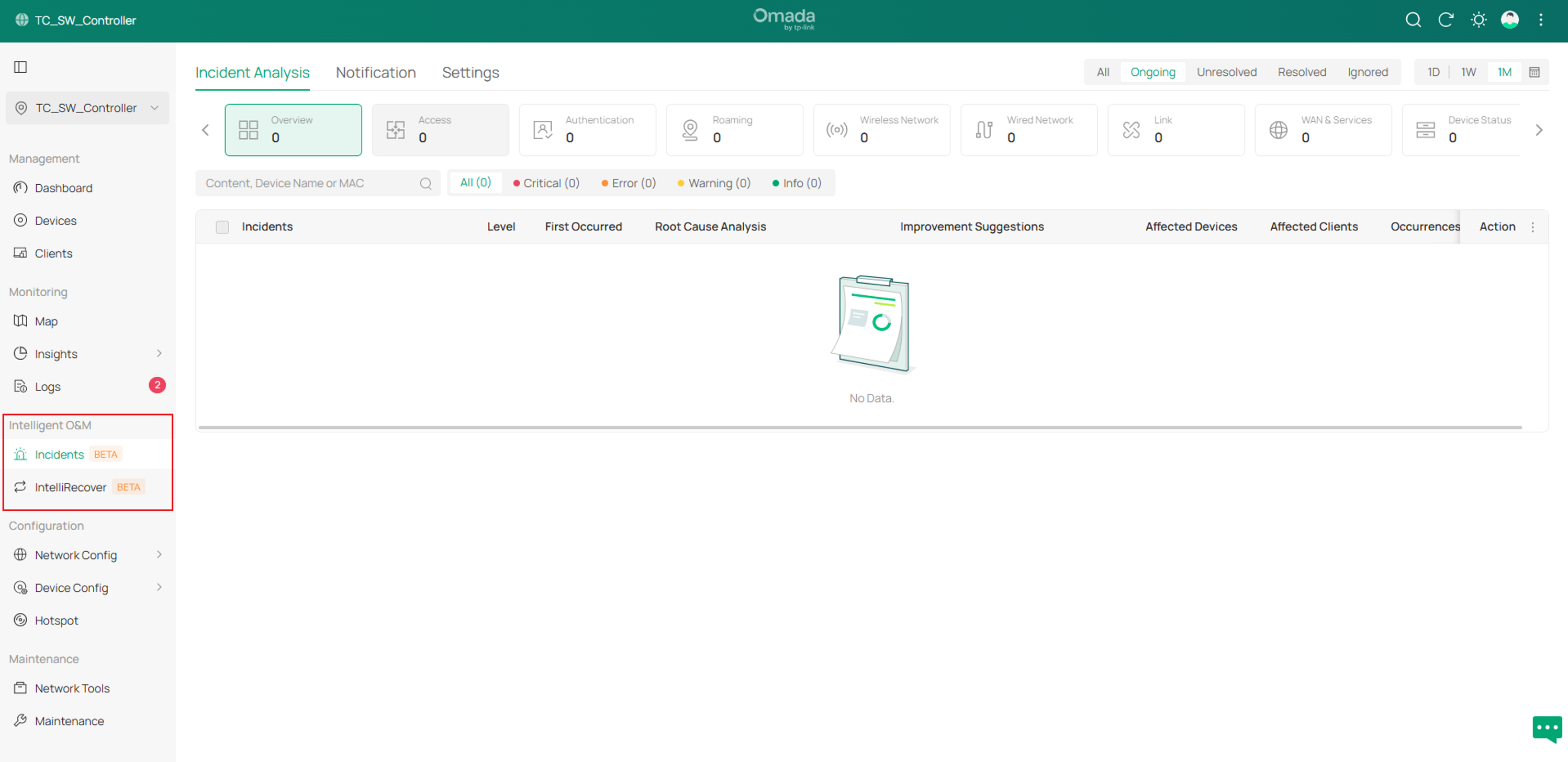
5. Added support for Intelligent O&M.
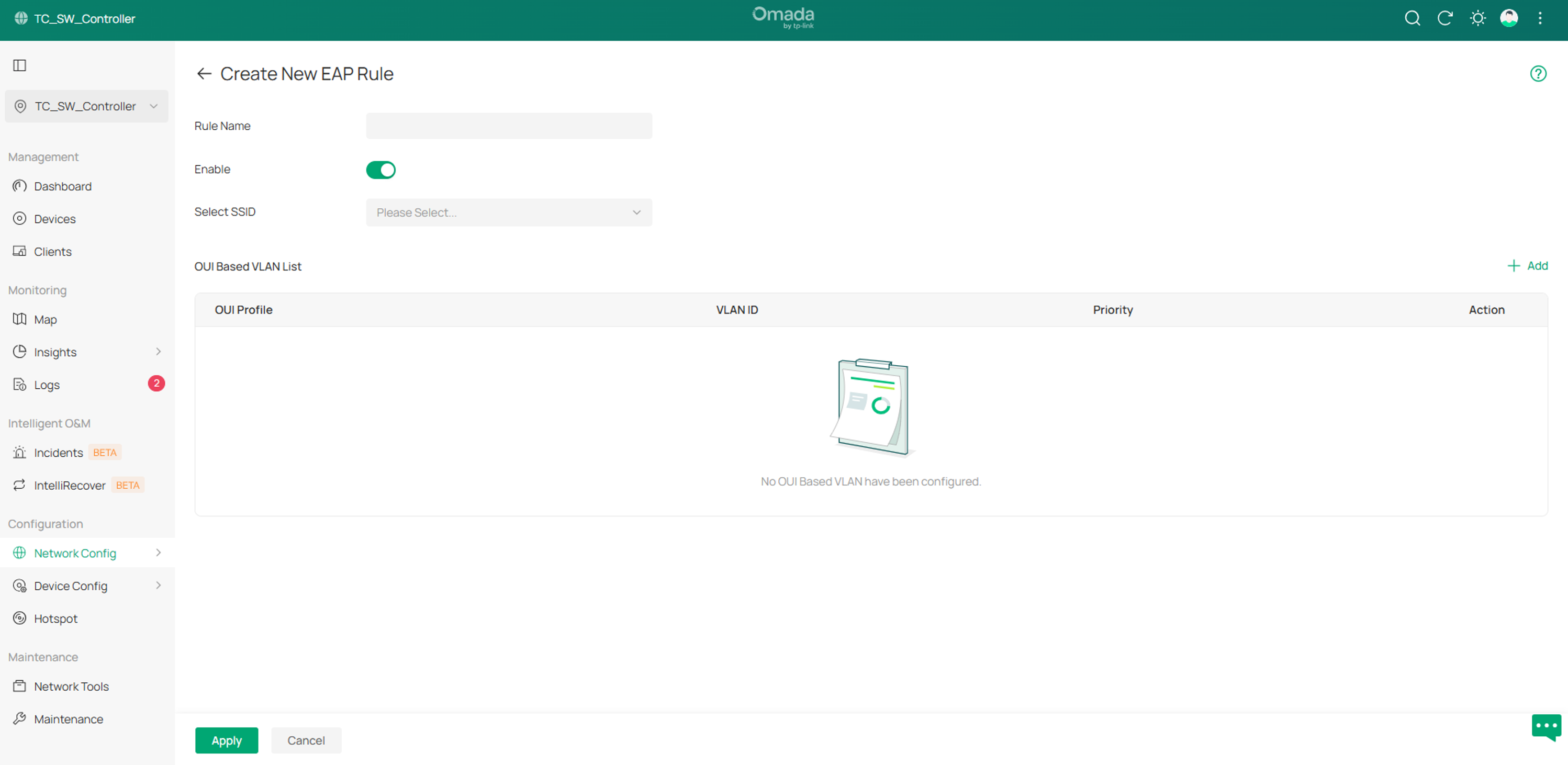
6. Added support for OUI Based VLAN on EAP in Configuration > Network Config > Transmission > OUI Based VLAN > EAP Rules.
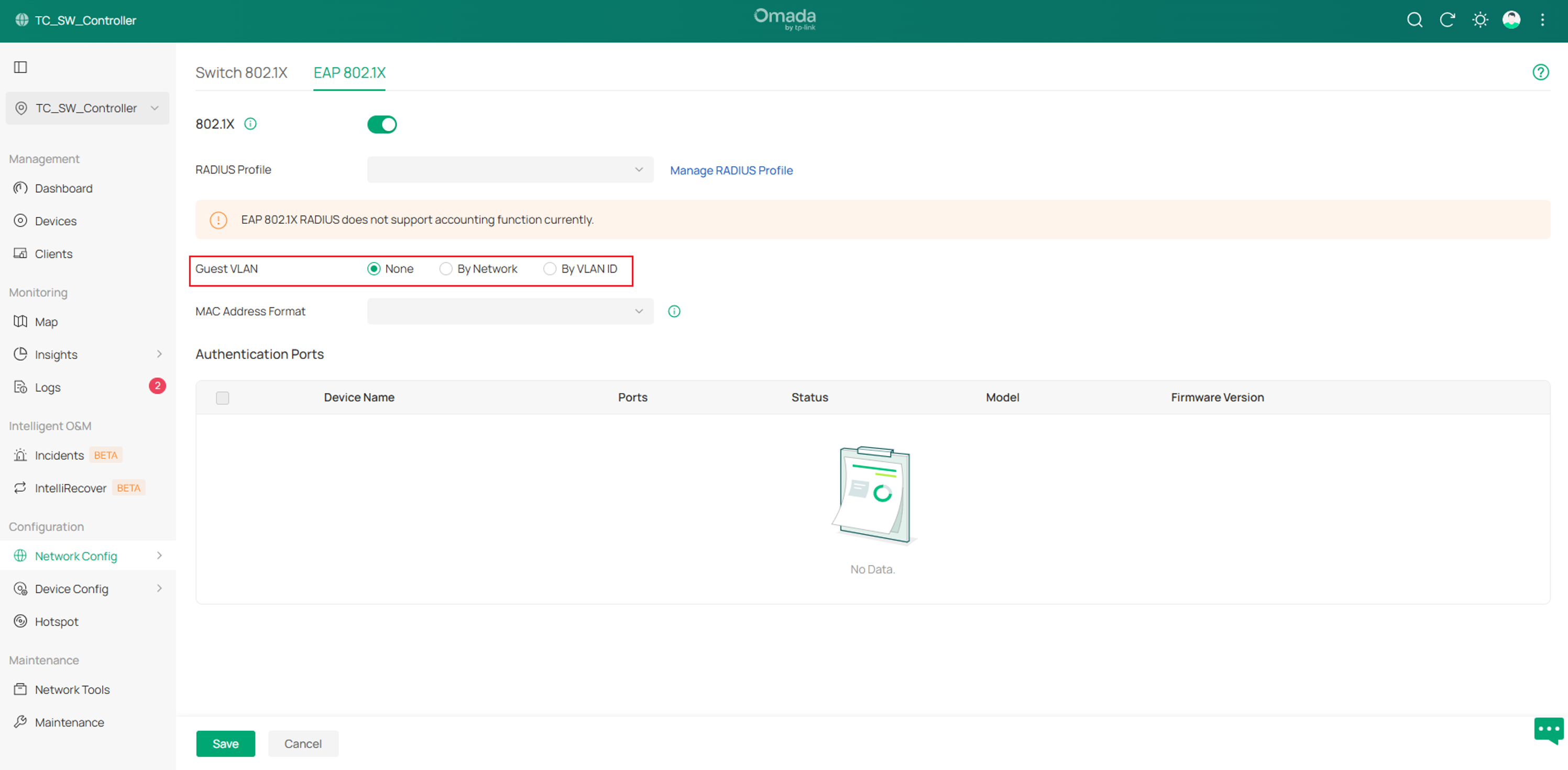
7. Added support for Guest VLAN in Configuration > Network Config > Authentication > 802.1X > EAP 802.1X.
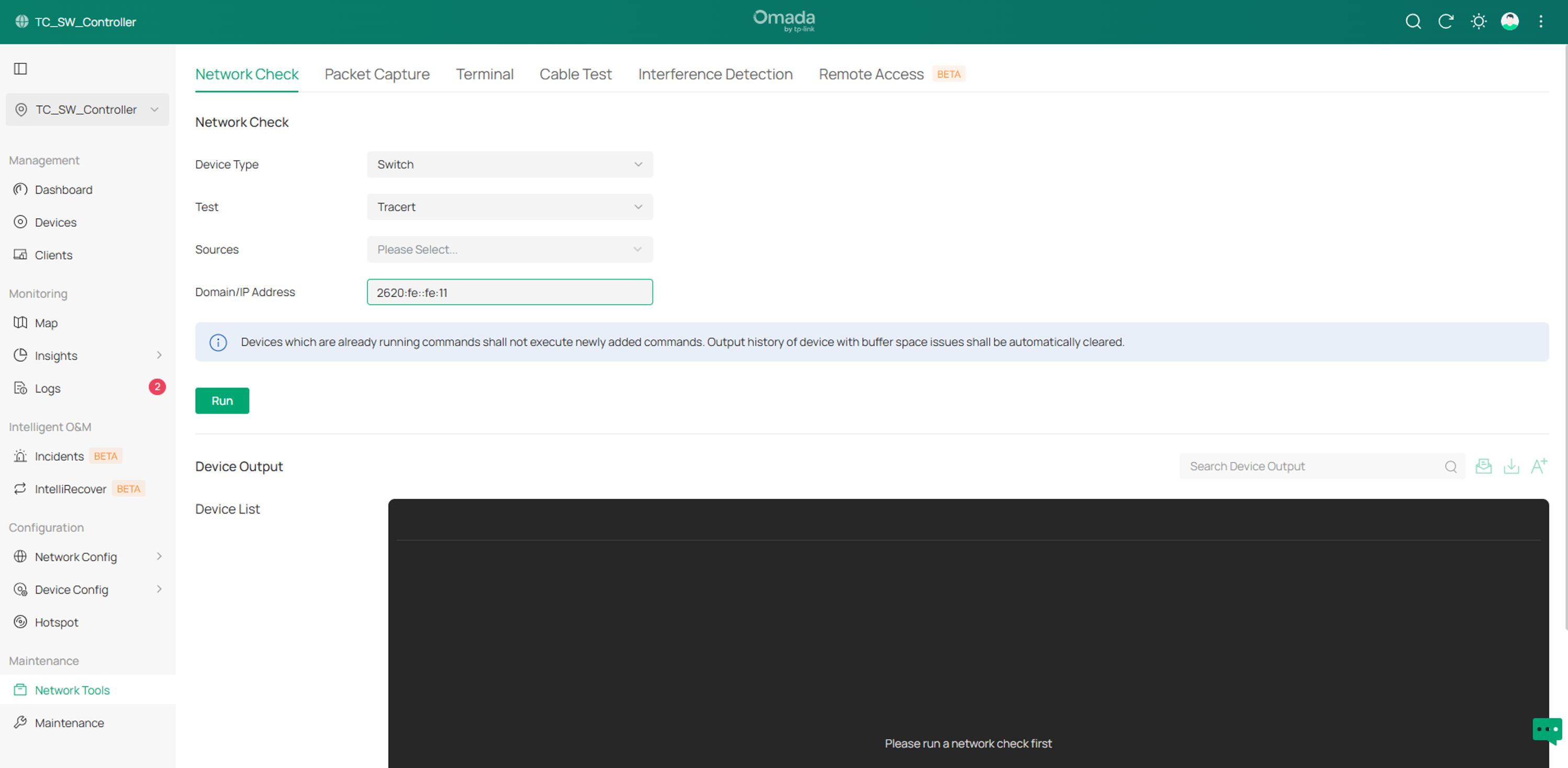
8. Added support for IPv6 in Maintenance > Network Tools > Network Check.
Conclusion
This article has outlined the key changes introduced in Omada Network 6.3 compared to 6.2. These updates include enhancements in device support, configuration workflows, and new features across both Global View and Site View.
To learn more about each function and configuration, please visit Support Home to download or check the manual for your product.
