Omada Pro Logo official website Vigi Logo official website
Contact Us
  • Contact Sales
  • Contact Support
Log In
avatar

    Messages Messages Bookmarks Bookmarks Account Settings Account Settings
    Saudi Arabia / English
    Omada logo
    • Products

      Products

      • Wireless
        • WiFi 7
          WiFi 7
        • Ceiling Mount
          Ceiling Mount
        • Wall Plate
          Wall Plate
        • Outdoor
          Outdoor
        • Wireless Bridge
          Wireless Bridge
        • View All
          View All
      • Switches
        • Campus
          Campus
        • Access Pro
          Access Pro
        • Access
          Access
        • Agile
          Agile
        • Industrial
          Industrial
        • View All
          View All
      • Gateways
        • Wired Gateways
          Wired Gateways
        • WiFi Gateways
          WiFi Gateways
        • Integrated Gateways
          Integrated Gateways
        • View All
          View All
      • Controllers
        • Cloud-Based
          Cloud-Based
        • Hardware
          Hardware
        • Software
          Software
        • View All
          View All
      • Accessories
        • Media Converters
          Media Converters
        • Modules/Cables
          Modules/Cables
        • PoE Adapters
          PoE Adapters
        • Rackmount Accessories
          Rackmount Accessories
        • View All
          View All

      Management Platforms

      • Management Systems
        • Cloud-Based
          Cloud-Based
        • Hardware
          Hardware
        • Software
          Software
        • View All
          View All
      • Cloud Portal
    • Solutions
      Solutions Home

      By Scenarios

      • Small and Mid-Sized Offices
      • Small-Sized Chain Restaurants/Stores
      • WiFi for Farms/Ranches/Parking Lots
      • High-Density WiFi

      By Technology

      • WiFi 7
      • PPSK Solution
      • PtP & PtMP Wireless Bridges
      • Multi-Gigabit Solution
      • PoE Switches for Surveillance
      • Industrial Switches

      Case Studies

      Case Studies

      Omada Powers Real-World Success

      Browse
    • Learn and Train

      Learn

      • FAQs
      • Setup Videos
      • Configuration Guides
      • Case Studies

      Train

      • Training Introduction
      • For Learners
      • For Instructors
    • Support
      Support Home

      Documents

      • Hardware Installation Guide
      • Knowledgebase
      • Datasheet
      • Reference Guide
      • View All

      Downloads

      • Software Download
      • Firmware Download
      • GPL Code
      • MIBs Files
      • View All

      Bulletins

      • Security Vulnerability
      • EOL/EOM/EOS Notification
      • View All

      Contact Support

      • Email Support
      • Call Support
      • Warranty Services

      Tools

      • Omada Emulators
      • Omada App
      • Compatibility List
    • Community
    Search
    1. Home>
    2. Product Support>
    3. EAP727>
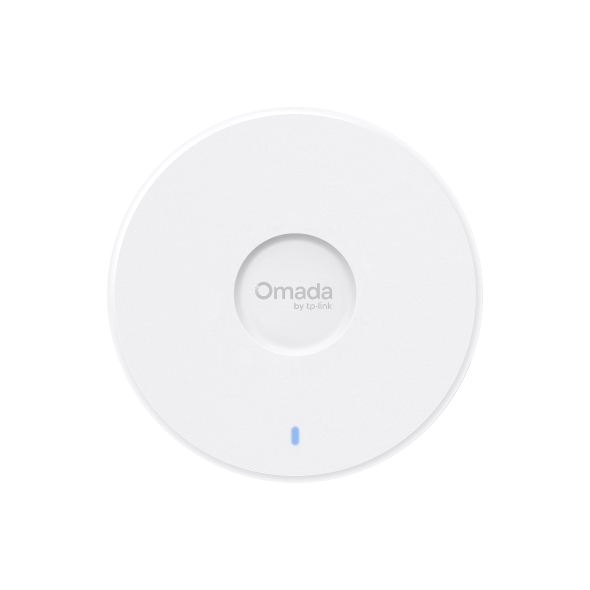
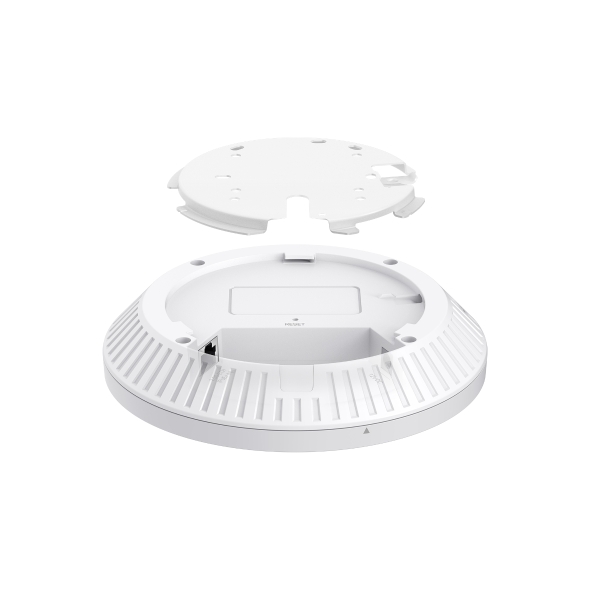
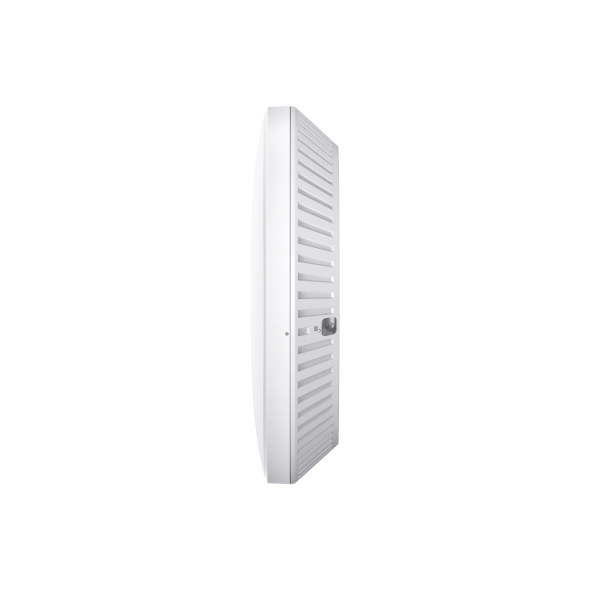
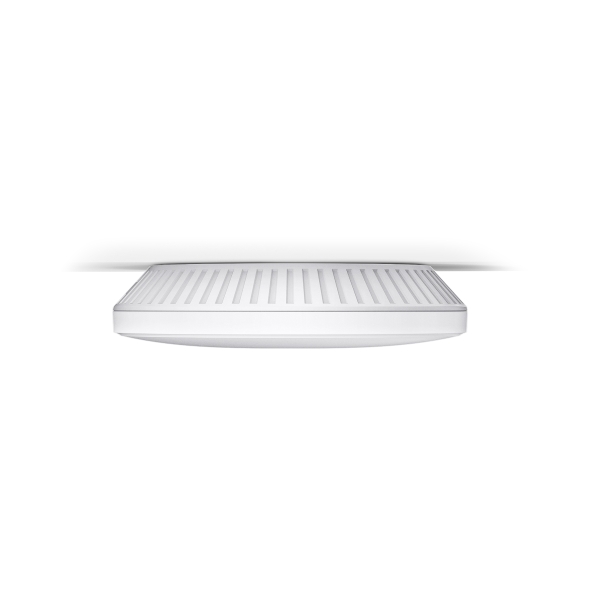
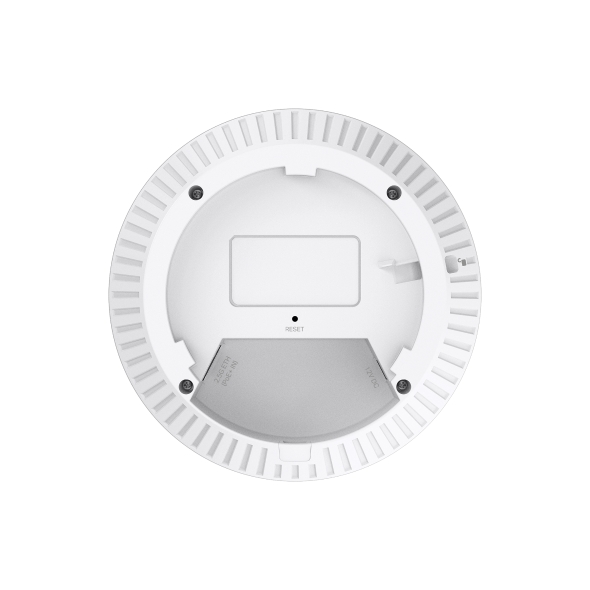
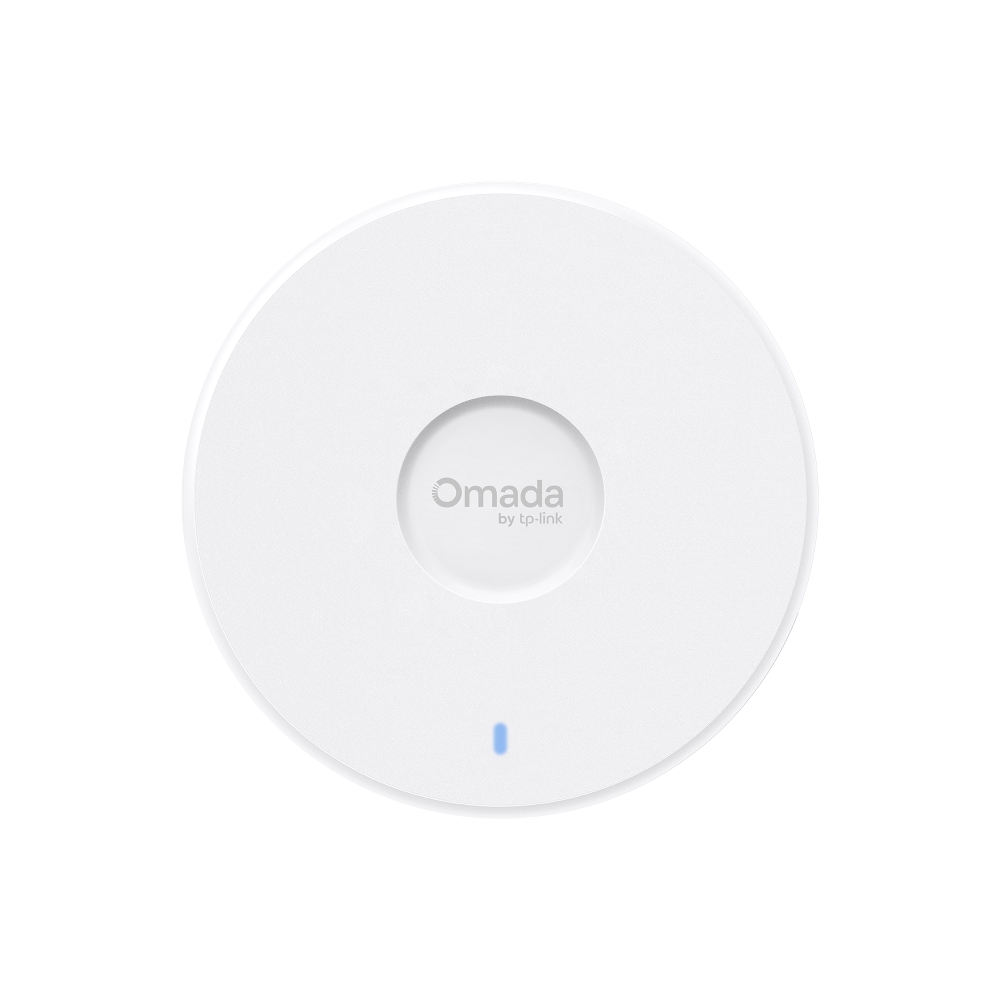
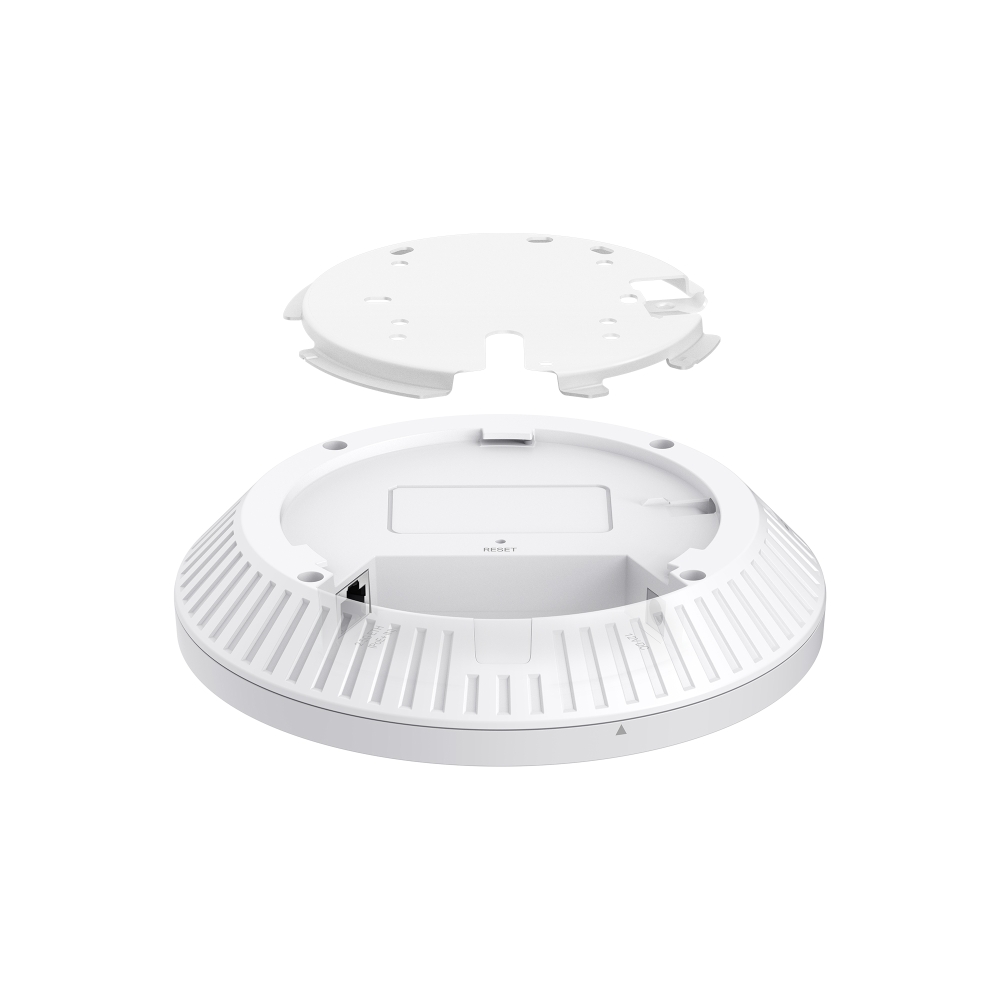
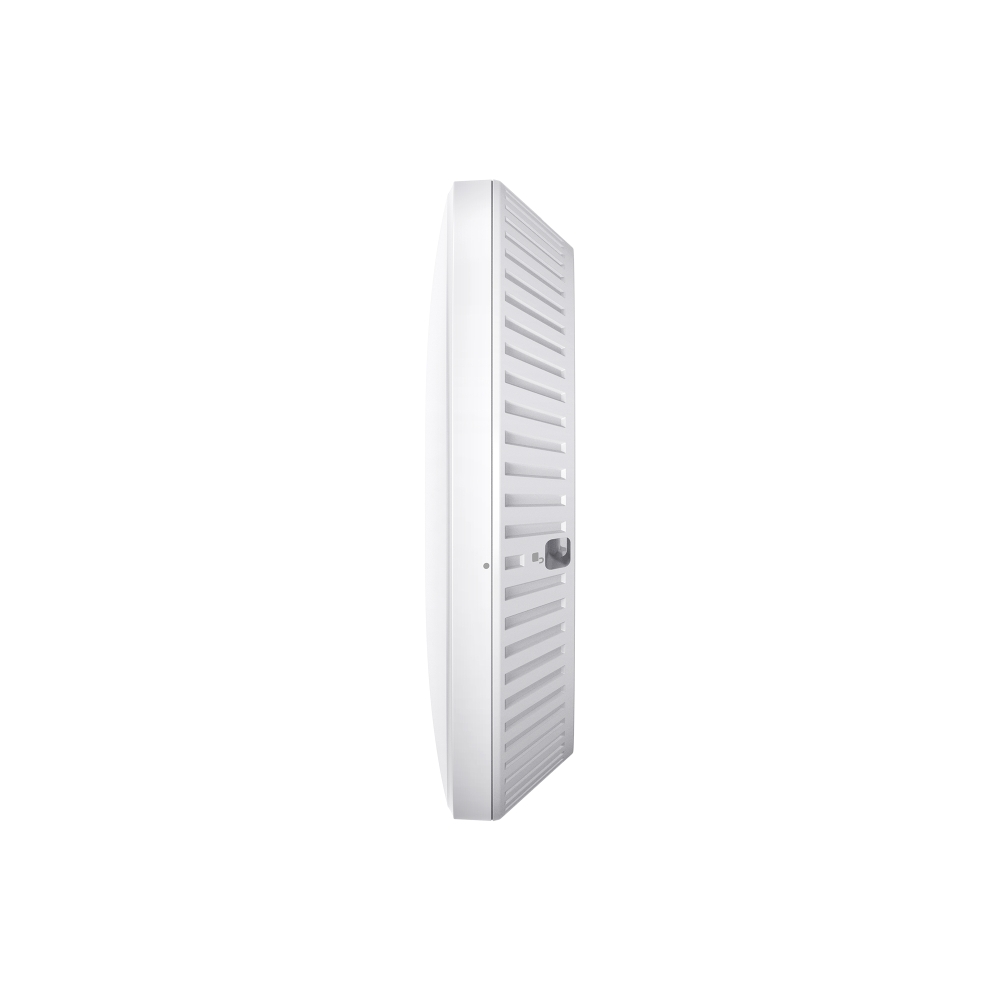
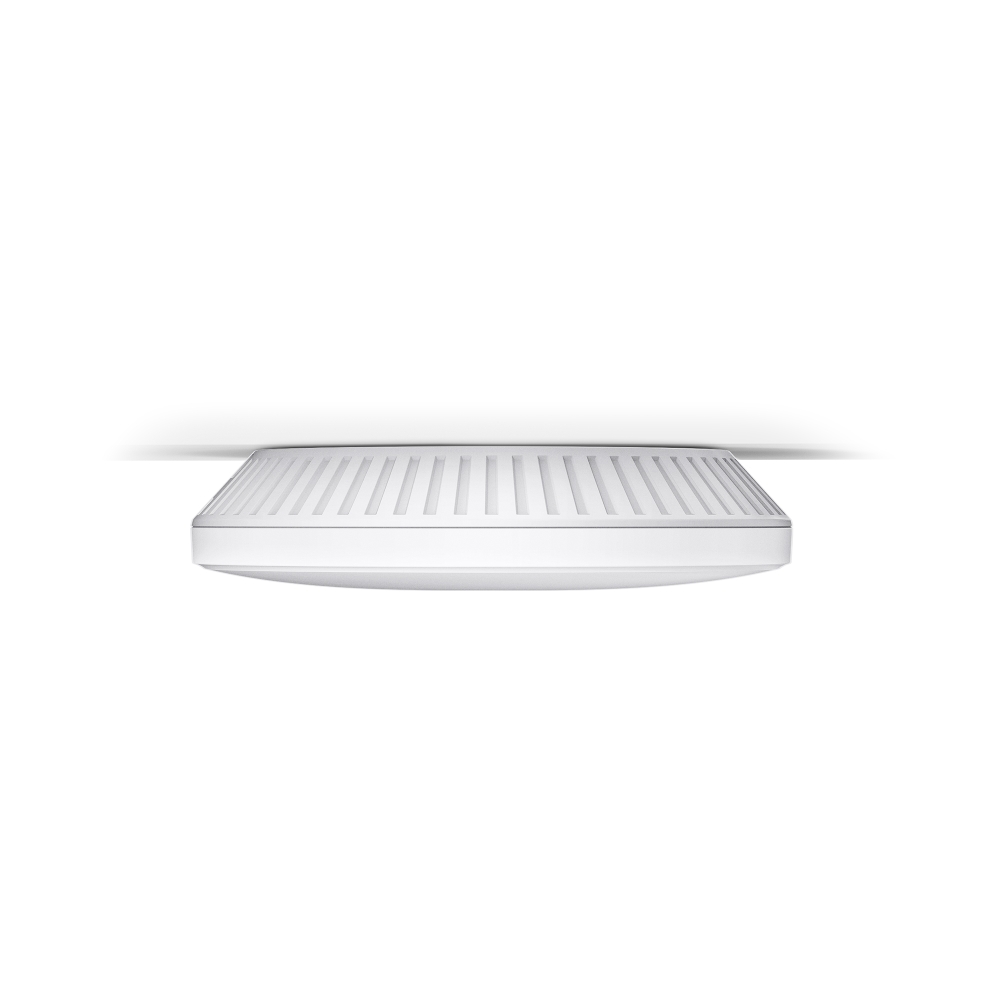
    BE5000 Ceiling Mount Wi-Fi 7 Access Point
    BE5000 Ceiling Mount Wi-Fi 7 Access Point
    BE5000 Ceiling Mount Wi-Fi 7 Access Point
    BE5000 Ceiling Mount Wi-Fi 7 Access Point
    BE5000 Ceiling Mount Wi-Fi 7 Access Point
    BE5000 Ceiling Mount Wi-Fi 7 Access Point
    BE5000 Ceiling Mount Wi-Fi 7 Access Point
    BE5000 Ceiling Mount Wi-Fi 7 Access Point
    BE5000 Ceiling Mount Wi-Fi 7 Access Point
    BE5000 Ceiling Mount Wi-Fi 7 Access Point
    BE5000 Ceiling Mount Wi-Fi 7 Access Point
    BE5000 Ceiling Mount Wi-Fi 7 Access Point
    BE5000 Ceiling Mount Wi-Fi 7 Access Point
    BE5000 Ceiling Mount Wi-Fi 7 Access Point
    BE5000 Ceiling Mount Wi-Fi 7 Access Point

    /5Download

    EAP727

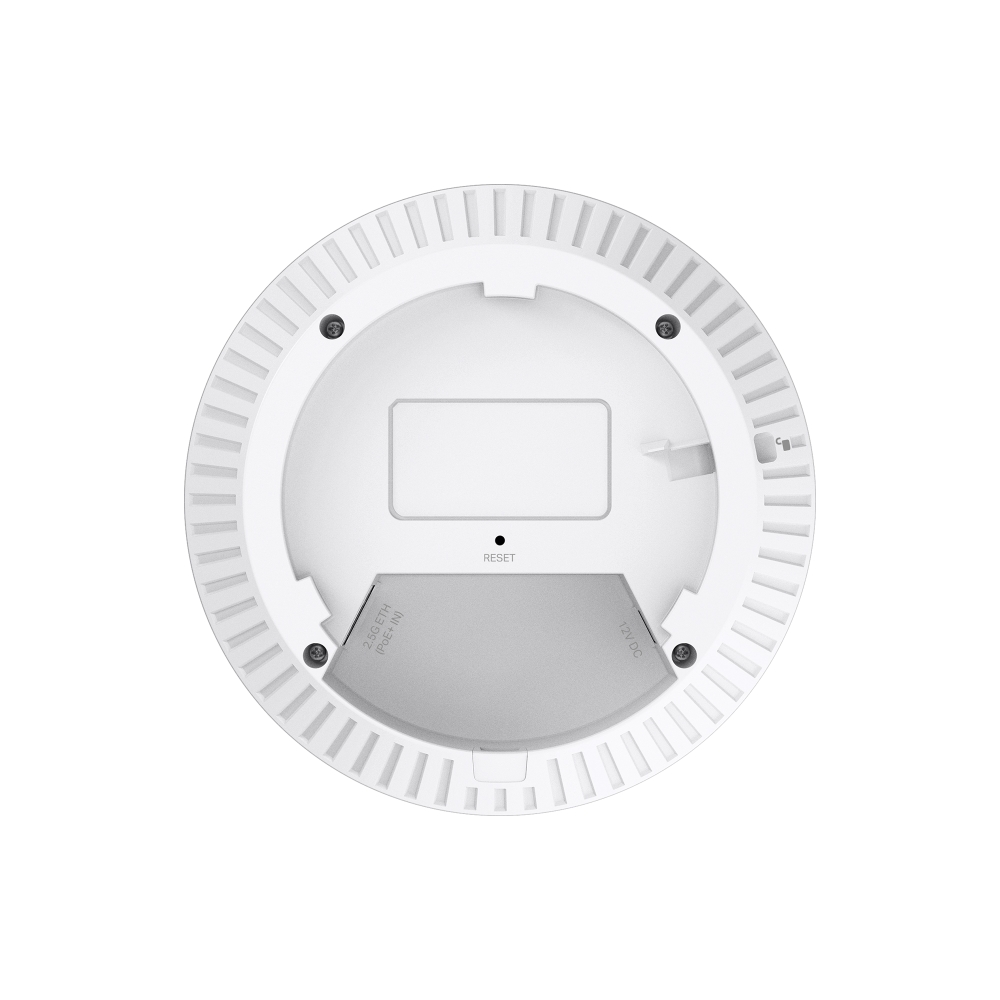
    BE5000 Ceiling Mount Wi-Fi 7 Access Point

    • 4,324 Mbps (5 GHz) + 688 Mbps (2.4 GHz)
    • Wi-Fi 7 Technology (160 MHz, MLO, 4K-QAM, Multi-RUs)
    • 1× 2.5GbE Port
    • 802.3at PoE 
    • Centralized Cloud Management
    • 4,324 Mbps (5 GHz) + 688 Mbps (2.4 GHz)
    • Wi-Fi 7 Technology (160 MHz, MLO, 4K-QAM, Multi-RUs)
    • 1× 2.5GbE Port
    • 802.3at PoE 
    • Centralized Cloud Management
    • Documents
    • Videos
    • Downloads
    • Tools
    • Bulletins
    • Community

    Filter By TypeReset

    • checkbox

      Datasheet

    • checkbox

      Hardware Installation Guide

    • checkbox

      Knowledgebase

      checkbox
    • checkbox

      Release Note

    • checkbox

      Reference Guide

      checkbox
    • checkbox

      Others

    Filter By TagReset

    • Controller
    • Gateway
    • Vlan
    • ACL
    • Standalone
    • Mesh
    • CLI
    • VPN
    • App
    • Online
    • Reset
    • Authentication
    • Portal
    • Wireless
    • API

    How to Configure Band Steering on Omada EAP

    Band Steering is a feature designed to optimize wireless performance by intelligently distributing clients across different frequency bands, including 2.4 GHz, 5 GHz, and 6 GHz. By guiding dual-band or tri-band clients to more suitable bands, it helps reduce congestion and improve overall network efficiency.

    Configuration Guide
    04-10-2026
    7253

    How to use Wi-Fi Calling in your Omada Ecosystem

    Wi-Fi Calling (VoWiFi) establishes an IP-sec based‑ encrypted tunnel between the client device and the carrier’s core network, carrying voice and SMS traffic over enterprise Wi-Fi infrastructure. This enables stable voice services in areas with weak cellular coverage.

    Configuration Guide
    04-02-2026
    8146

    How to Configure Upgrade, Reboot and WLAN Schedules for Omada EAPs

    Learn how to configure Upgrade, Reboot and Wi-Fi Schedules for Omada EAPs in both Controller and Standalone modes. Automate system upgrade or restart and define Wi-Fi uptime to enhance network security and minimize power consumption. This article will show you how to set up automated upgrades, reboot cycles and Wi-Fi Radio "On/Off" schedules for your Omada EAPs.

    Configuration Guide
    03-26-2026
    10143

    How to Choose Ethernet Cables for More Stable PoE Power Supply

    Configuration Guide
    02-24-2026
    17499

    How to Setup Omada EAP in Standalone Mode

    This FAQ provides guidance on setting up an Omada EAP in Standalone Mode using either the Web GUI or the Omada App. Omada EAPs deliver flexible wireless coverage for small and medium-sized businesses as well as residential environments and can operate independently or under centralized management via an Omada Controller.

    Configuration Guide
    12-18-2025
    41210

    How to configure Mesh & Auto Failover on Omada Controller

    This article describes how to configure wireless Mesh and Auto Failover on Omada Controller v6.

    Configuration Guide
    Controller
    Mesh
    11-06-2024
    23642

    How to configure guest network on Omada EAP

    This article describes how to configure guest network on the Omada controller.

    Configuration Guide
    Controller
    08-05-2024
    37604

    How to configure Management VLANs for Omada Switches and APs (for Business scenario)

    This article will configure separate management VLAN for switches and APs, and keep the default VLAN (changing its VLAN ID and subnet IP) for clients which is isolated from the management VLANs. The method of adding devices into a running network is also introduced.

    Configuration Guide
    Vlan
    ACL
    Controller
    07-17-2024
    65099

    How to Build a Mesh Network via Omada EAP in Controller Mode

    Building an Omada Mesh network allows you to extend your Wi-Fi coverage to areas where running an Ethernet cable is difficult or impossible. In Controller Mode, the Omada Controller (Software, Hardware, or Cloud-Based) manages the link between the APs automatically. This guide explains how to build a mesh network via Omada EAP in controller mode, both via the Omada app or a PC.

    Configuration Guide
    04-05-2024
    55516

    No results found.

    Filter By TypeReset

    • checkbox

      Firmware

    • checkbox

      Software

      checkbox
    • checkbox

      MIBs Files

    • checkbox

      GPL Code

    • checkbox

      Declaration of Conformity

      checkbox

    No results found.

    Other Tools

    Omada App

    Omada App

    Filter By TypeReset

    • checkbox

      Security Vulnerability

    • checkbox

      EOL/EOM/EOS Notification

    • checkbox

      Others

    No results found.

    No results found.

    SubscriptionTP-Link takes your privacy seriously. For further details on TP-Link's privacy practices, see TP-Link's Privacy Policy.

    Email Error

    I would like to be kept up to date with TP-Link news, product updates and promotions.

    By completing this form you confirm that you understand and agree to our Privacy Policy.

    reCaptcha not verified

    Follow Us

    • TP-Link Omada facebook
    • TP-Link Omada youtube
    • TP-Link Omada linkedin
    • TP-Link Omada twitter
    About
    • Corporate Profile
    • Contact Us
    • Privacy Policy
    Press
    • News
    • Blog
    • Security Advisory
    Learning Center
    • Technology Trends
    TP-Link Omada Omada Pro VIGI
    Saudi Arabia / English

    ©2026 TP Link Limited one person Co and its affiliated companies. All rights reserved.

    This website uses cookies to improve website navigation, analyze online activities and have the best possible user experience on our website. You can object to the use of cookies at any time. You can find more information in our privacy policy . Don’t show again

    Your Privacy Choices

    This website uses cookies to improve website navigation, analyze online activities and have the best possible user experience on our website. You can object to the use of cookies at any time. You can find more information in our privacy policy . Don’t show again

    Basic Cookies

    These cookies are necessary for the website to function and cannot be deactivated in your systems.

    TP-Link

    SESSION, JSESSIONID, accepted_local_switcher, tp_privacy_banner, tp_privacy_base, tp_privacy_marketing, tp_top-banner, tp_popup-bottom, tp_popup-center, tp_popup-right-middle, tp_popup-right-bottom, tp_productCategoryType

    Youtube

    id, VISITOR_INFO1_LIVE, LOGIN_INFO, SIDCC, SAPISID, APISID, SSID, SID, YSC, __Secure-1PSID, __Secure-1PAPISID, __Secure-1PSIDCC, __Secure-3PSID, __Secure-3PAPISID, __Secure-3PSIDCC, 1P_JAR, AEC, NID, OTZ

    Zendesk

    OptanonConsent, __cf_bm, __cfruid, _cfuvid, _help_center_session, _pendo___sg__.<container-id>, _pendo_meta.<container-id>, _pendo_visitorId.<container-id>, _zendesk_authenticated, _zendesk_cookie, _zendesk_session, _zendesk_shared_session, ajs_anonymous_id, cf_clearance

    Analysis and Marketing Cookies

    Analysis cookies enable us to analyze your activities on our website in order to improve and adapt the functionality of our website.

    The marketing cookies can be set through our website by our advertising partners in order to create a profile of your interests and to show you relevant advertisements on other websites.

    Google Analytics & Google Tag Manager

    _gid, _ga_<container-id>, _ga, _gat_gtag_<container-id>

    Google Ads & DoubleClick

    test_cookie, _gcl_au