Table of Contents

  • Package Contents

  • Mounting

  • Configuration

  • Appendix: Uninstalling the AP

  • EAP725-Wall V2_Installation Guide

    Hardware Installation Guide
    05-29-2026
    This Article Applies to
    Table of Contents

    Omada AP Installation Guide Survey

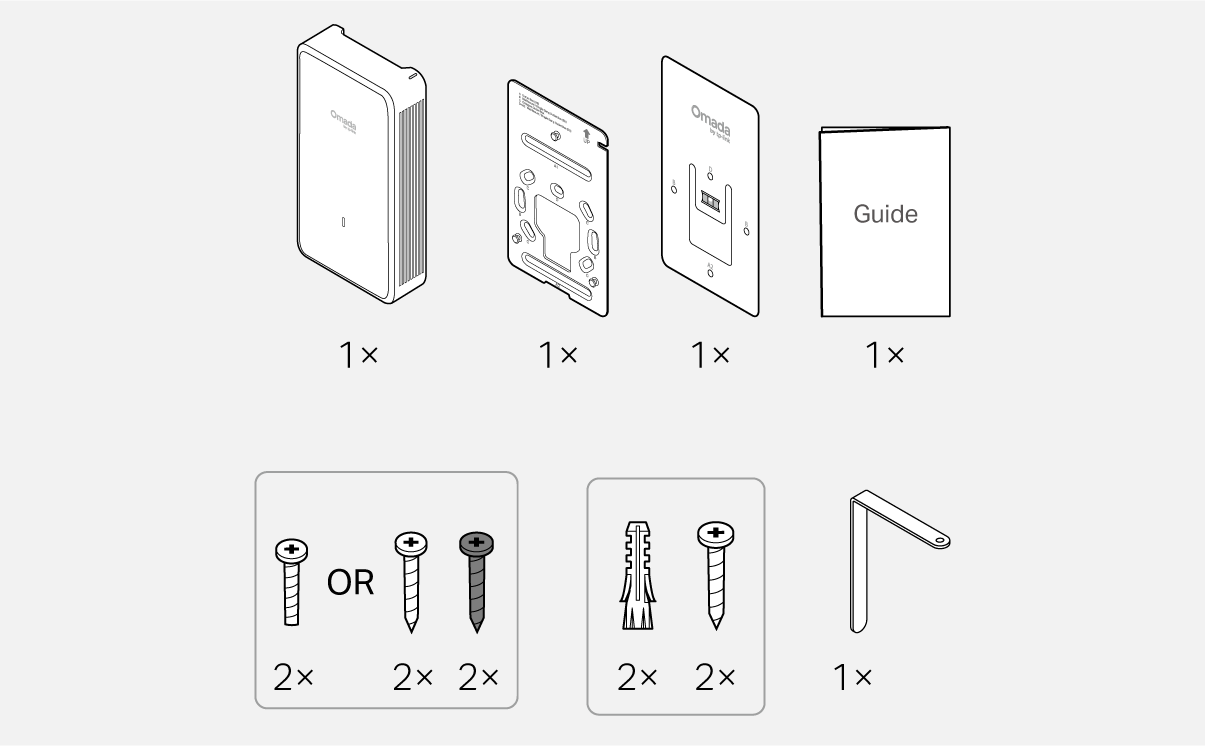
    Package Contents

    Packet Contents

    Note: Accessories may vary by region and model.

    1 Mounting

    Note: This equipment shall be installed at a height of less than 2 meters.
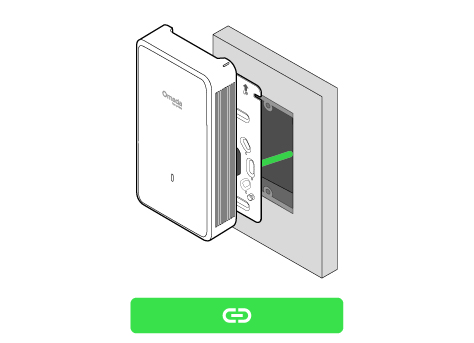
    Option 1 Junction Box Mounting

    Option 2 Wall Mounting (Cable Through Wall)Option 3 Wall Mounting (Cable Along Wall)

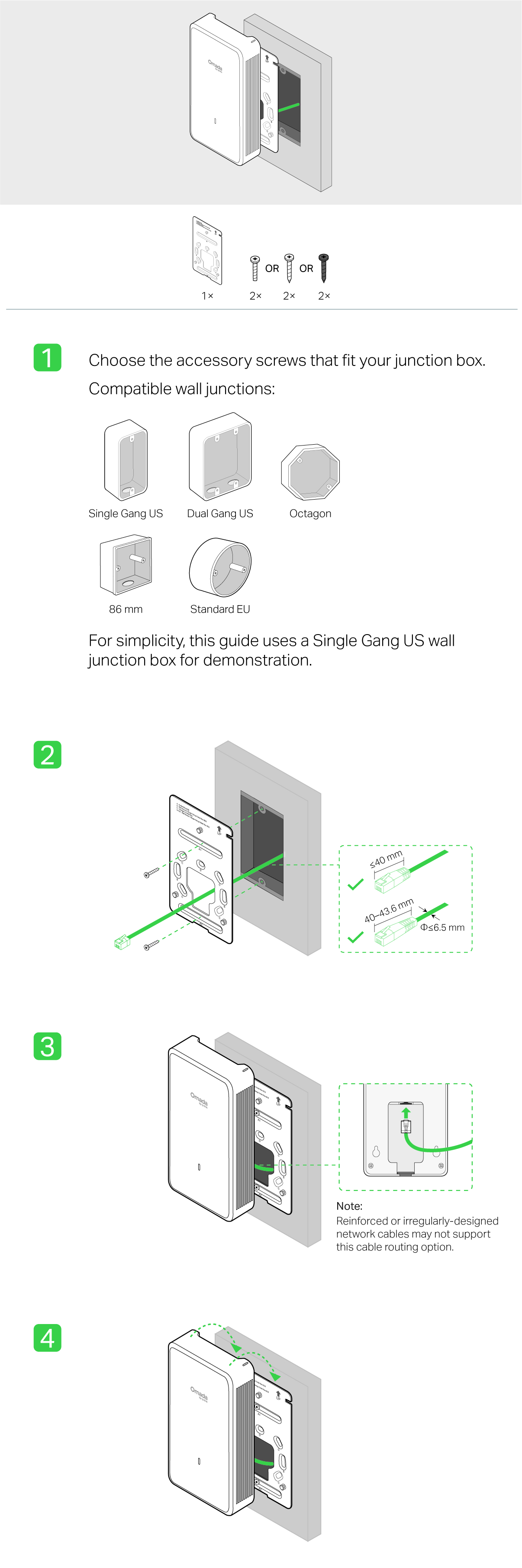
    Junction Box Mounting

    Steps - Option 1 Junction Box Mounting
     

    Wall Mounting (Cable Through Wall)

    Steps - Option 2 Wall Mounting (Cable Through Wall)

    Wall Mounting (Cable Along Wall)

    Steps - Option 3 Wall Mounting (Cable Along Wall)

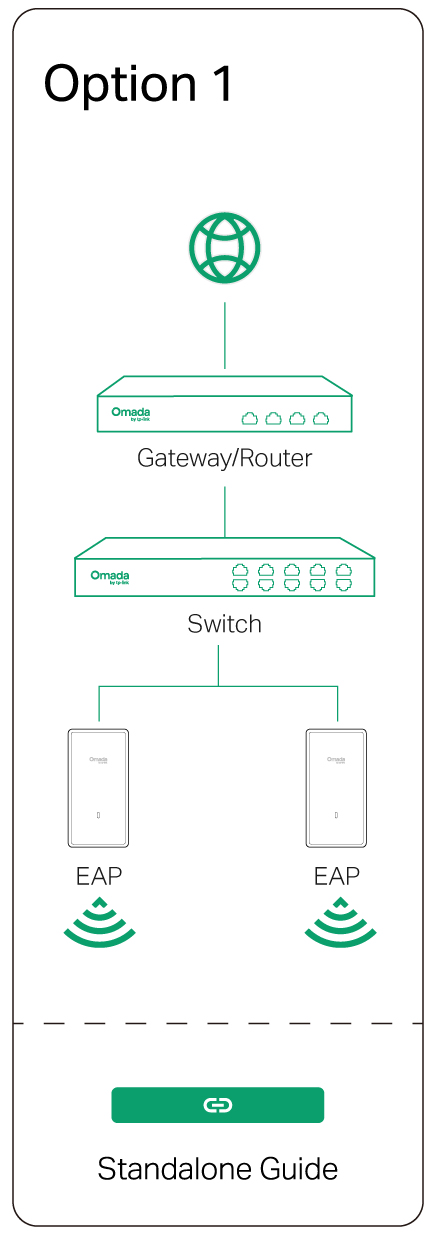
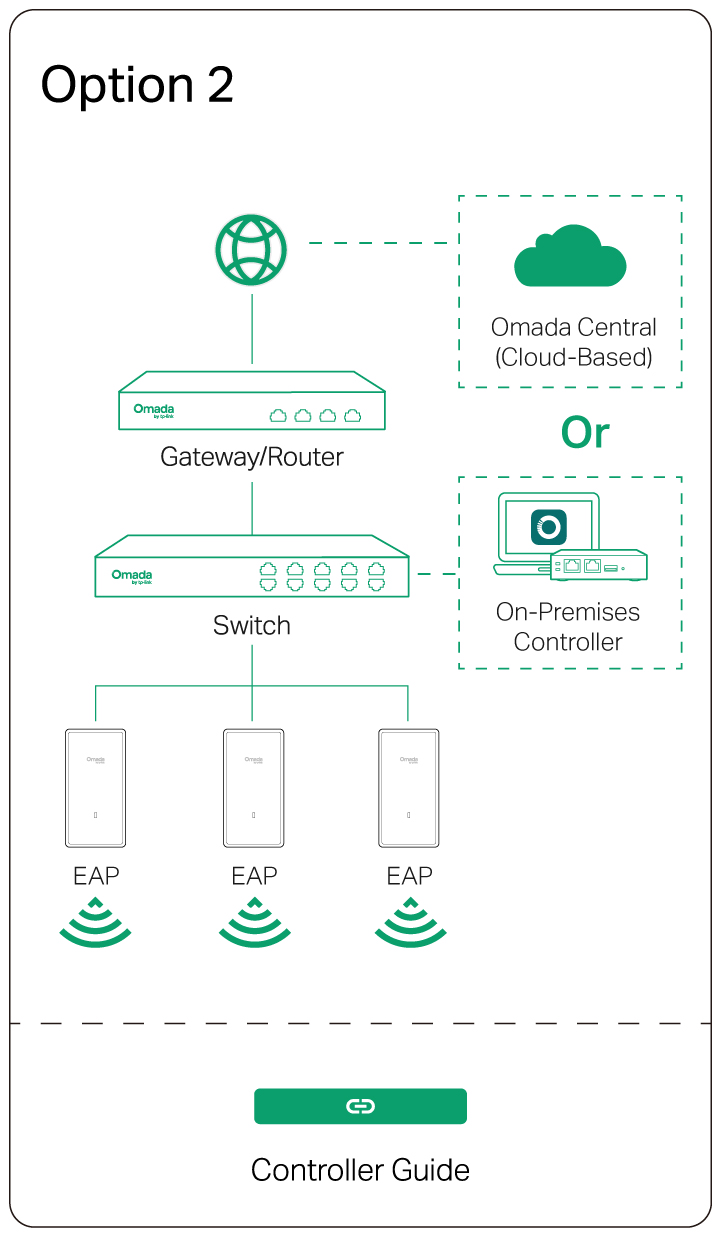
    2 Configuration

    Option 1: Standalone ModeOption 2: Controller Mode


    Omada App

    apple storegoogle storeomada app

    line

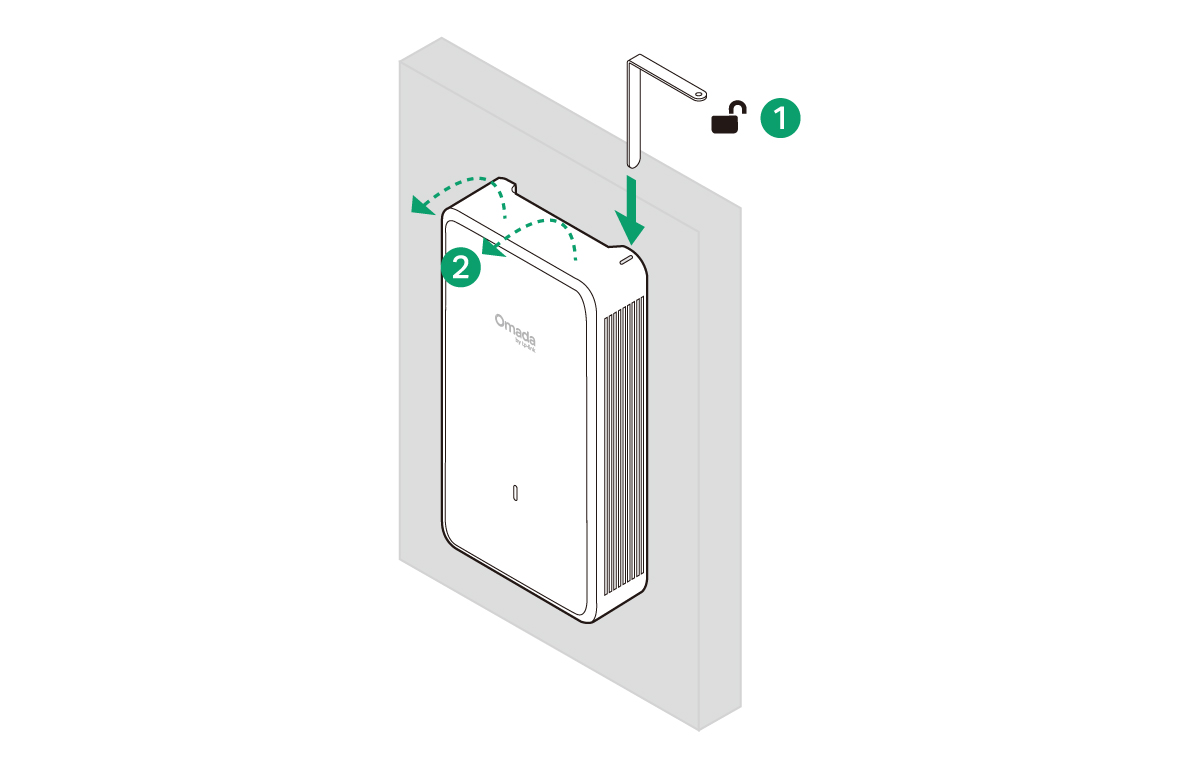
    Uninstalling the AP

    Uninstallation

    Please Rate this Document

    Related Documents

    EAP725-Wall(US)_V1.26_Installation Guide

    Hardware Installation Guide
    09-08-2025
    1433

    EAP225-Wall(EU)_V2_Installation Guide

    Hardware Installation Guide
    03-07-2024
    6095

    EAP725-Wall(EU)_V1_1.0.2_Build 20241017

    Release Note
    12-04-2024
    4911

    How to Configure 802.1X on Omada Wall APs

    Configuration Guide
    08-21-2026
    33582

    EAP225-Wall(US)_V2_Installation Guide

    Hardware Installation Guide
    03-07-2024
    3974