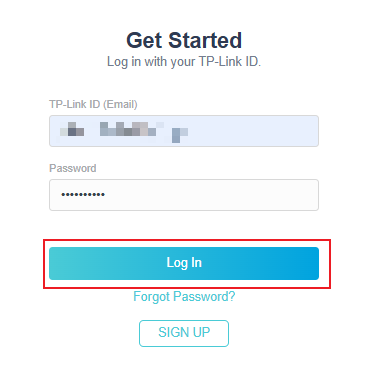
Step 1. Open a web browser (Chrome, Edge, Safari), and browse to https://myproducts.tp-link.com/.
Step 2. Click on SIGN UP.
If you already have a TP-Link ID created, you can log in directly.
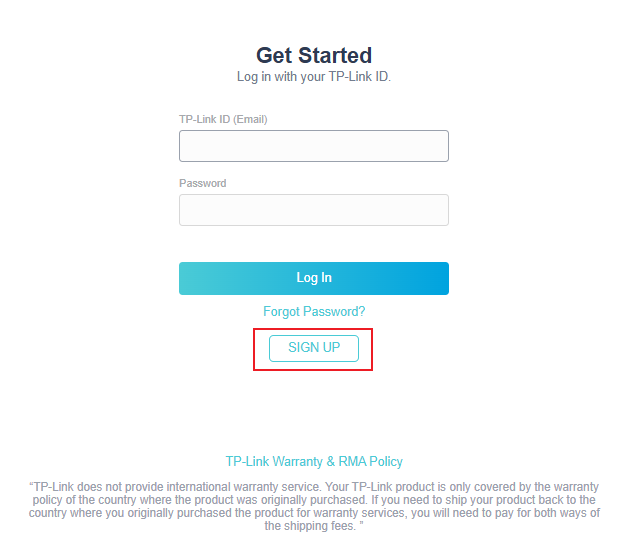
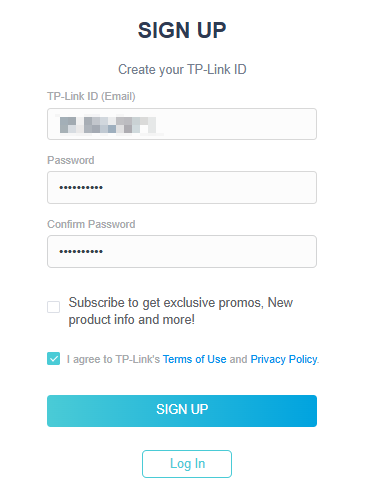
Step 3. Follow the onscreen steps to provide an email address, create a password, and check the box I agree to TP-Link’s Terms of Use and Privacy Policy, and then click SIGN UP.
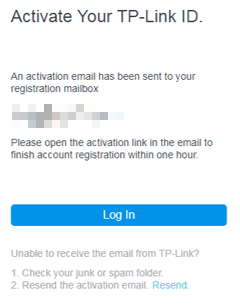
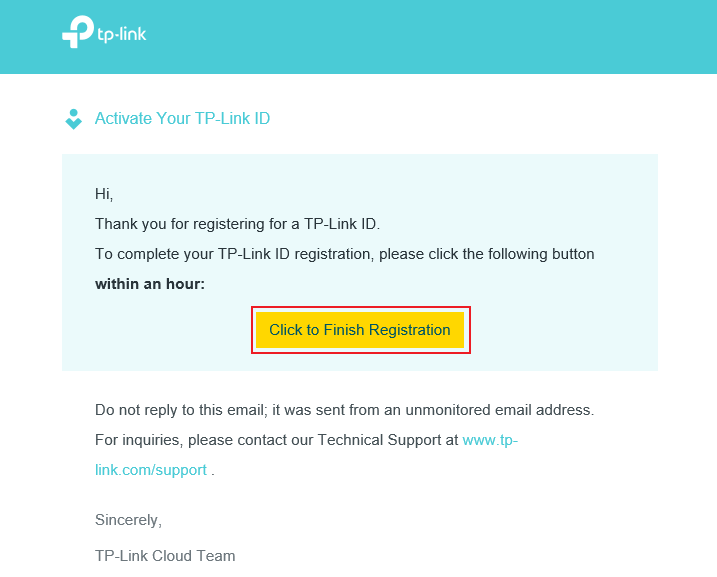
Step 4. You will see a message that an activation email has been sent to your mailbox. Please access this email account and look for the activation email from TP-LINK Cloud.
Note: If you do not see this email, please verify if the email address is correct and click Resend. Or check your spam or junk folder.
Step 5. Open the activation email and then click on the button Click to Finish Registration within one hour to complete your TP-Link ID registration.
Step 6. Log in to your account to access it.