


Contents
Requirements
- EAP775-Wall 1.0
- Decorative shell included within the package
Introduction
For some new Wi-Fi 7 models in the Omada product line, such as the EAP775-Wall 1.0, a decorative shell is included in the package. We recommend using it during installation. The decorative shell primarily enhances the surface temperature experience and, while covering the device’s security lock hole, also allows users to customize the product’s appearance.
- For the EAP775-Wall 1.0, the decorative shell is shown in the image below, indicated by the red arrow. To install it, simply push the shell gently onto the main body of the EAP775-Wall 1.0 until it fits securely in place.
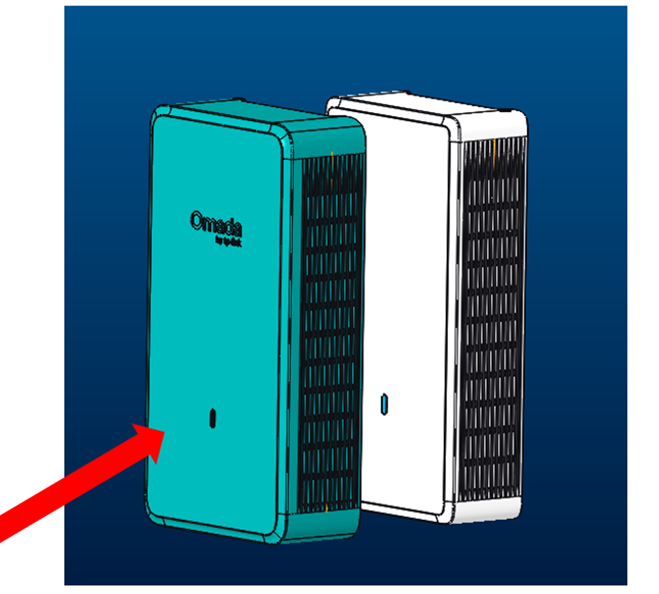
After the decorative shell is attached, the heat transfer path from the internal heating components to the surface of the shell becomes longer. This helps with heat dissipation while significantly reducing the surface temperature, thereby improving the overall experience.
Conclusion
When installing the EAP775-Wall 1.0, you can also install the included decorative shell. The decorative shell is recommended when the device is in operation for better a temperature
experience and customization needs.
To learn more about each function and configuration, please visit Support Home to download or check the manual for your product.
